
Industries / Auto repair
Time tracking for auto repair shops
Techs clock in on a tablet at the bay. Techs and service advisors request time off, and it shows on the same calendar. Repair orders stay in your shop management software.
- 14-day trial
- From $15/mo
- Live demo
From $15/mo billed annually. Starter $15/mo · Growth $25/mo · Scale $49.99/mo.
How an auto repair shop uses it
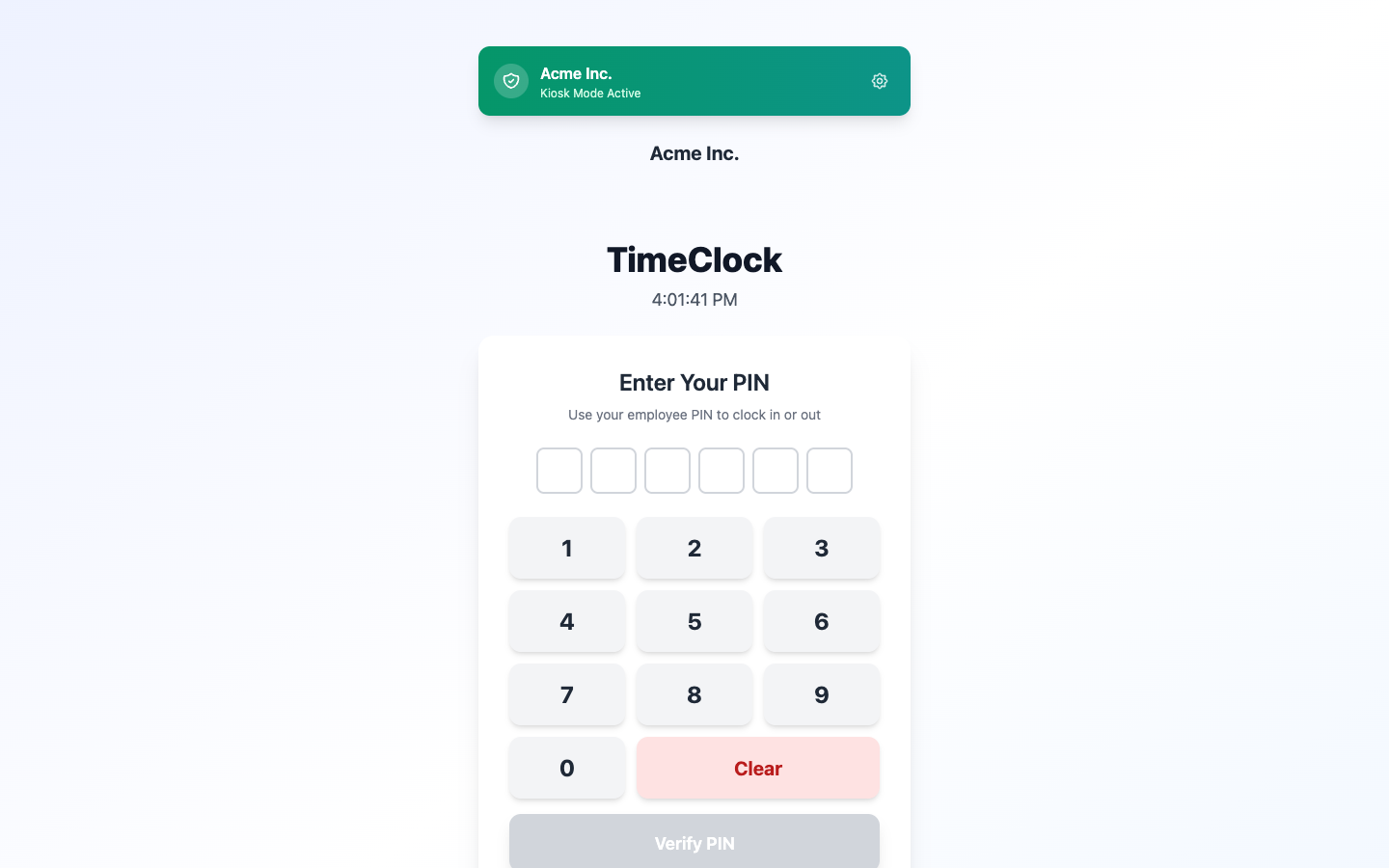
Techs clock in at the bay
A clock-in tablet at the bay
Flagged hours on a repair order don’t tell you when a tech was actually in the shop.
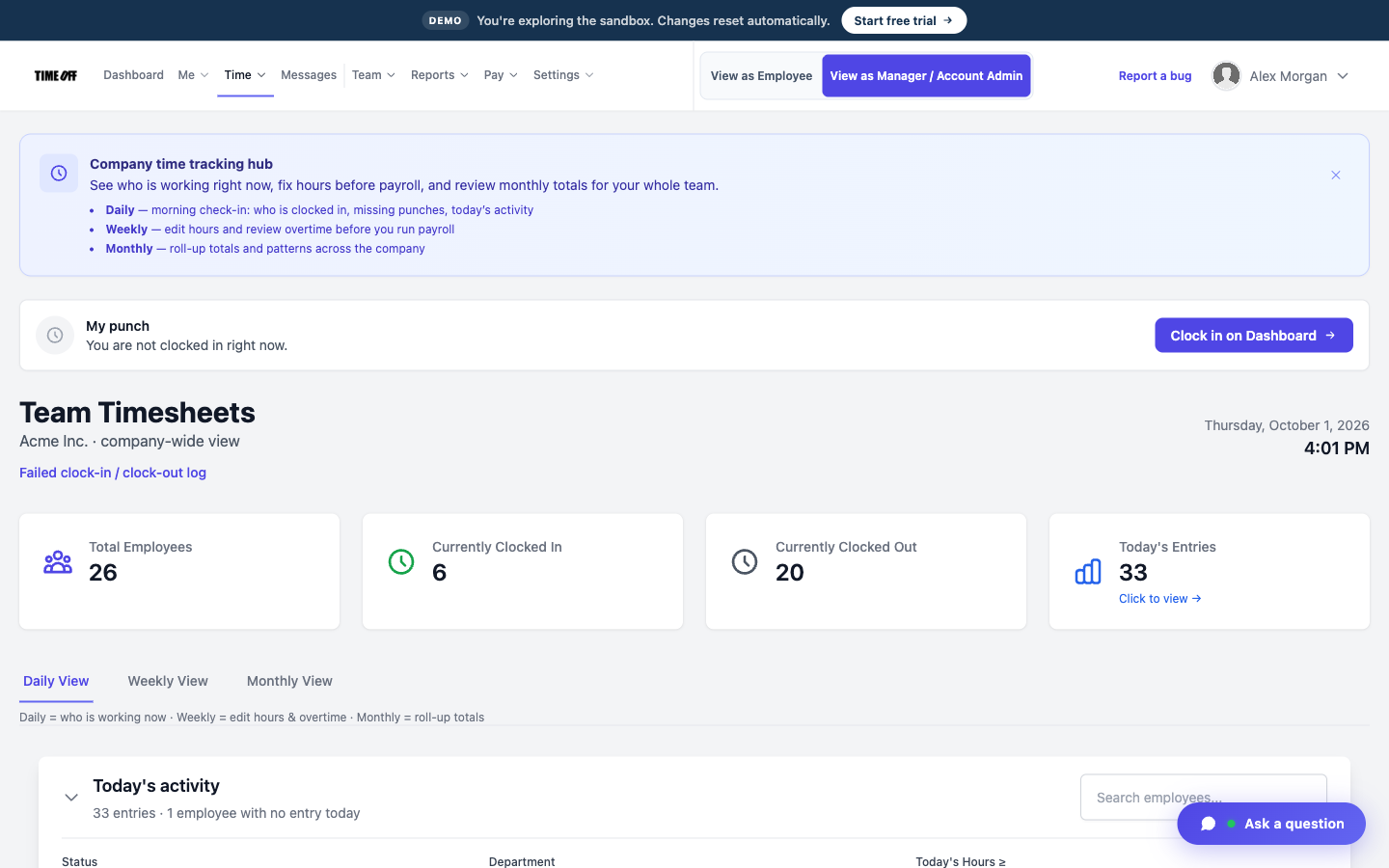
Techs clock in and out with a PIN on the tablet, so you have a record of when each person was there.
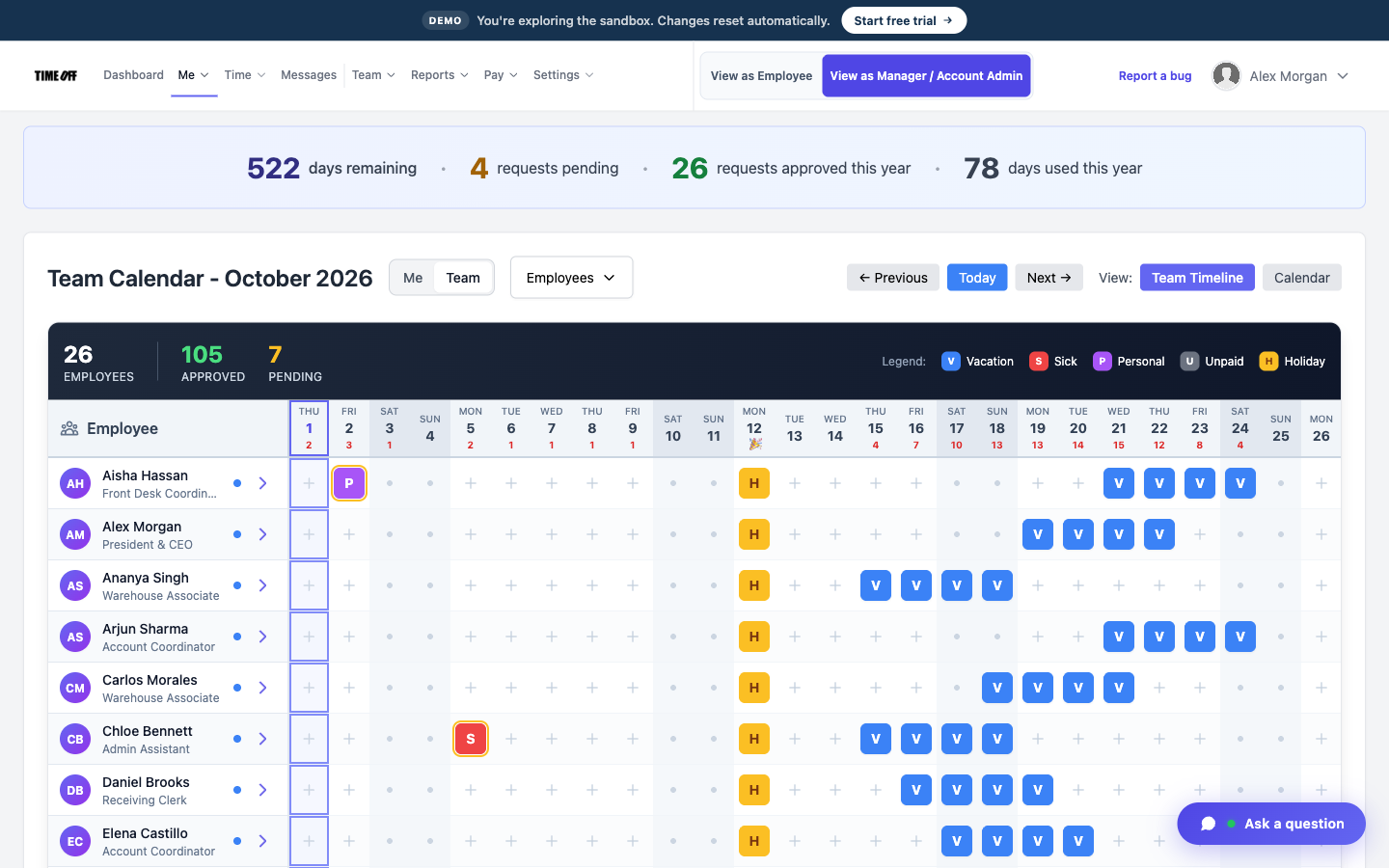
Who is off this month
Time off for techs and service advisors
An advisor takes the day off, and the board is still full of cars.
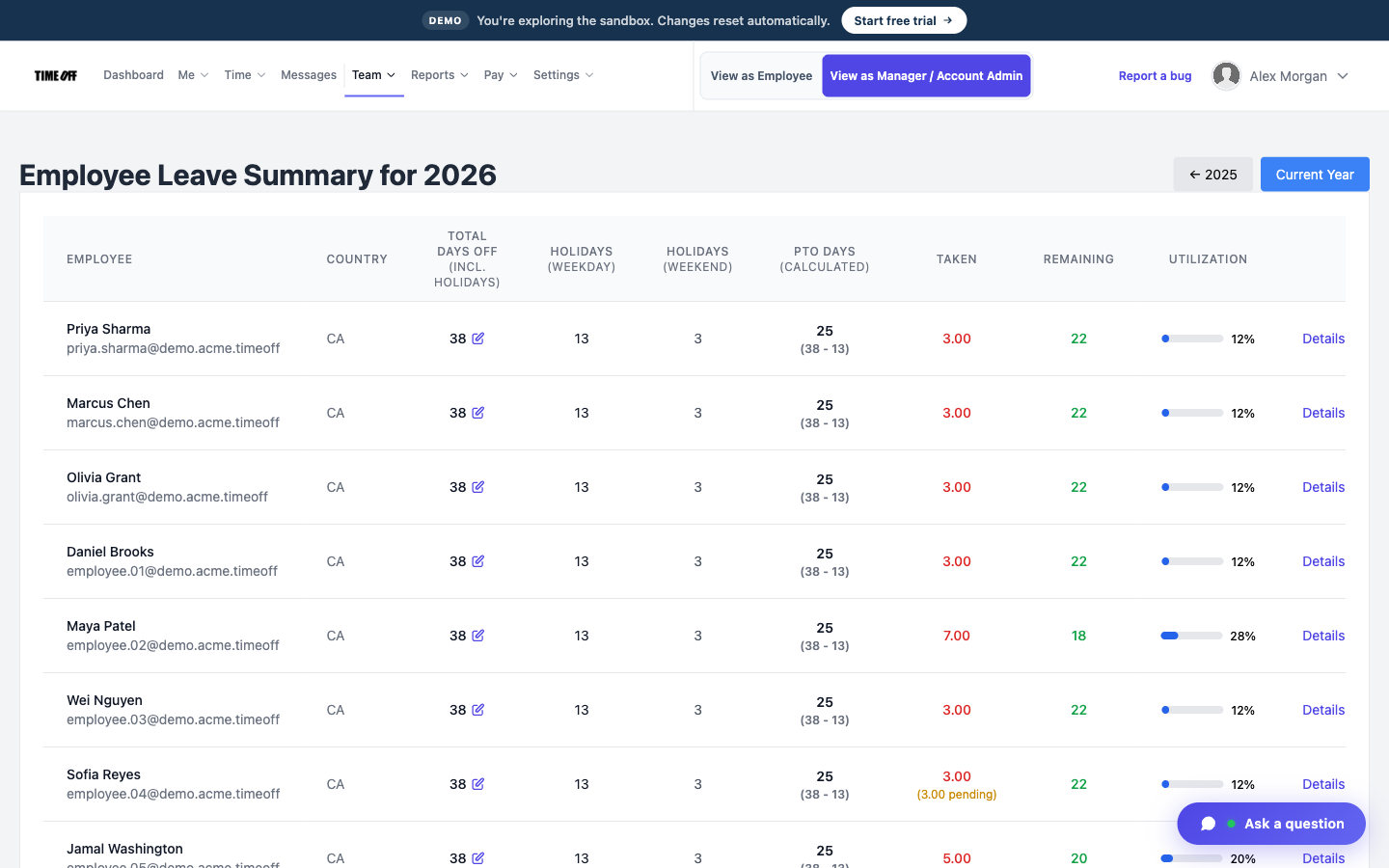
Techs and advisors are all employees in the same account. Approved time off shows on the team calendar, so you can plan around it.
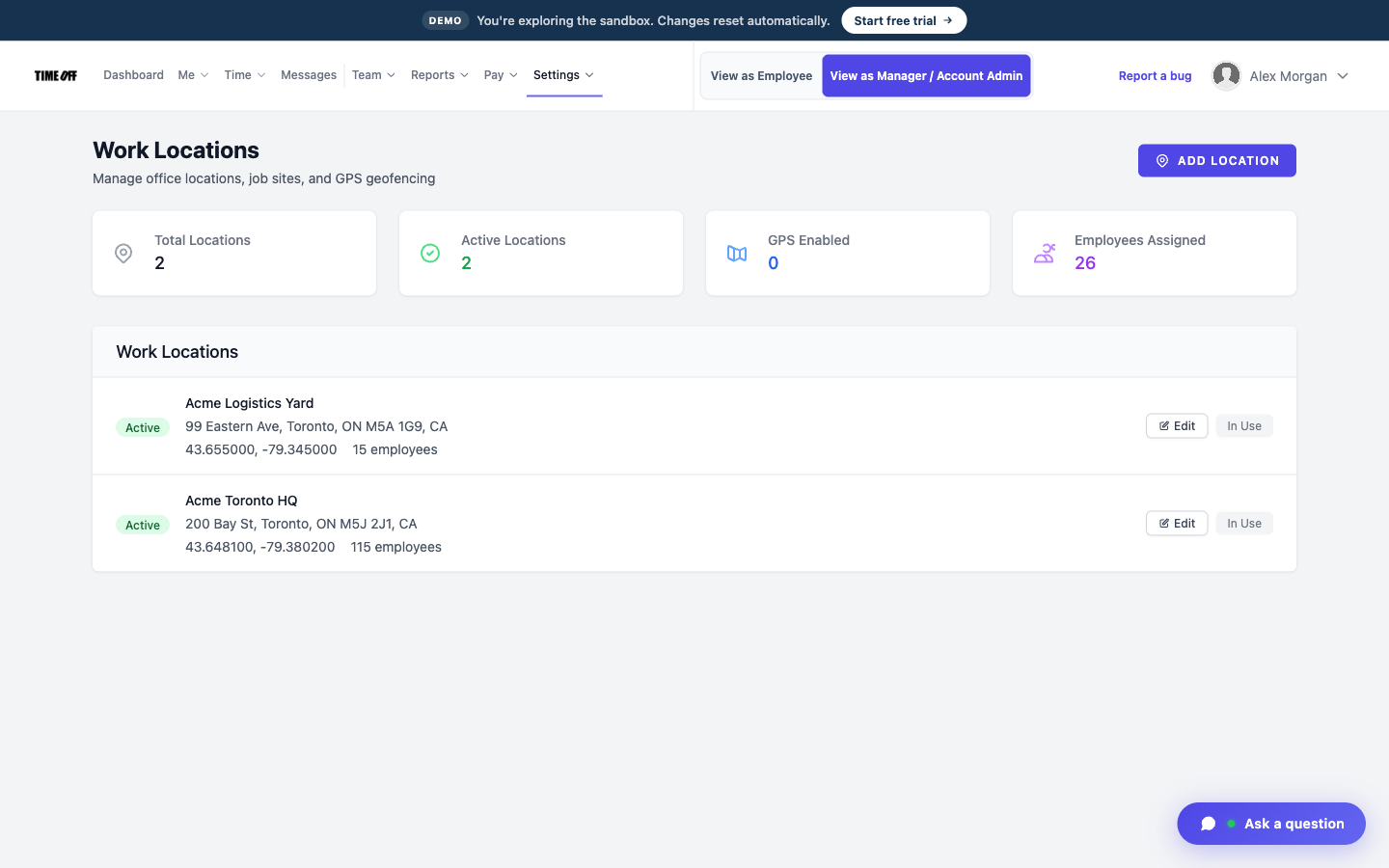
Each shop saved as a work location
More than one shop
With two locations, the timesheets end up in one pile.
Each shop can be its own work location, so you can see where each person clocked in.
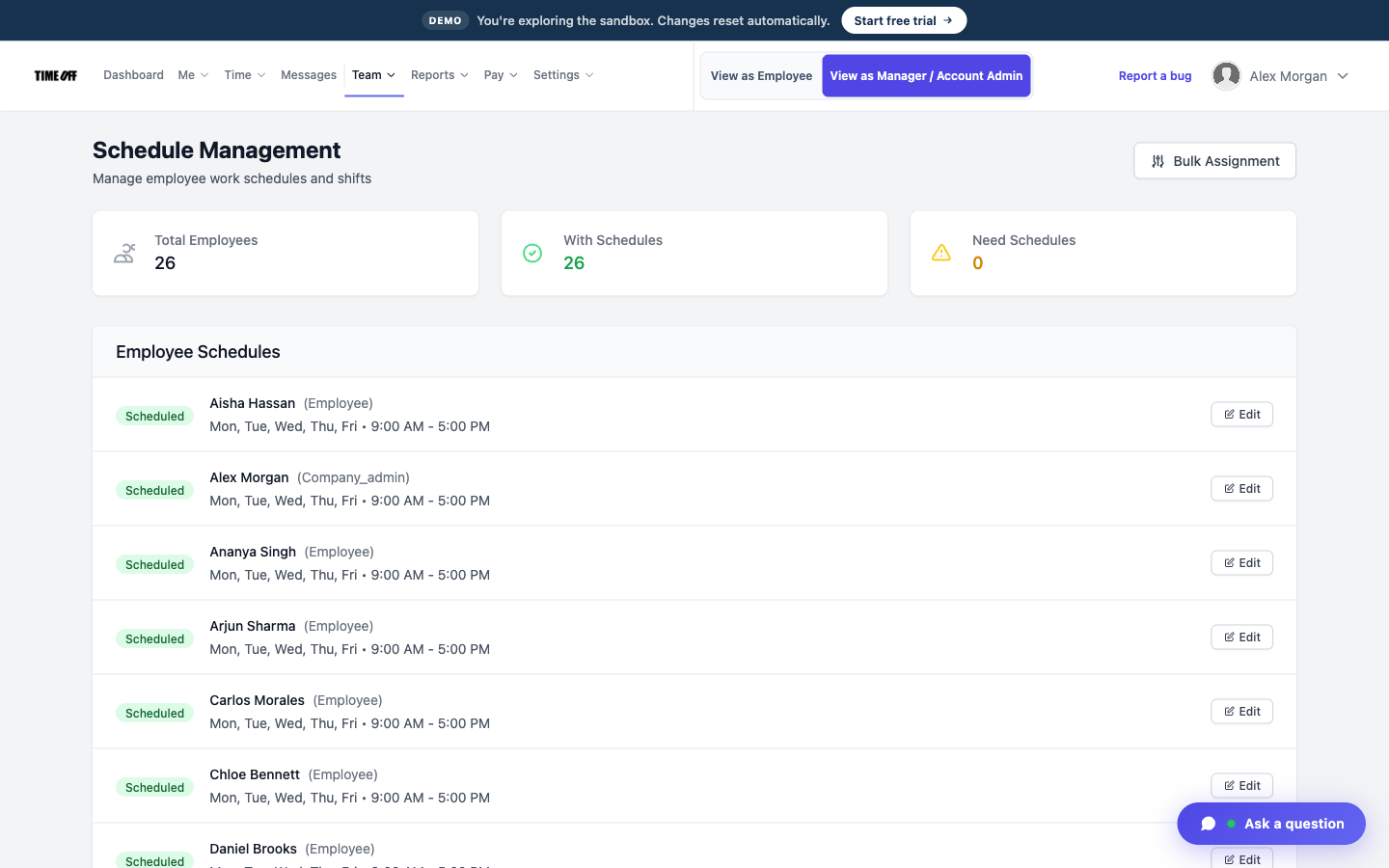
Each person’s regular hours
Breaks are recorded
On a long day in the shop, nobody writes down whether a tech took a break.
Breaks can be tracked, and break rules can require techs to take one.
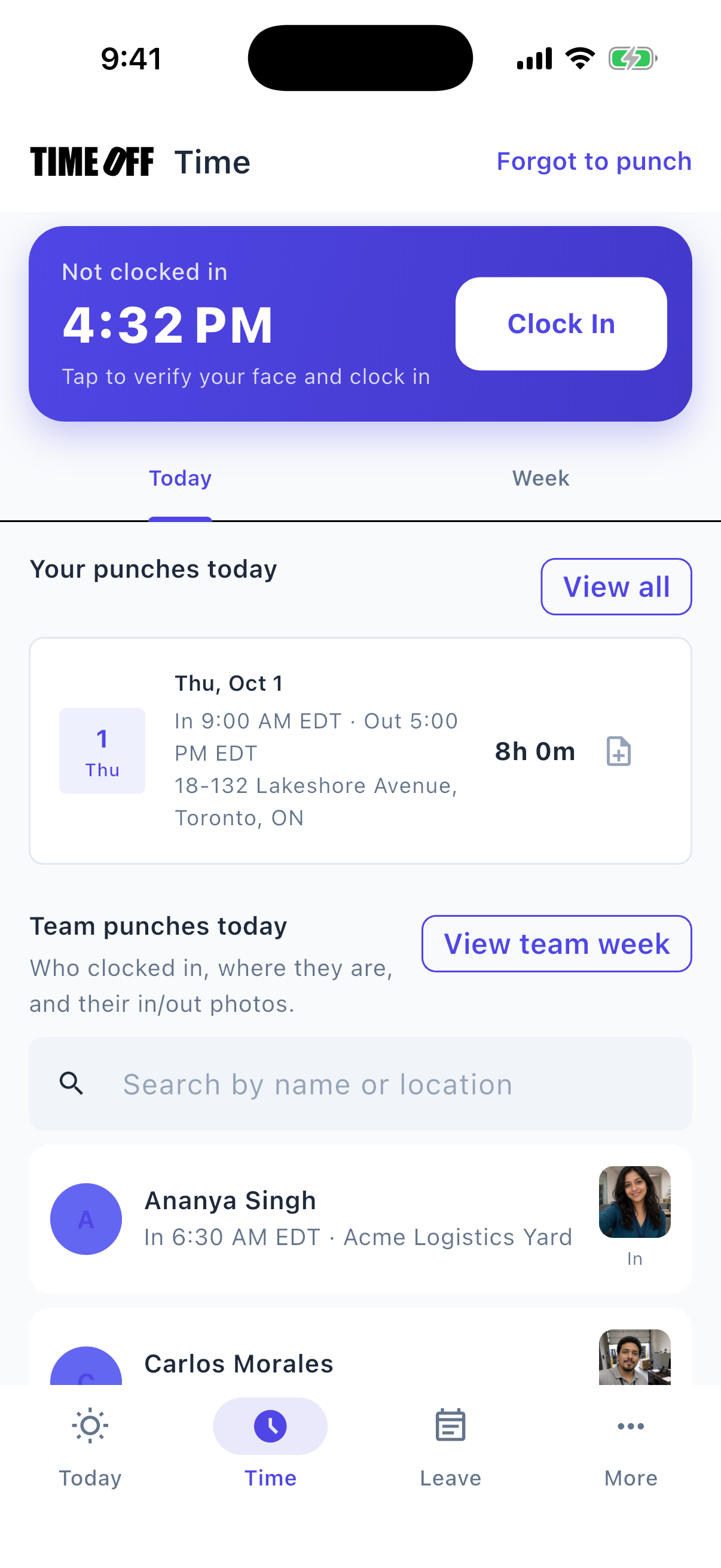
Clock-in and clock-out times
Clock-in time is not flat-rate pay
Many shops pay some techs by the hours flagged on each job, not by the hours they are in the shop.
TimeOff Manager records when each person clocks in and clocks out. It does not calculate flat-rate pay.
Approved hours, ready for payroll
TimeOff Manager tracks hours. It doesn’t pay anyone. At the end of the pay period, a manager reviews and approves the hours. Then you download them as an Excel or CSV file and send it to whoever runs payroll: your bookkeeper, your accountant, or your payroll software.
-
Hours are approved first
A manager checks the hours before they go anywhere, so payroll gets real numbers, not guesses from a group text.
-
Overtime is flagged
Extra hours show up on the timesheet, so you can see overtime before you pay it.
-
Excel or CSV
One download your bookkeeper or payroll software can open.
-
Payroll happens elsewhere
TimeOff Manager does not calculate pay, print checks, or file taxes.
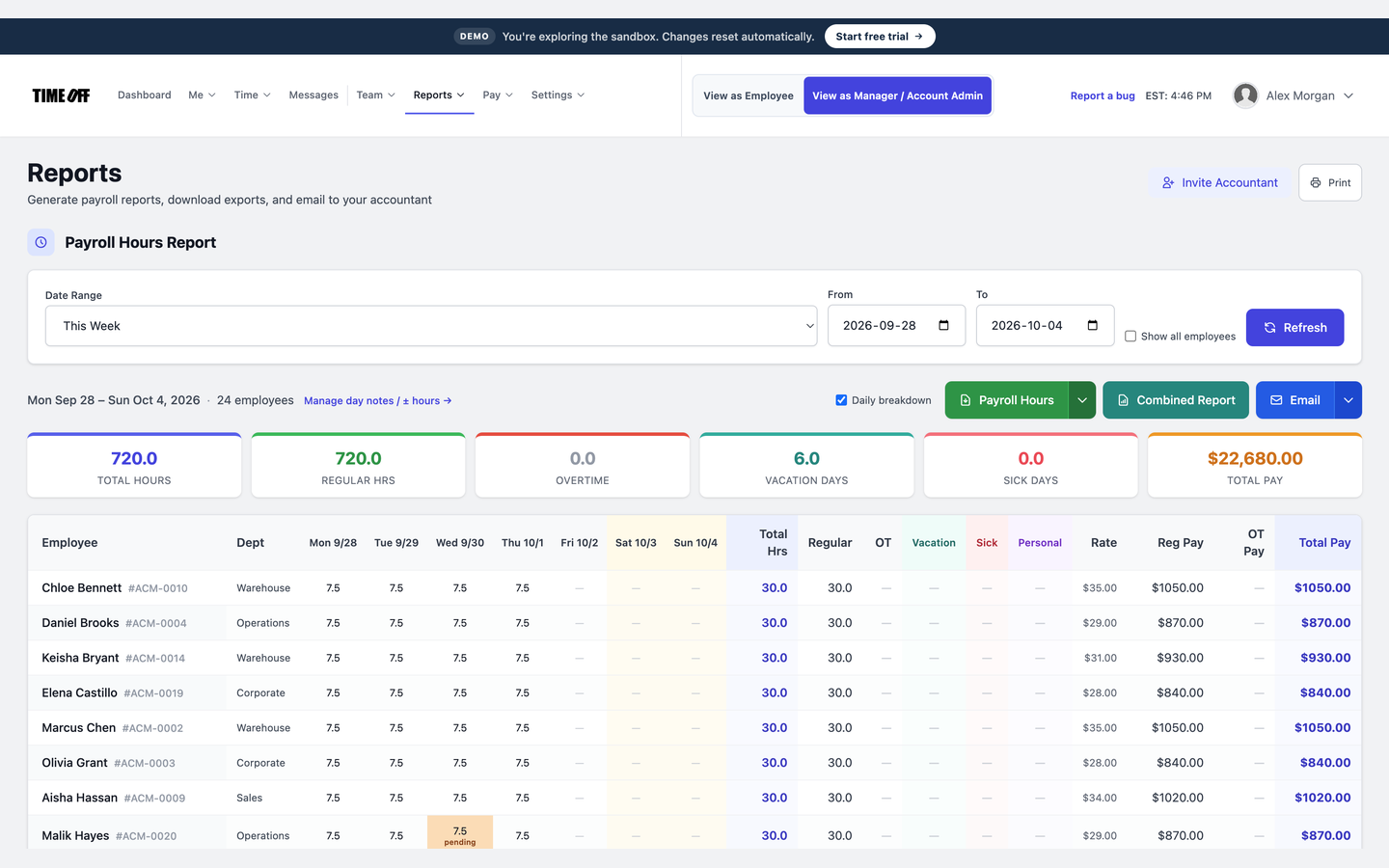
The hours report, ready to download
See it on the real product
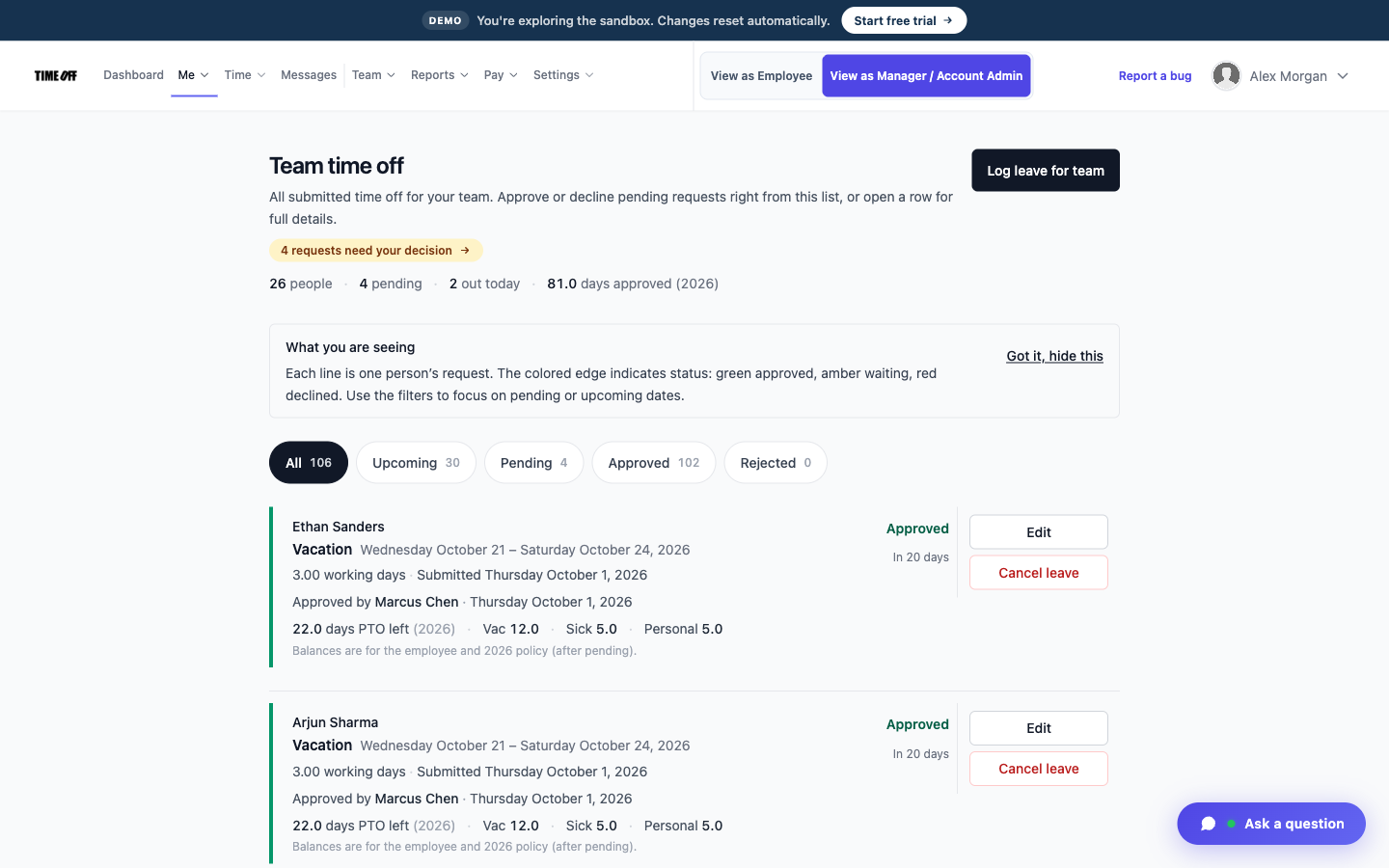
These are real TimeOff Manager screens. Open the live demo to click around them yourself.
A typical day
-
1
Open the shop
The first tech clocks in on the tablet.
-
2
Through the day
Each person clocks in and out with their own PIN.
-
3
Check who is off
Look at approved time off before you count on an advisor.
-
4
Send hours to payroll
Download the approved hours as a file. Repair orders stay in your shop software.
This is not repair order or parts software
TimeOff Manager does not write repair orders, track parts, or calculate flat-rate pay. It records who was in the shop and their time off, and lets you download their hours for payroll.
Also see time tracking software, TimeOff Kiosk, PTO software, and pricing.
Approved time off can sync to Google Calendar and Microsoft Outlook. Approved hours can go to QuickBooks Online or FreshBooks.


You can also ask ChatGPT, Claude, or Cursor questions about your account, like who is out next week, through Model Context Protocol.

Simple pricing
From $15/mo billed annually. Starter $15/mo · Growth $25/mo · Scale $49.99/mo. Every plan includes time off, clock-in, GPS, a shared-tablet kiosk, mileage, and hour downloads.
Common questions from auto repair shops
Does this replace flat-rate pay?
No. It records when someone clocked in and out. It does not calculate flagged hours or pay.
Can techs and advisors share the shop account?
Yes. Each person has their own PIN or login.
Can two shops be tracked separately?
Yes. Each shop can be its own work location.
How much does it cost?
From $15/mo billed annually after a 14-day trial. Starter is $15/mo for 1–20 people, Growth is $25/mo for 21–50, and Scale is $49.99/mo for larger teams.
Other on-site teams
Know who was in the shop, and when
From $15/mo billed annually after a 14-day trial. Starter $180/year (1–20 users), Growth $300/year (21–50), Scale $49.99/mo or $479.90/year (51–1,000).