TimeOff Manager Pro — the app on each person’s phone
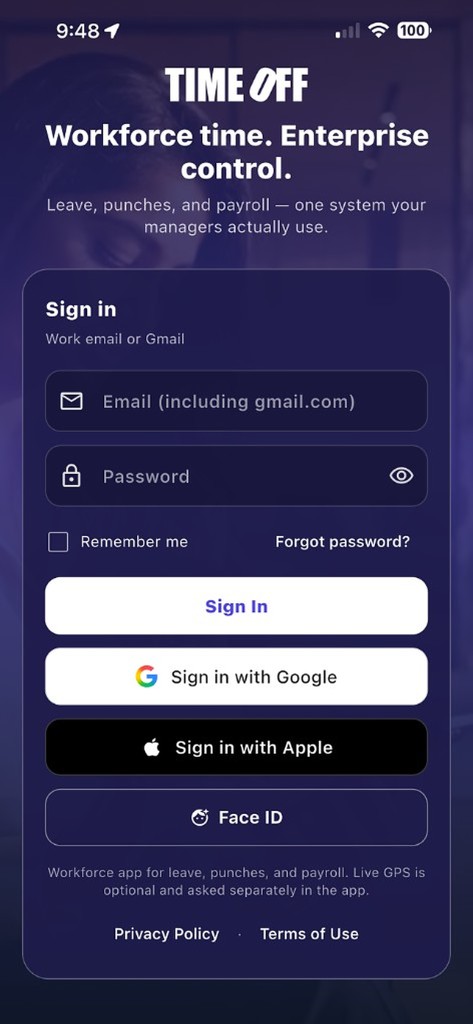
Sign in with work email. Clock in with photo and GPS, request leave, log mileage, and open pay stubs. This is not TimeOff Kiosk—the shared tablet by the door.
What TimeOff Manager Pro is (and is not)
What it is for
Each employee and manager on their own iPhone or Android. Same login as the website. Clock, leave, mileage, schedule, holidays, and pay stubs travel with the phone.
What it is not
It is not the PIN tablet at the door. Shared devices use TimeOff Kiosk. Company settings stay on the website.


On the phone
- Clock in / out — Photo and GPS when your company requires them. If there is no signal, the clock event saves on the phone and sends when you are back online.
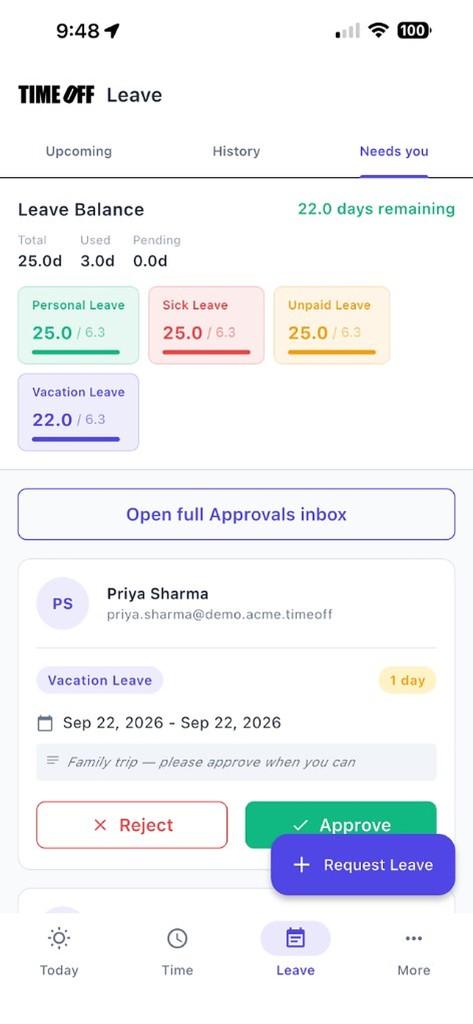
- Leave — Request time off and see what’s pending.
- Mileage — Start or stop a live trip.
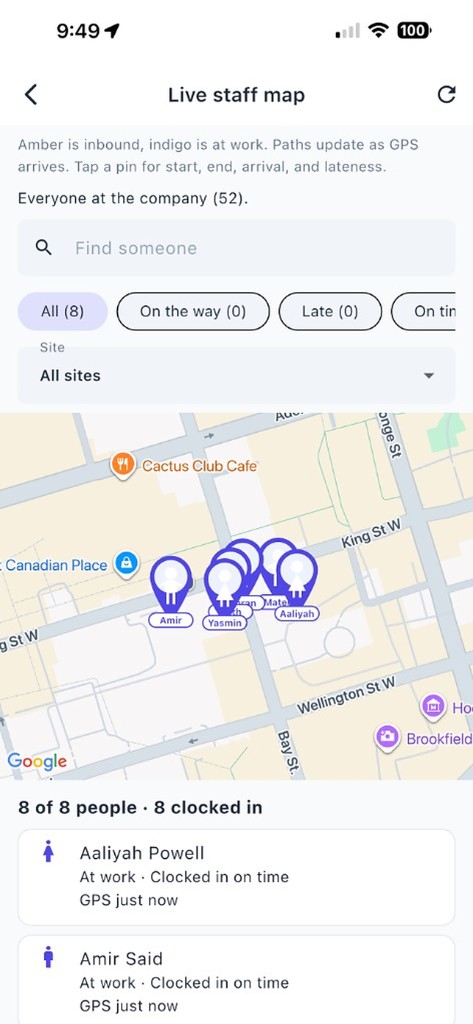
- Managers — Approvals and the live staff map when that is on.
- Stays on the website — Creating the company, the card for the free year, billing, API keys, and company settings.
Phone app questions
- How is TimeOff Manager Pro different from the kiosk?
- Pro is the signed-in app on each person’s iPhone or Android. The kiosk is a shared tablet where an admin signs in once and employees use a PIN.
- How do people sign in?
- With the same work email they use on timeoffmanager.us. The company is created on the website first.
- What happens if the phone has no signal?
- The clock event saves on the phone and sends when the phone is back online.
- Can the app log mileage and open pay stubs?
- Yes. Employees can start or stop a mileage trip and open pay stubs. Managers can approve requests and open the live staff map when that feature is on.
- What stays on the website?
- Creating the company, the card for the free year, billing, API keys, and company settings stay on the website.
Get started
Create the company on the website first. Then each person installs TimeOff Manager Pro and signs in with their work email.