
Industries / Call centers
Time tracking for call center teams
Agents clock in for each shift on a shared tablet or their phone, and ask for time off in the app. You see who is working without keeping a spreadsheet. TimeOff Manager does not dial calls or score them.
- 14-day trial
- From $15/mo
- Live demo
From $15/mo billed annually. Starter $15/mo · Growth $25/mo · Scale $49.99/mo.
How a call center uses it
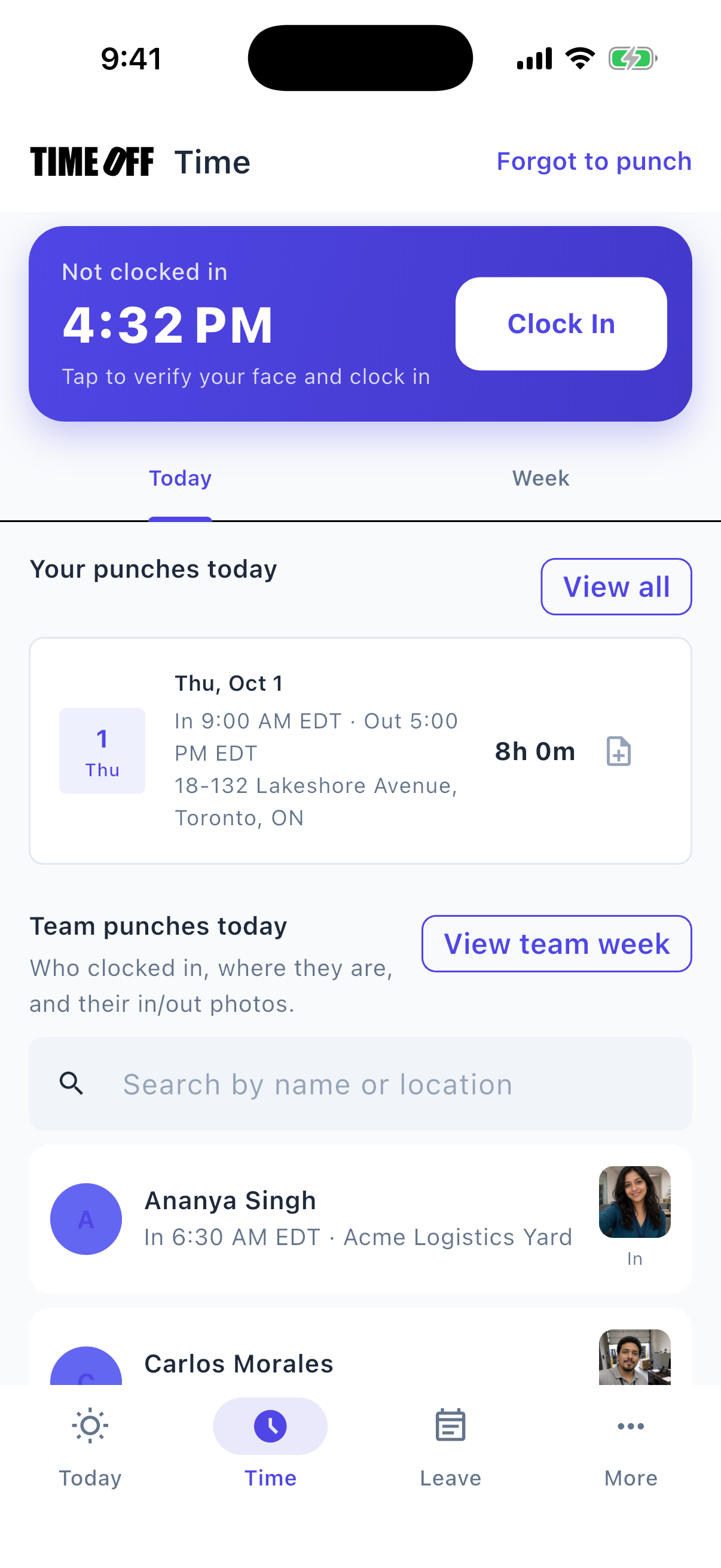
Clocking in from the phone
Agents clock in at the start of each shift
The schedule says an agent was working, but nothing records when they actually started.
Agents clock in and out on a shared tablet with a personal PIN, or on their phone. The time goes straight onto their timesheet.
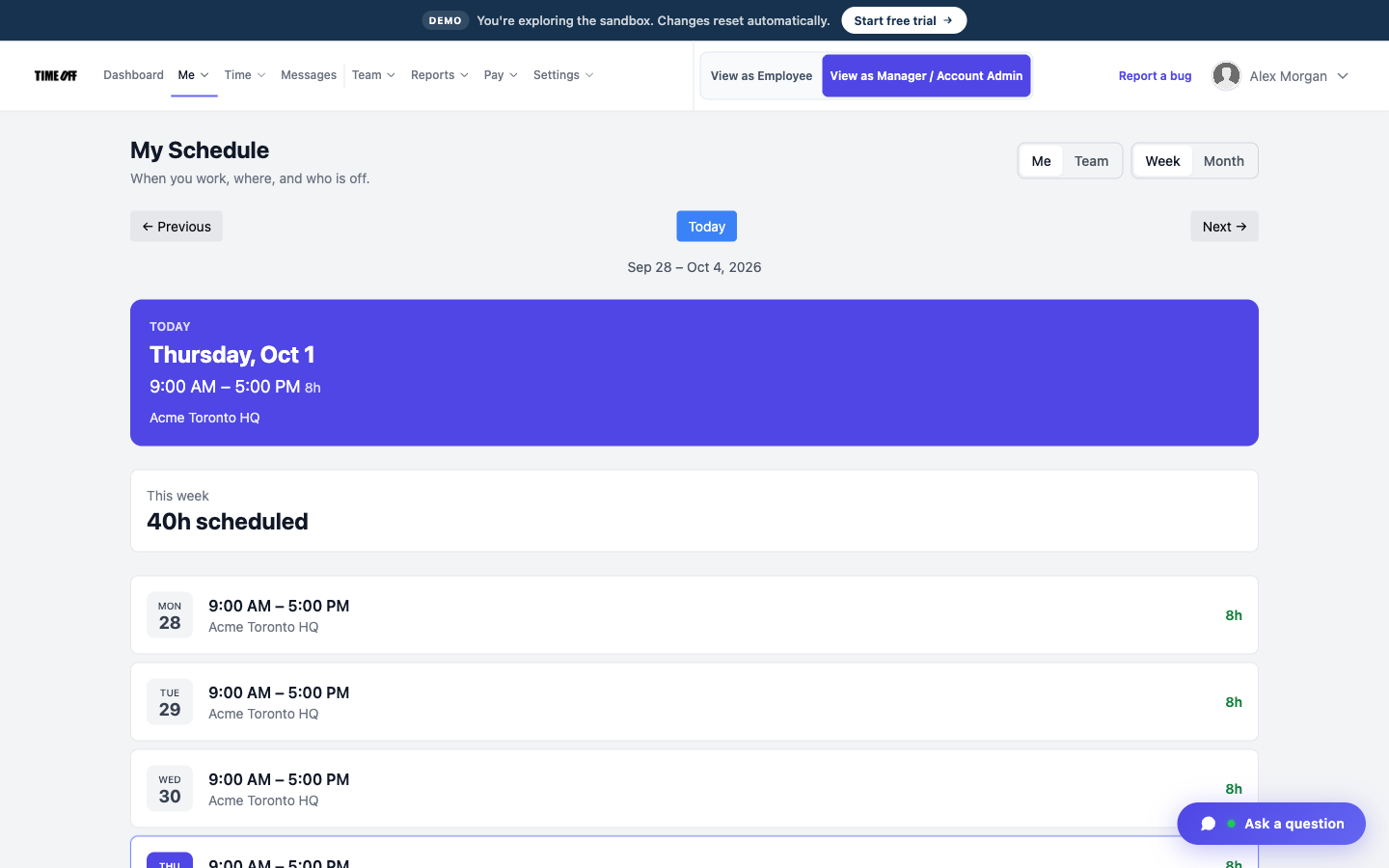
One agent’s week
See the week’s schedule in one place
Coverage lives in a spreadsheet, and by Wednesday it is already out of date.
Each employee’s regular schedule is saved in TimeOff Manager, so you can see who was expected to work each shift.
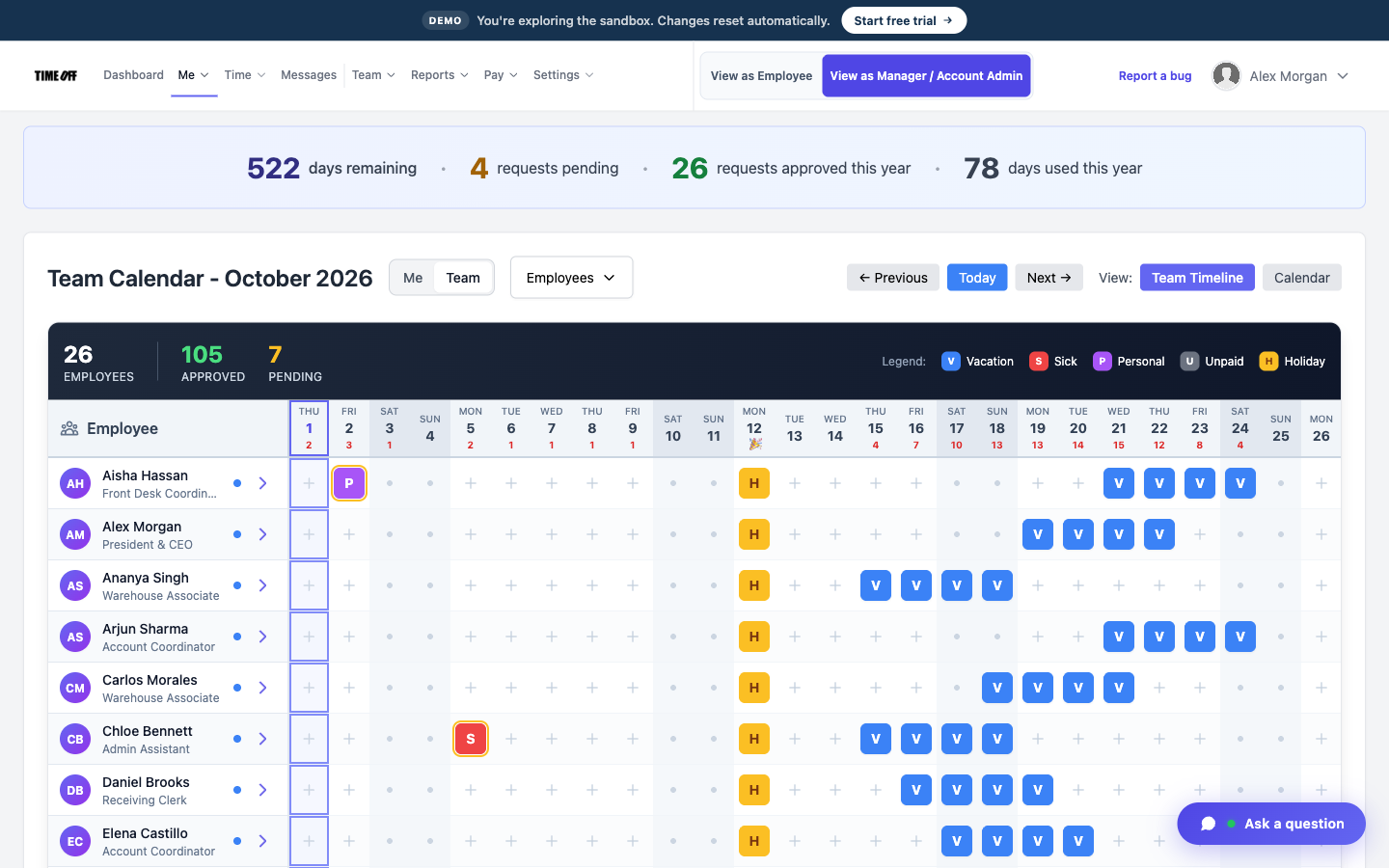
Who is off next week
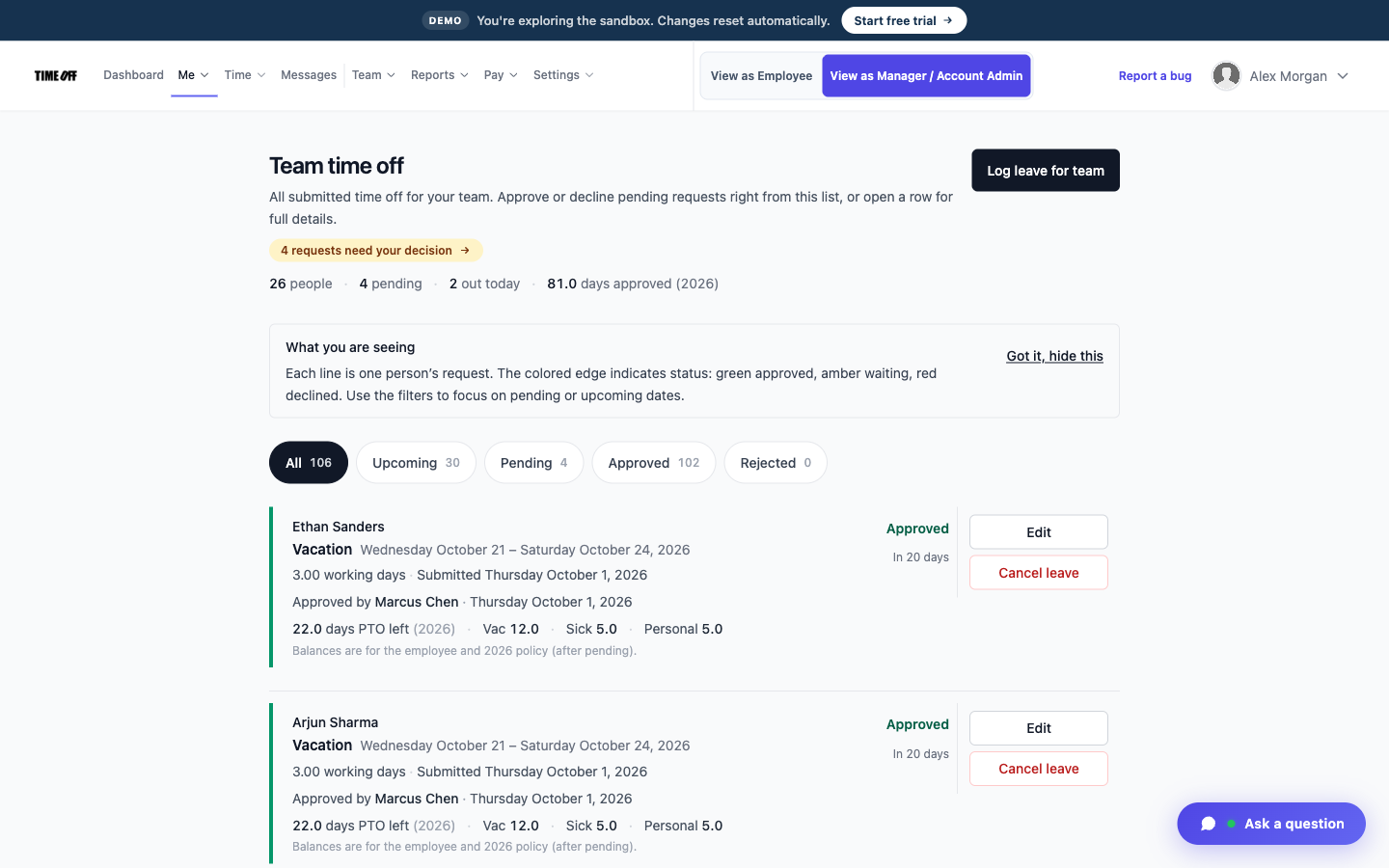
Approve time off before you post the schedule
When someone asks for a day off after next week’s schedule is posted, you end up with an empty seat.
Approve or decline requests before you build the week. Approved days show on the team calendar, so you can plan around them.
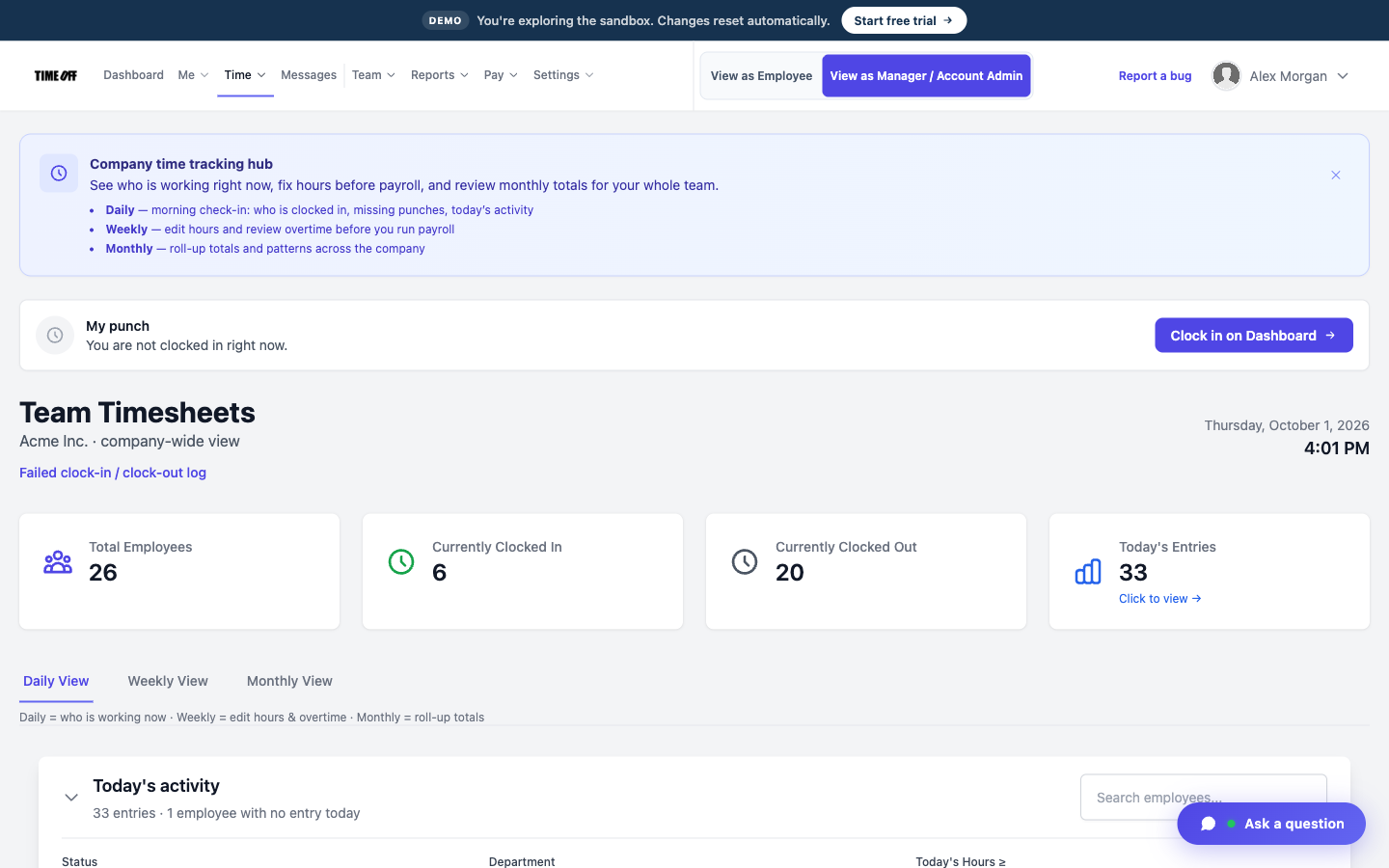
Shift hours for the week
Breaks are recorded on long shifts
On a long shift, you need a record that the agent took a break.
You can turn on break tracking in your company clock settings, so breaks are recorded with the shift hours.
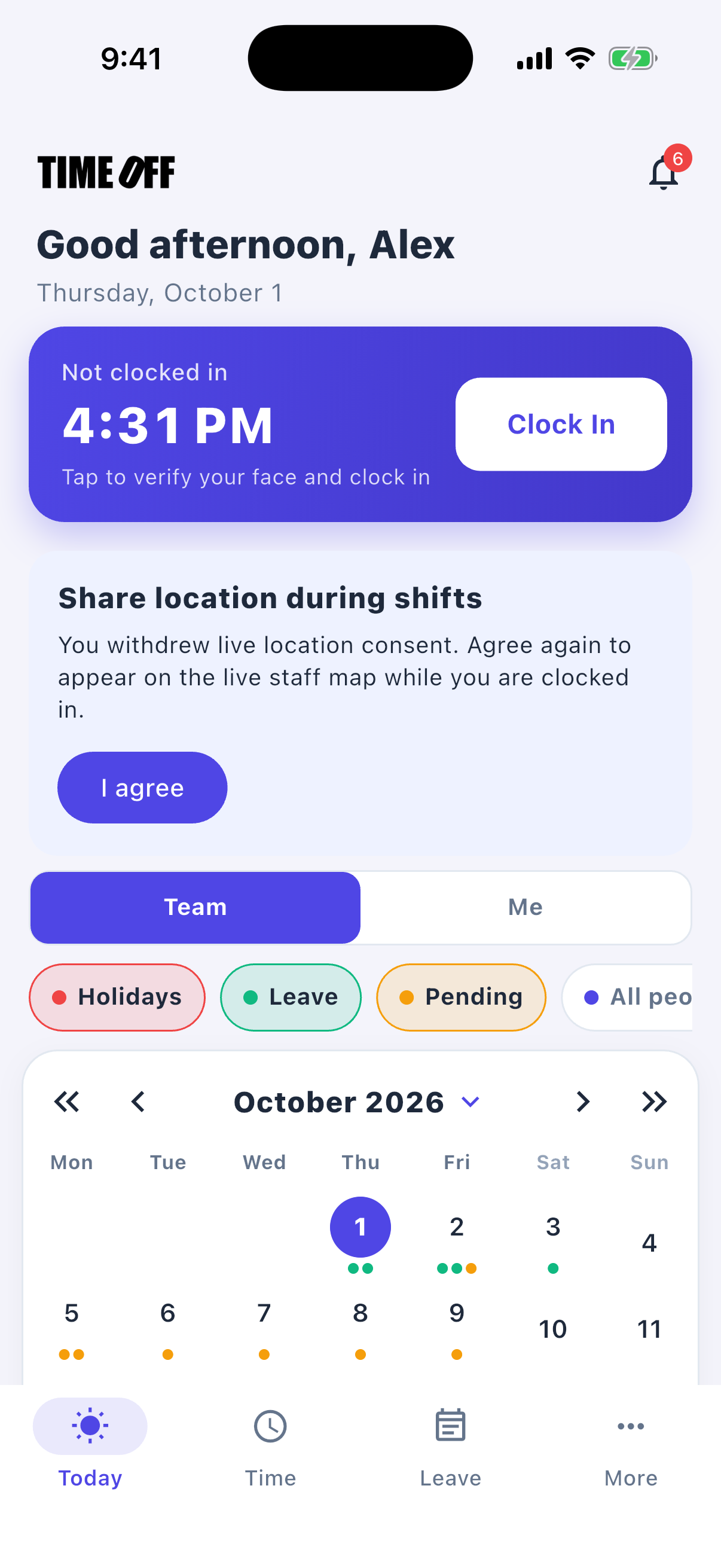
The shift on an agent’s phone
Agents who work from home clock in too
Agents who work from home often track their hours on a different sheet from the people on the floor.
If you allow it, home agents clock in on their phone, in the same account as everyone on the floor.
Approved hours, ready for payroll
TimeOff Manager tracks hours. It doesn’t pay anyone. At the end of the pay period, a manager reviews and approves the hours. Then you download them as an Excel or CSV file and send it to whoever runs payroll: your bookkeeper, your accountant, or your payroll software.
-
Hours are approved first
A manager checks the hours before they go anywhere, so payroll gets real numbers, not guesses from a group text.
-
Overtime is flagged
Extra hours show up on the timesheet, so you can see overtime before you pay it.
-
Excel or CSV
One download your bookkeeper or payroll software can open.
-
Payroll happens elsewhere
TimeOff Manager does not calculate pay, print checks, or file taxes.
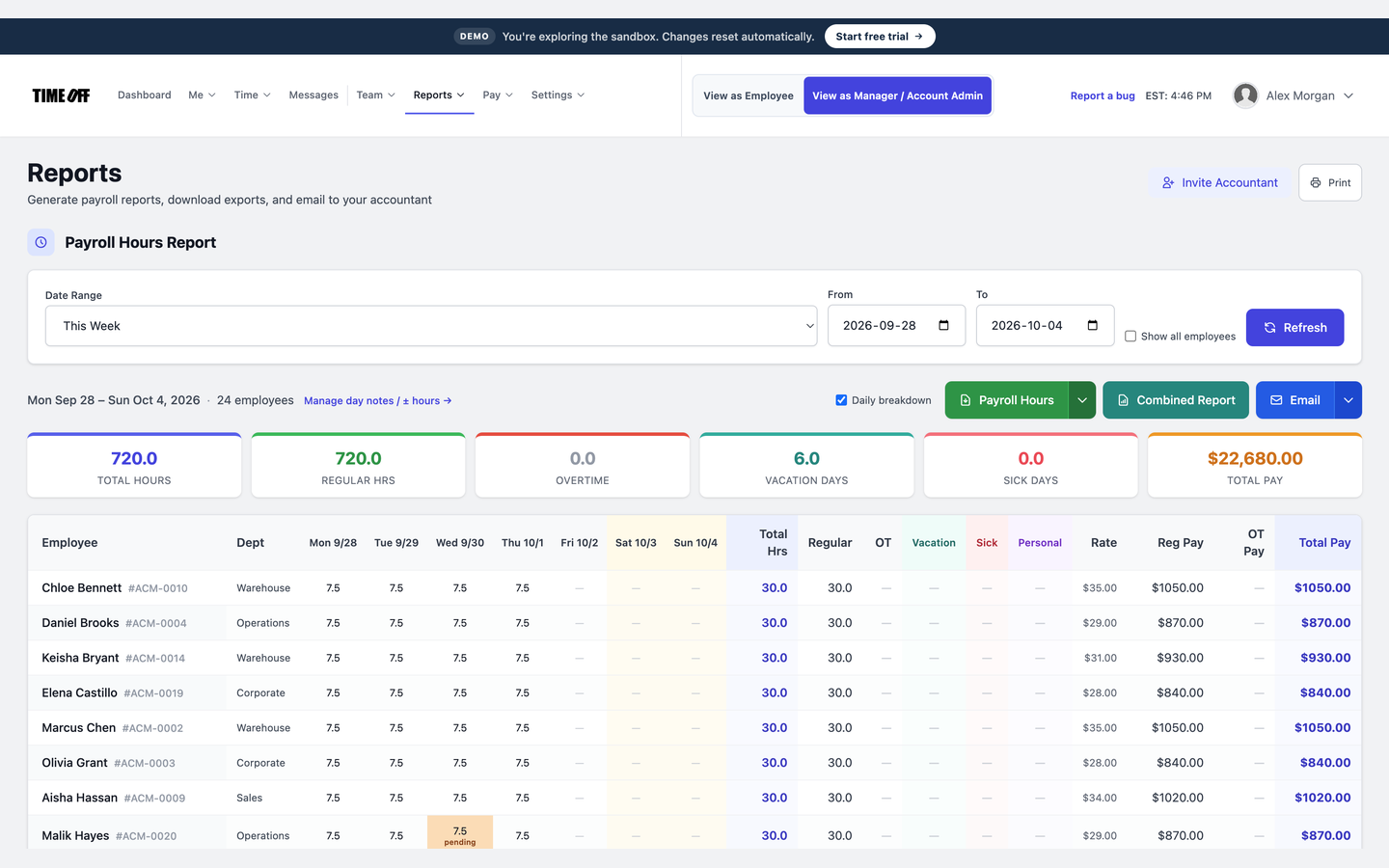
The hours report, ready to download
See it on the real product
These are real TimeOff Manager screens. Open the live demo to click around them yourself.
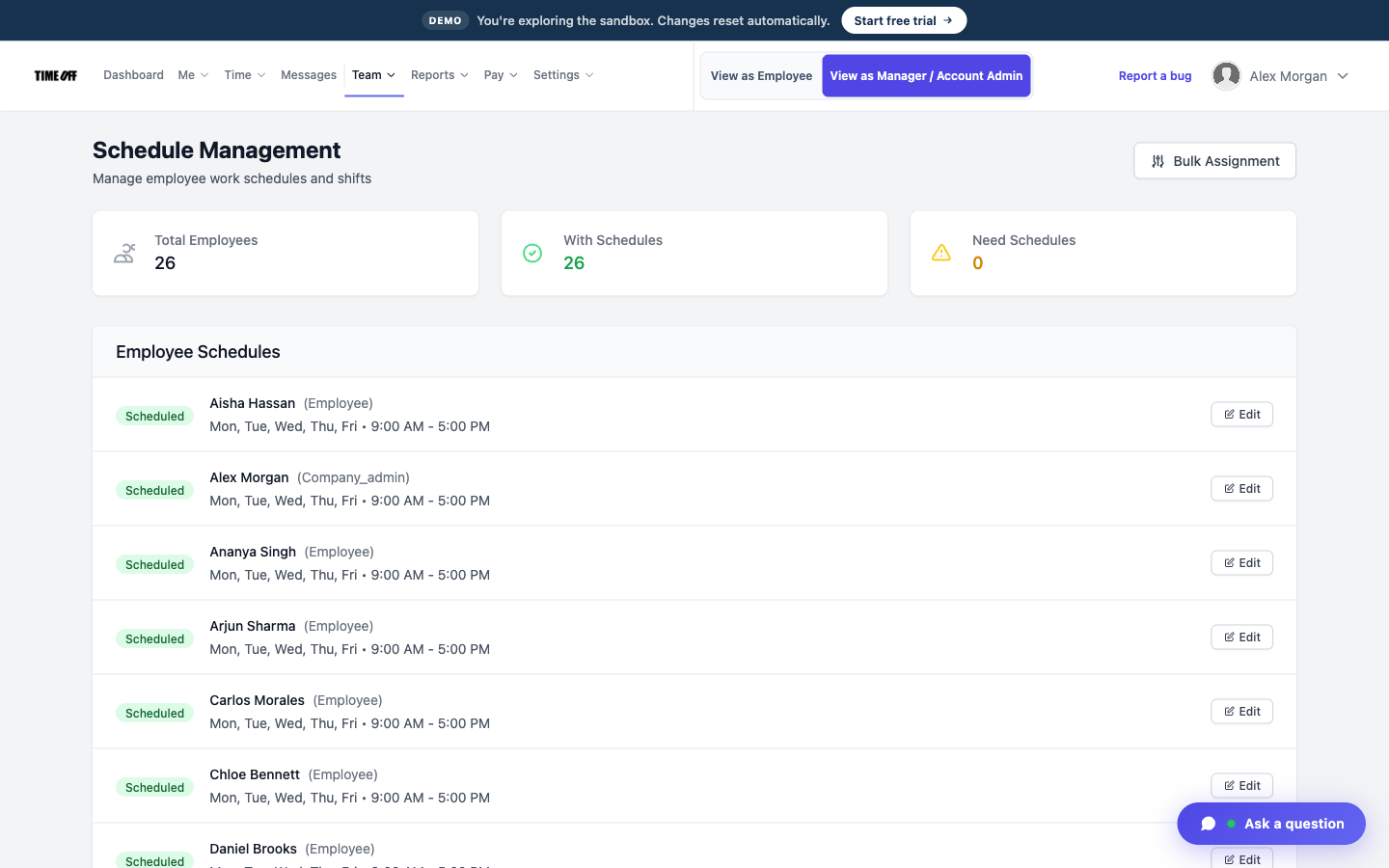
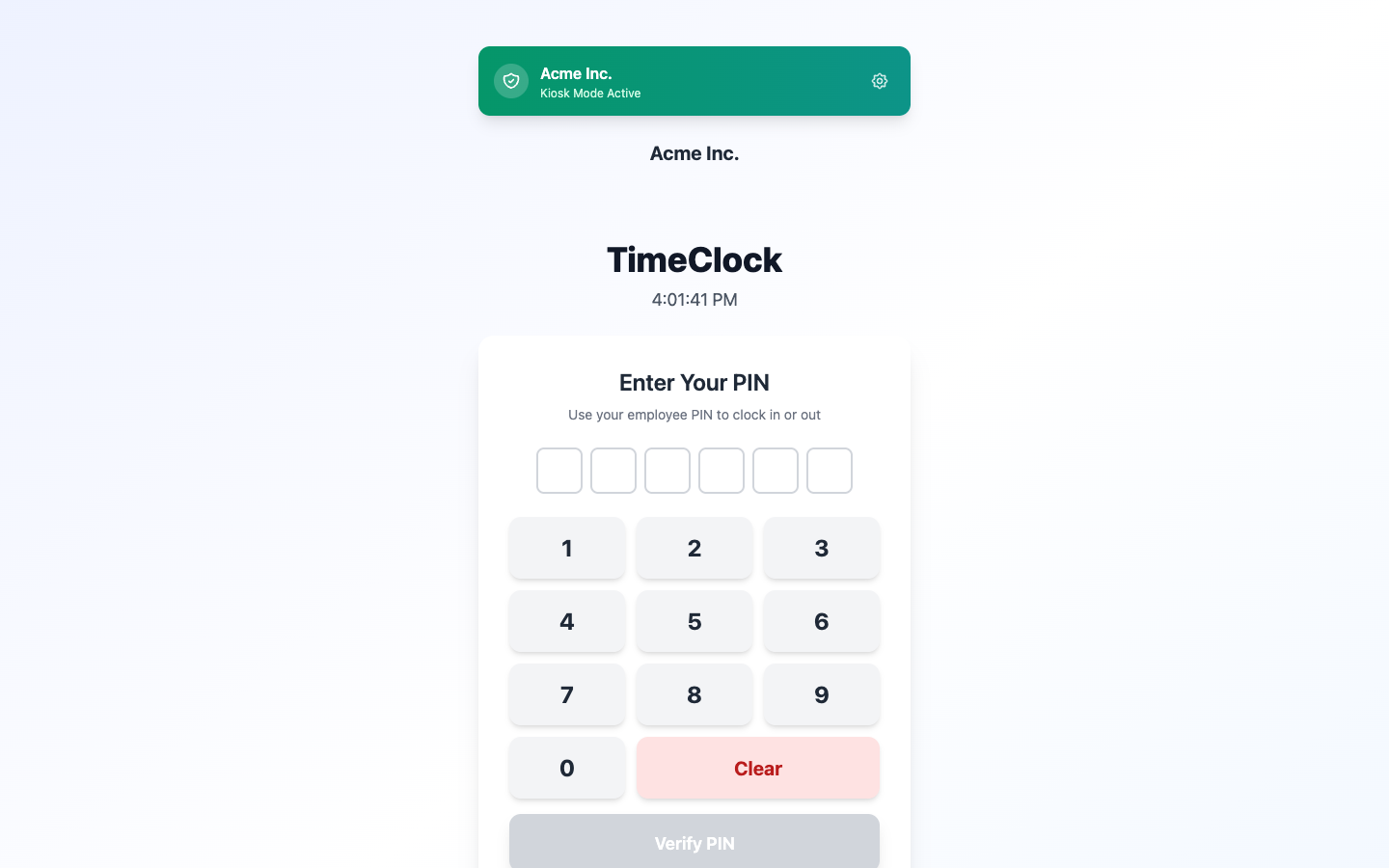
A typical shift
-
1
An agent clocks in
At the start of the shift, on the shared tablet or their phone.
-
2
You check coverage
The schedule shows who else is due in. Approved time off is already on the team calendar.
-
3
Someone asks for a day off
An agent requests a day later in the month. You approve or decline it.
-
4
Hours go to payroll
Download the approved hours as a file and send them to payroll. Call recordings stay in your phone system.
What it doesn’t do
TimeOff Manager is not a dialer or a call quality tool. It does not place calls, record them, or score agents. It tracks shifts, time off, breaks, and the hours you download for payroll.
Also see time tracking software, TimeOff Kiosk, PTO software, and pricing.
Approved time off can sync to Google Calendar and Microsoft Outlook. Approved hours can go to QuickBooks Online or FreshBooks.


You can also ask ChatGPT, Claude, or Cursor questions about your account, like who is out next week, through Model Context Protocol.

Simple pricing
From $15/mo billed annually. Starter $15/mo · Growth $25/mo · Scale $49.99/mo. Every plan includes time off, clock-in, GPS, a shared-tablet kiosk, mileage, and hour downloads.
Common questions from call centers
Can agents who work from home clock in?
Yes, if you allow clock-ins away from the office. Agents on the floor can still use a shared tablet.
Does it record breaks?
Yes. You turn on break tracking in your company clock settings.
Can we see who asked off before we build next week’s schedule?
Yes. Open requests wait in the approval list, and approved days show on the team calendar.
How much does it cost?
From $15/mo billed annually after a 14-day trial. Starter is $15/mo for 1–20 people, Growth is $25/mo for 21–50, and Scale is $49.99/mo for larger teams.
Plan coverage from the schedule, not a spreadsheet
From $15/mo billed annually after a 14-day trial. Starter $180/year (1–20 users), Growth $300/year (21–50), Scale $49.99/mo or $479.90/year (51–1,000).