
Industries / Accounting firms
Time tracking for accounting firms
See time off during busy season and hours for hourly staff on one calendar. Client books and tax returns stay in your accounting and tax software.
- 14-day trial
- From $15/mo
- Live demo
From $15/mo billed annually. Starter $15/mo · Growth $25/mo · Scale $49.99/mo.
How an accounting firm uses it
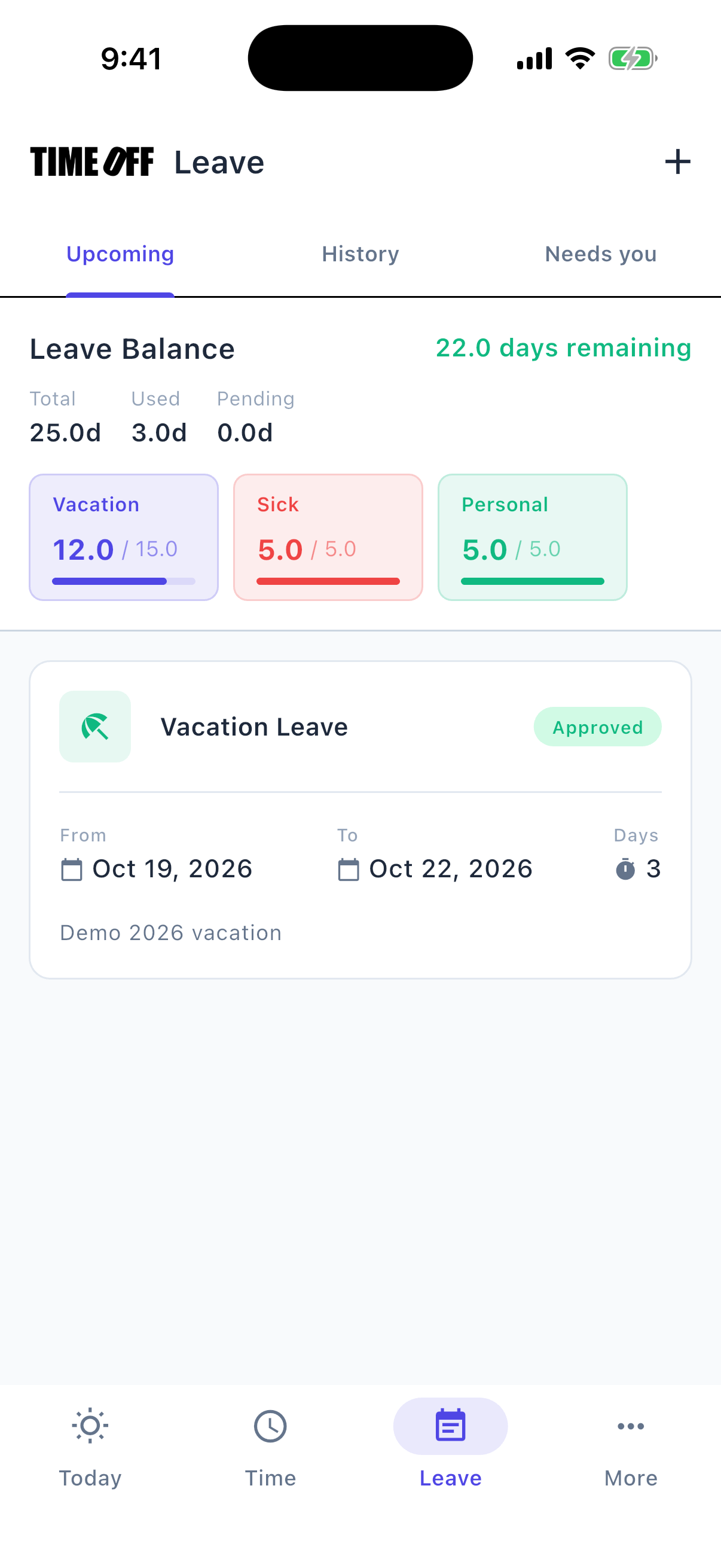
Requesting time off from the phone
Time off requests during busy season
In April, an emailed time-off request gets buried under deadlines.
Staff request time off in the app. The request, their days left, and the team calendar are all in one place.
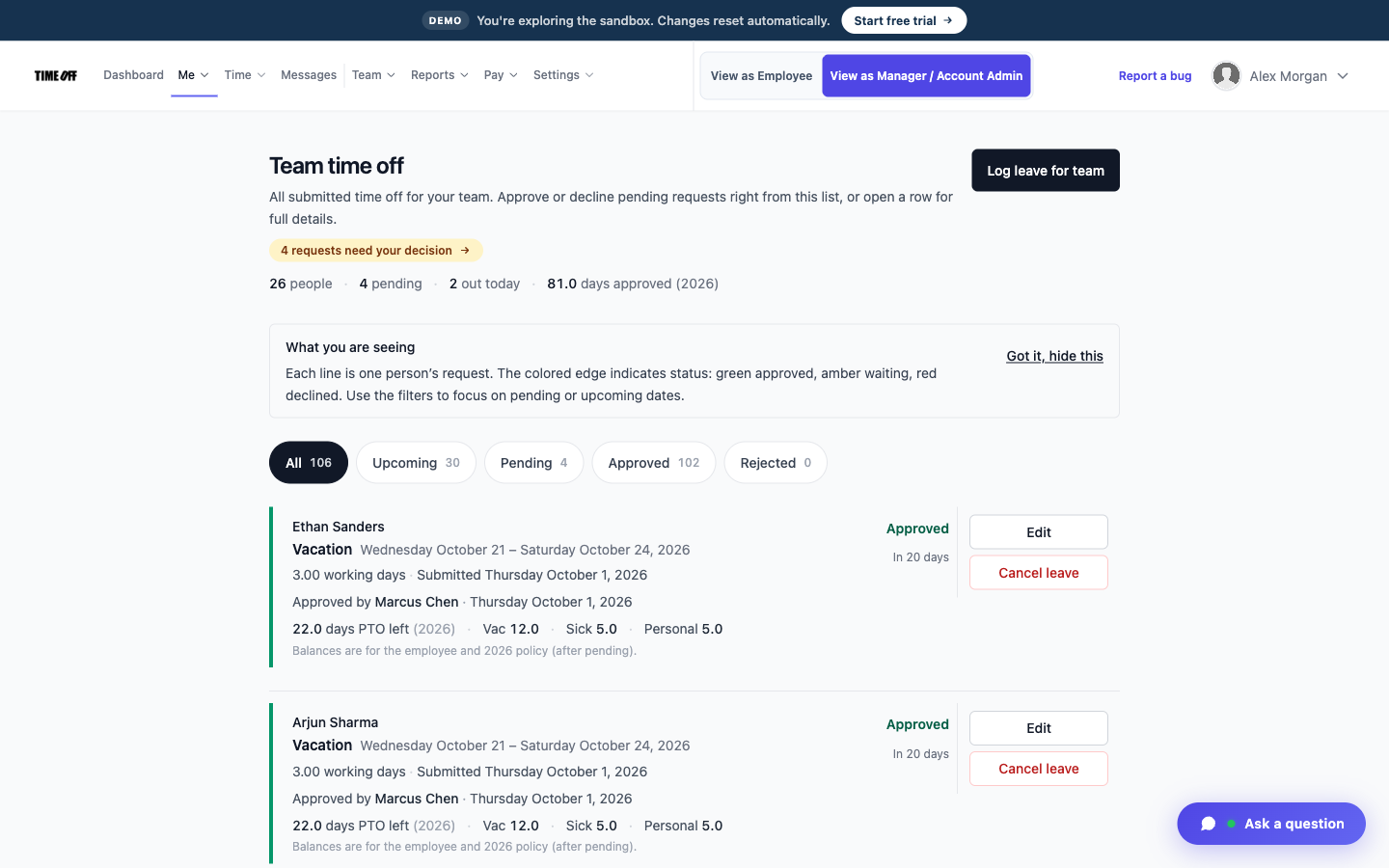
Every request and its status
The right person approves
A partner hears about a staff member’s day off secondhand.
Requests go to one list for the people you allow to approve them, so nothing is decided in a hallway.
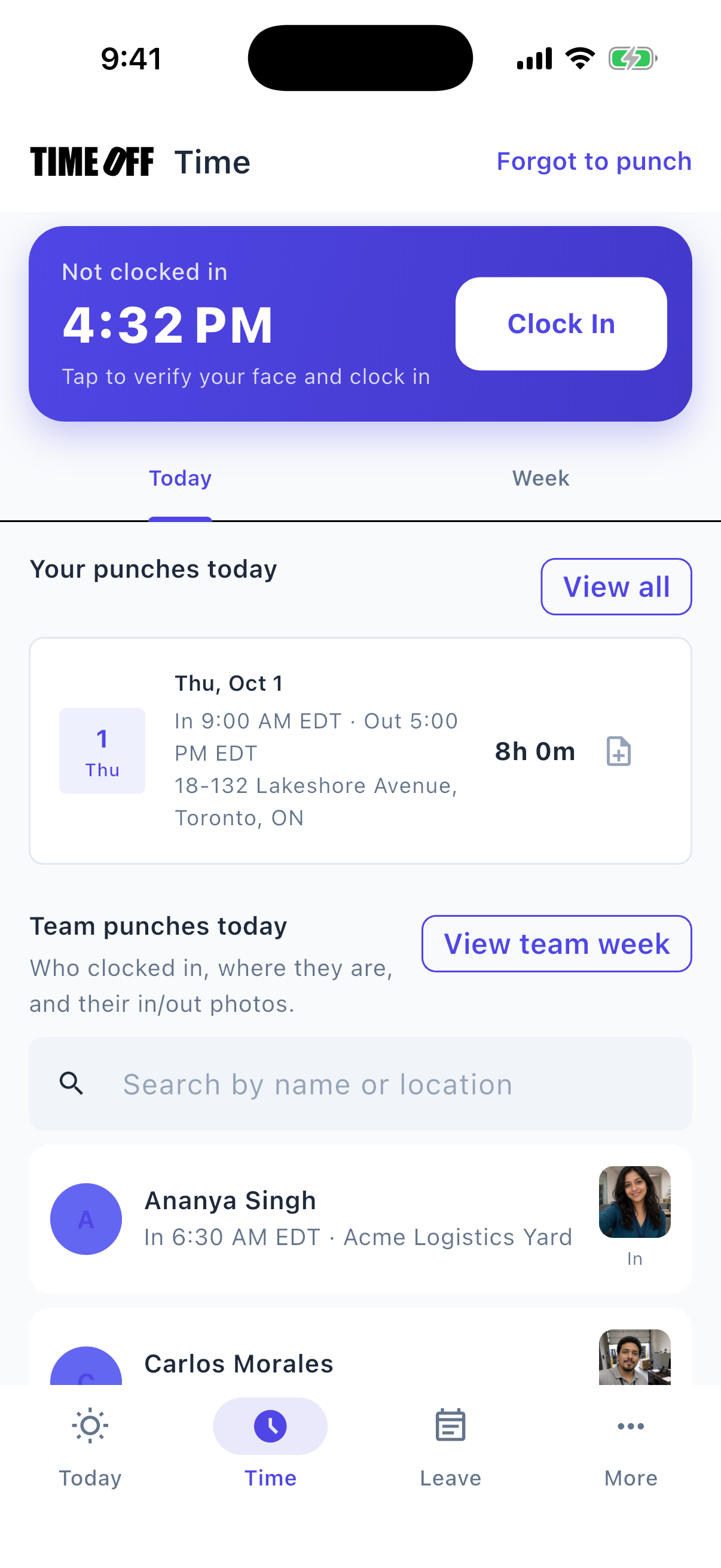
Clocking in from the phone
Hourly staff clock in on their phone
Front desk staff and seasonal hourly workers often track their time on a separate spreadsheet.
They clock in and out on their phone, and reviewers see their hours in the same account.
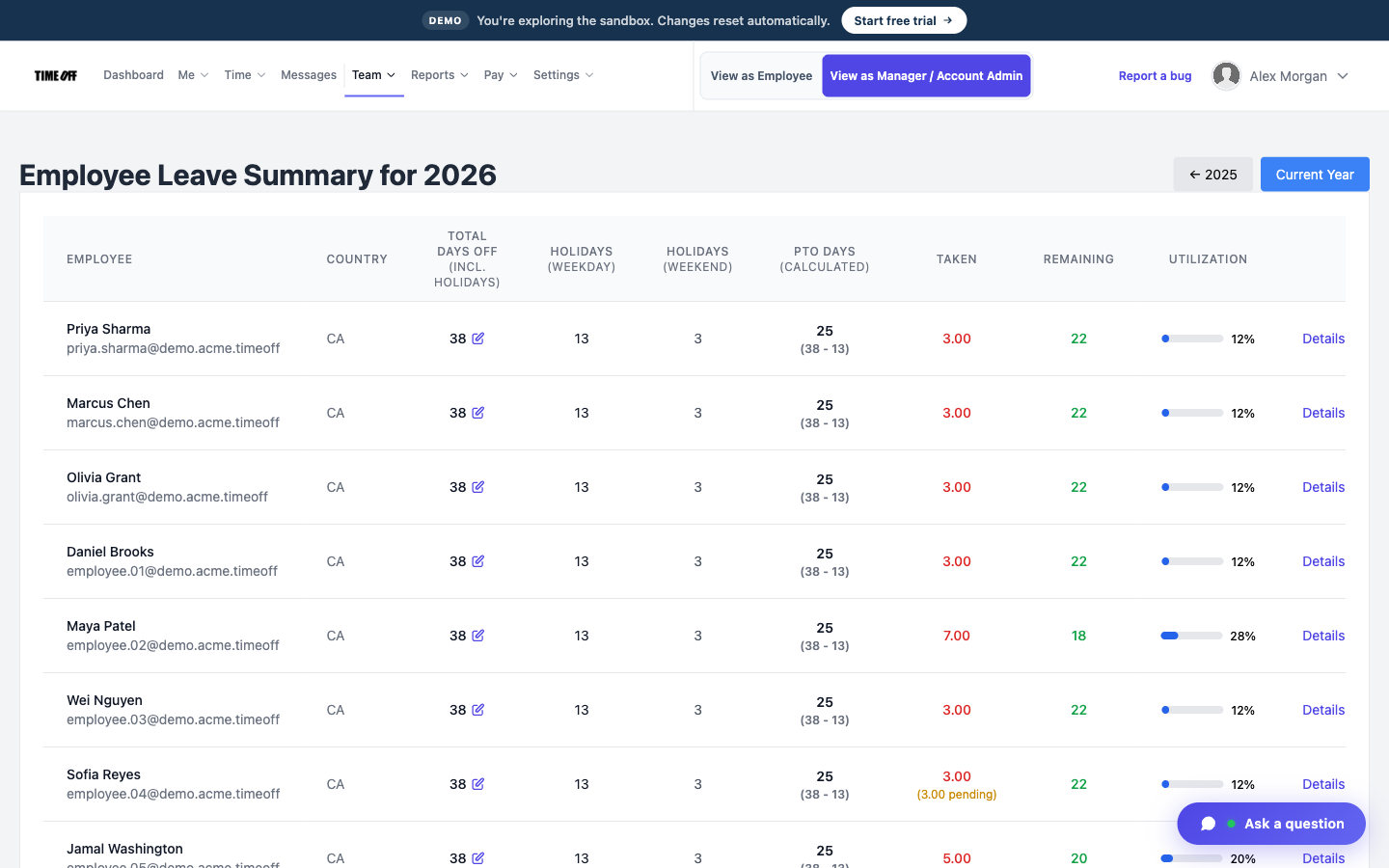
Days off left for each person
Part-time and seasonal staff
A short work week throws off the time-off balance in a spreadsheet.
Each person’s balance follows the time-off policy you set for them.
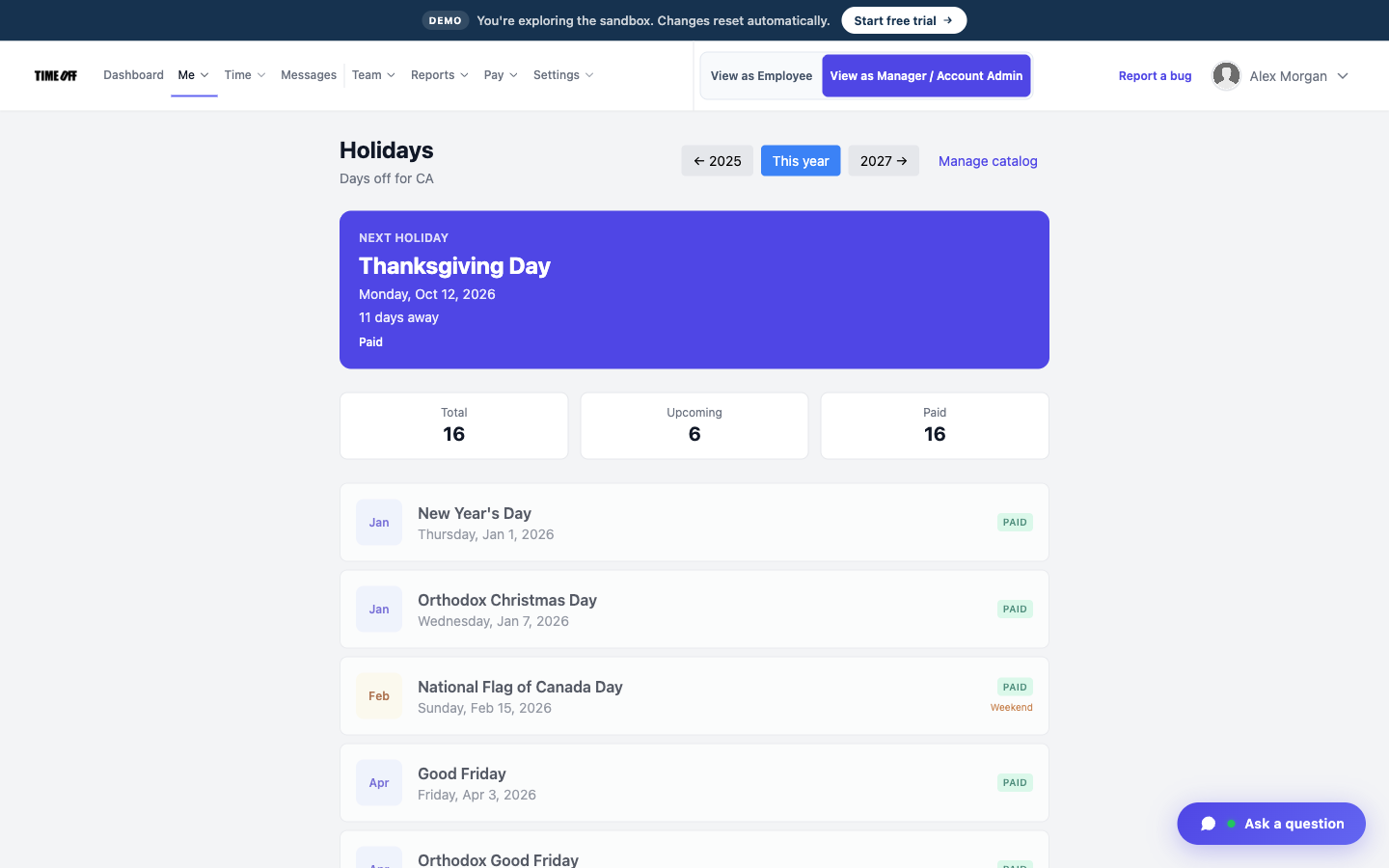
Public holidays, already loaded
US and Canadian holidays are already loaded
People mix up public holidays and the days the firm closes.
The holiday list covers the United States and Canada, so everyone can see which days are holidays.
Approved hours, ready for payroll
TimeOff Manager tracks hours. It doesn’t pay anyone. At the end of the pay period, a manager reviews and approves the hours. Then you download them as an Excel or CSV file and send it to whoever runs payroll: your bookkeeper, your accountant, or your payroll software.
-
Hours are approved first
A manager checks the hours before they go anywhere, so payroll gets real numbers, not guesses from a group text.
-
Overtime is flagged
Extra hours show up on the timesheet, so you can see overtime before you pay it.
-
Excel or CSV
One download your bookkeeper or payroll software can open.
-
Payroll happens elsewhere
TimeOff Manager does not calculate pay, print checks, or file taxes.
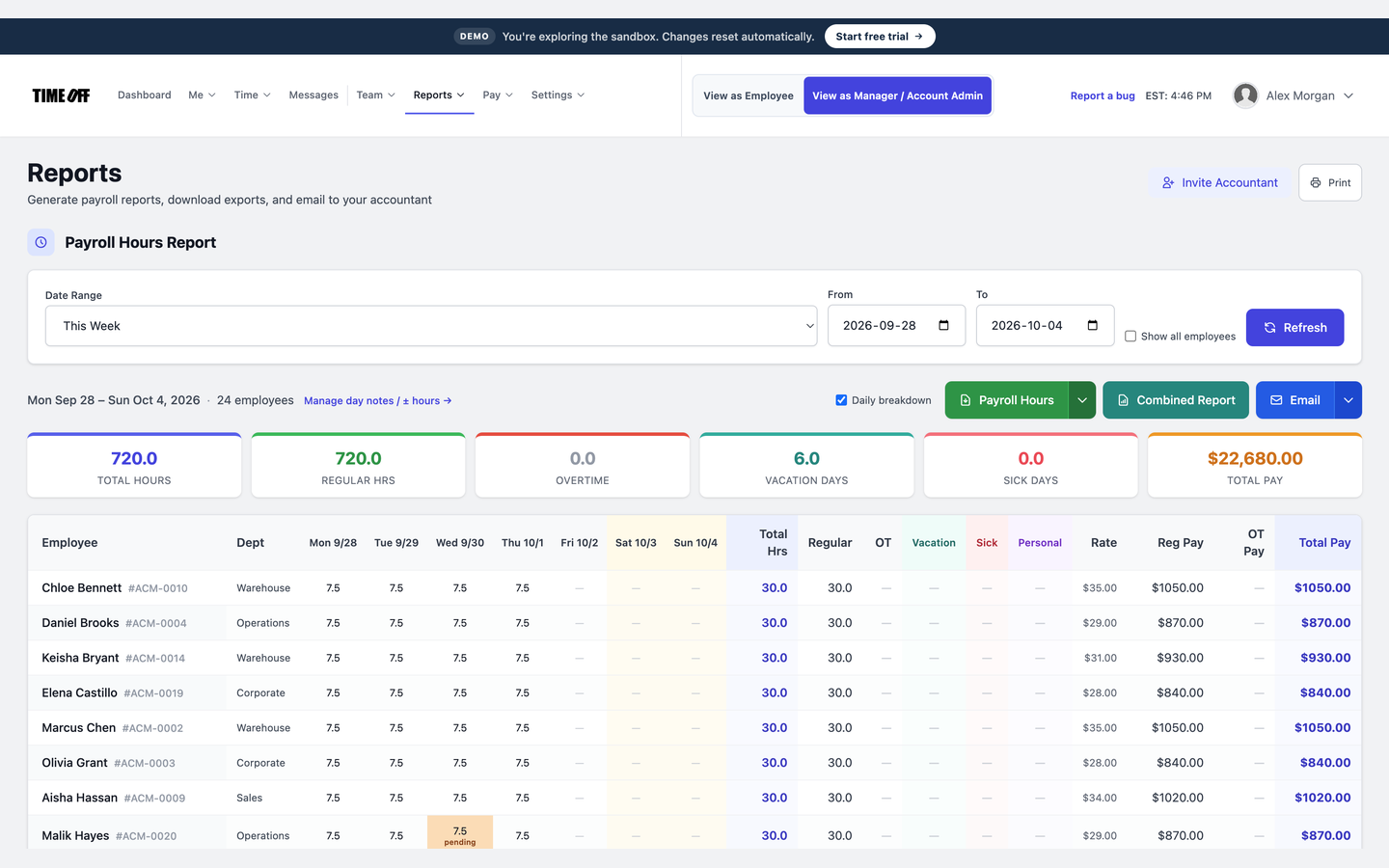
The hours report, ready to download
See it on the real product
These are real TimeOff Manager screens. Open the live demo to click around them yourself.
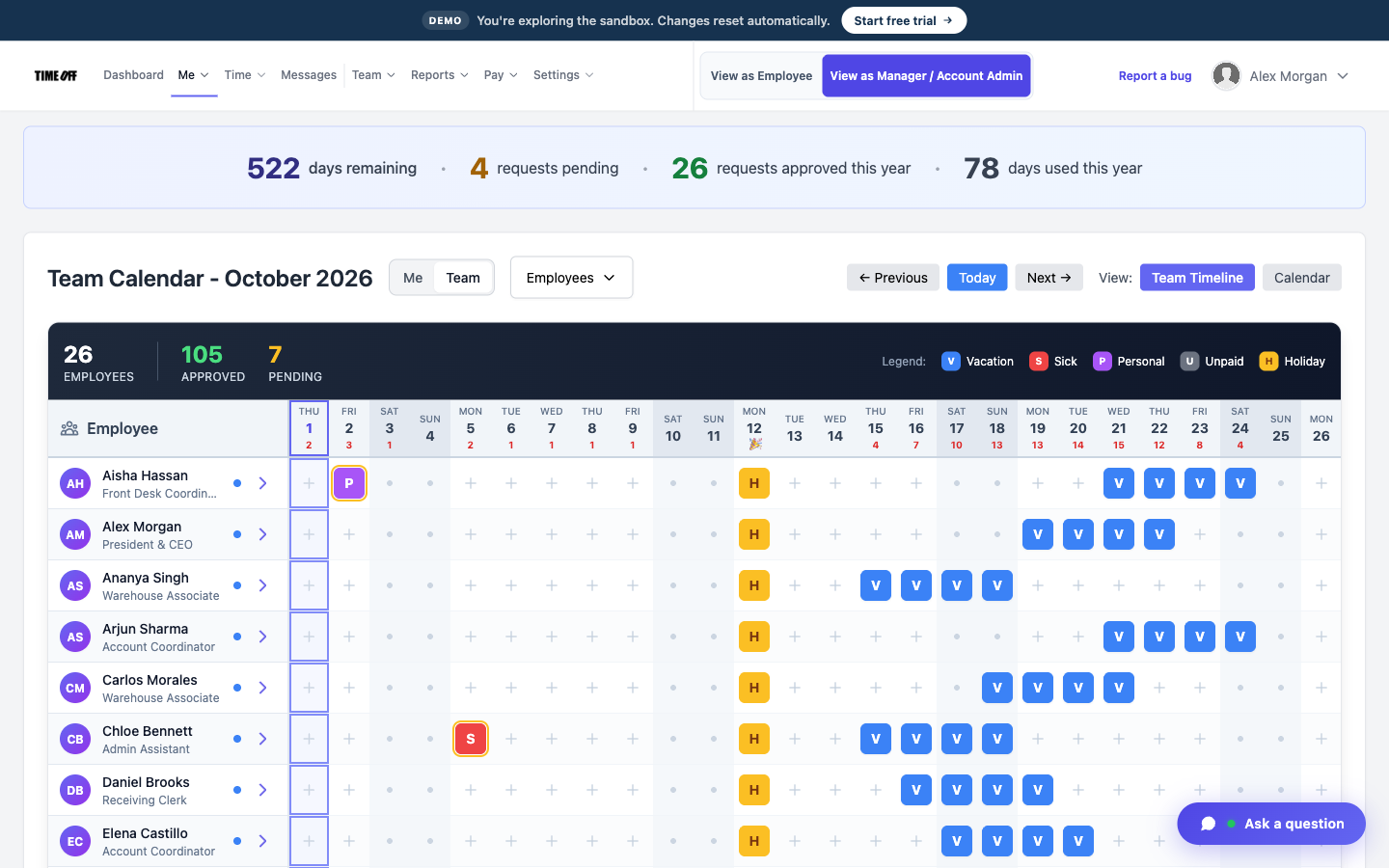
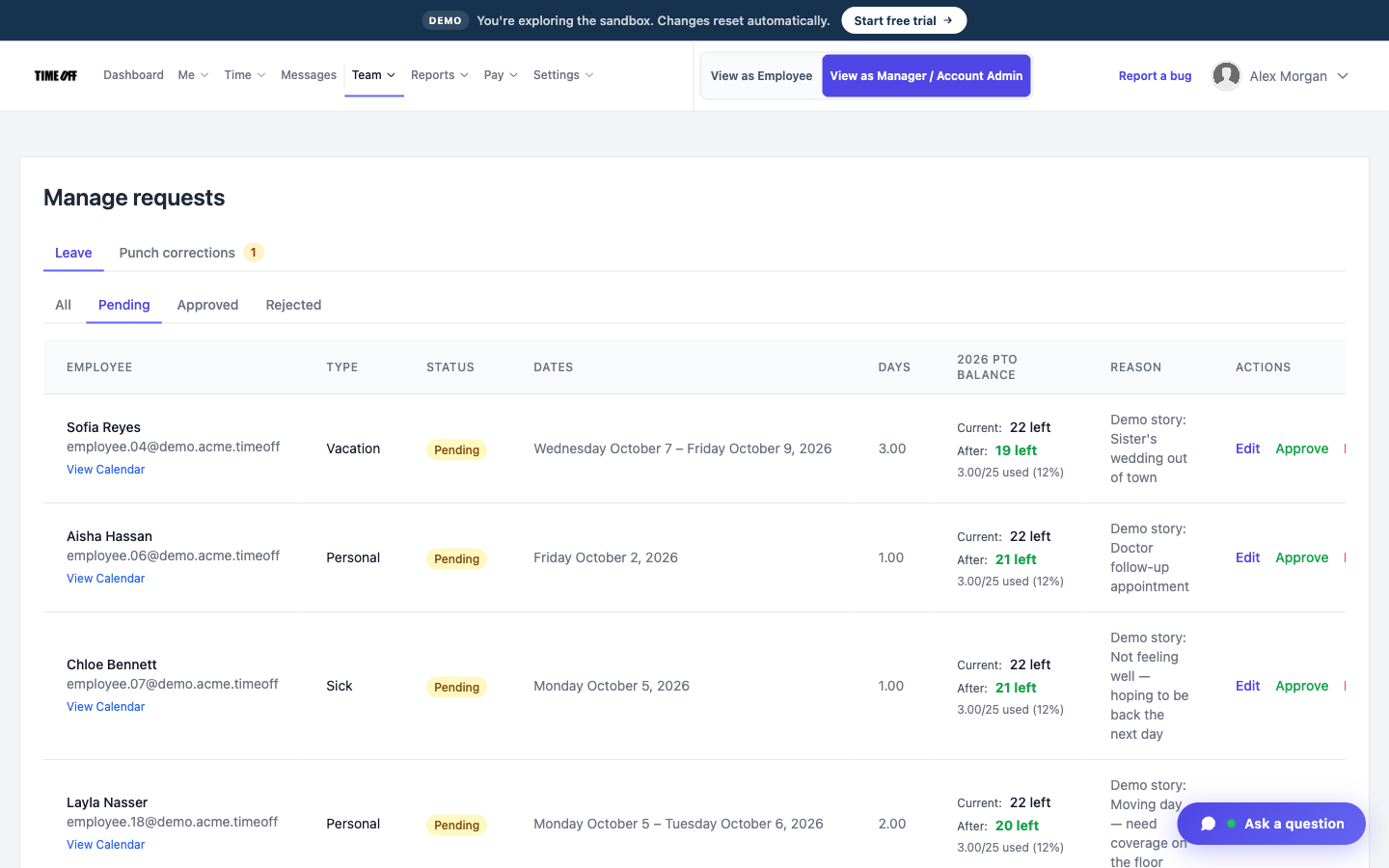
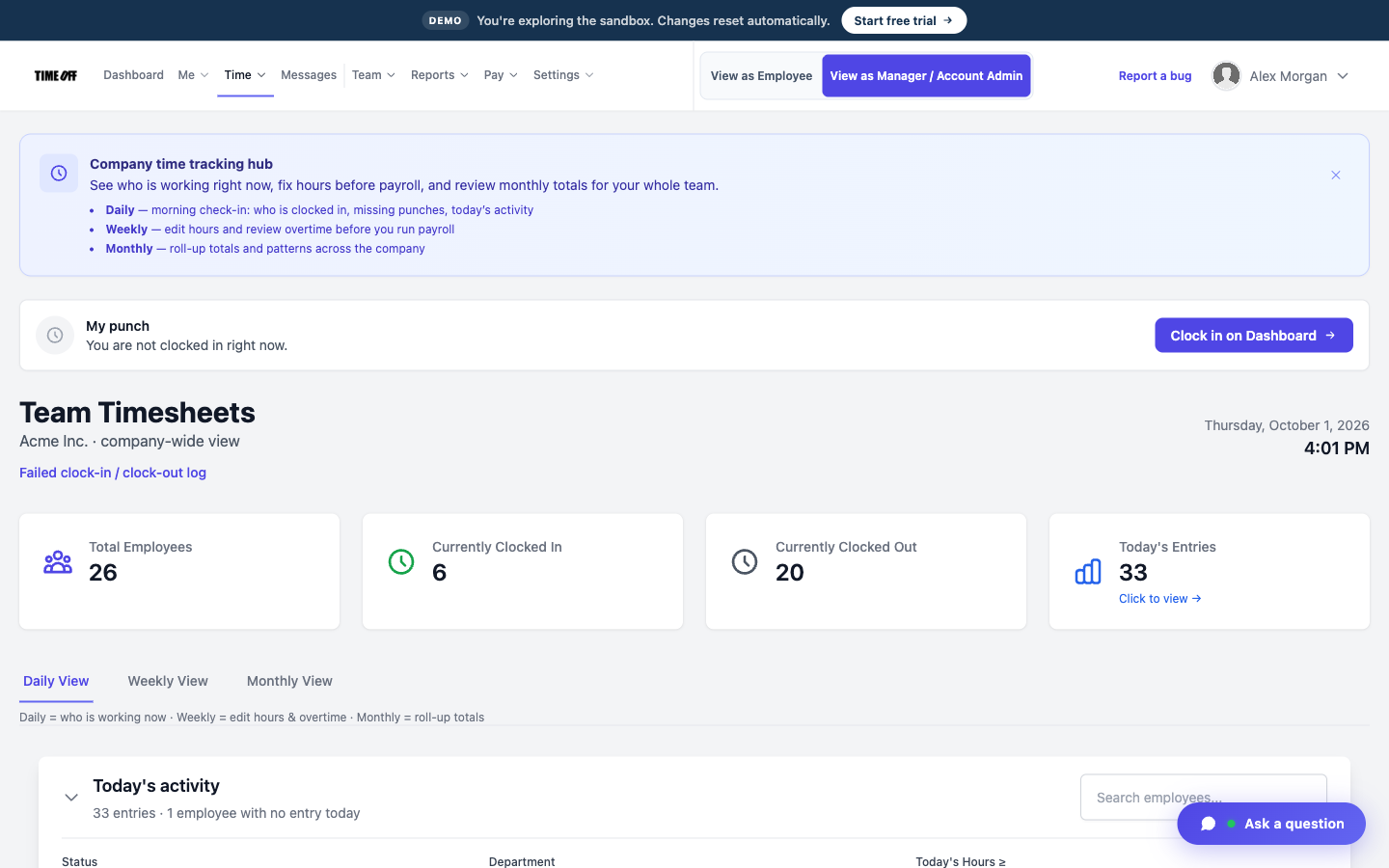
A typical day
-
1
Someone asks for a day off
They request it in the app, and their days left are already shown.
-
2
A manager approves it
The day shows on the team calendar.
-
3
Hourly staff clock in
If you track their hours, they clock in and out in the same account.
-
4
Hours go to payroll
Download the approved hours as a file. Client work stays in your other systems.
This is not bookkeeping or tax prep software
TimeOff Manager does not keep client books, file tax returns, or bill clients for engagements. It tracks staff time off, holidays, clock-ins, and the hours you download for payroll.
Also see time tracking software, TimeOff Kiosk, PTO software, and pricing.
Approved time off can sync to Google Calendar and Microsoft Outlook. Approved hours can go to QuickBooks Online or FreshBooks.


You can also ask ChatGPT, Claude, or Cursor questions about your account, like who is out next week, through Model Context Protocol.

Simple pricing
From $15/mo billed annually. Starter $15/mo · Growth $25/mo · Scale $49.99/mo. Every plan includes time off, clock-in, GPS, a shared-tablet kiosk, mileage, and hour downloads.
Common questions from accounting firms
Can we see who is out during busy season?
Yes. The team calendar shows all approved time off.
Do partners and staff use it the same way?
Anyone you add as an employee can request time off. You choose who is allowed to approve requests. It does not track partner draws.
What about part-time seasonal staff?
Add them as employees. Hourly people can clock in and out, and each person can have a different time-off policy.
How much does it cost?
From $15/mo billed annually after a 14-day trial. Starter is $15/mo for 1–20 people, Growth is $25/mo for 21–50, and Scale is $49.99/mo for larger teams.
Know who is out before deadline week
From $15/mo billed annually after a 14-day trial. Starter $180/year (1–20 users), Growth $300/year (21–50), Scale $49.99/mo or $479.90/year (51–1,000).