Agricultural Timesheets & Farm Staff Scheduling 2026
Harvest crews, seasonal hires, and parcel-to-parcel days break paper timesheets. See how GPS clock-ins, field schedules, and overtime review before payroll work for farms and orchards.

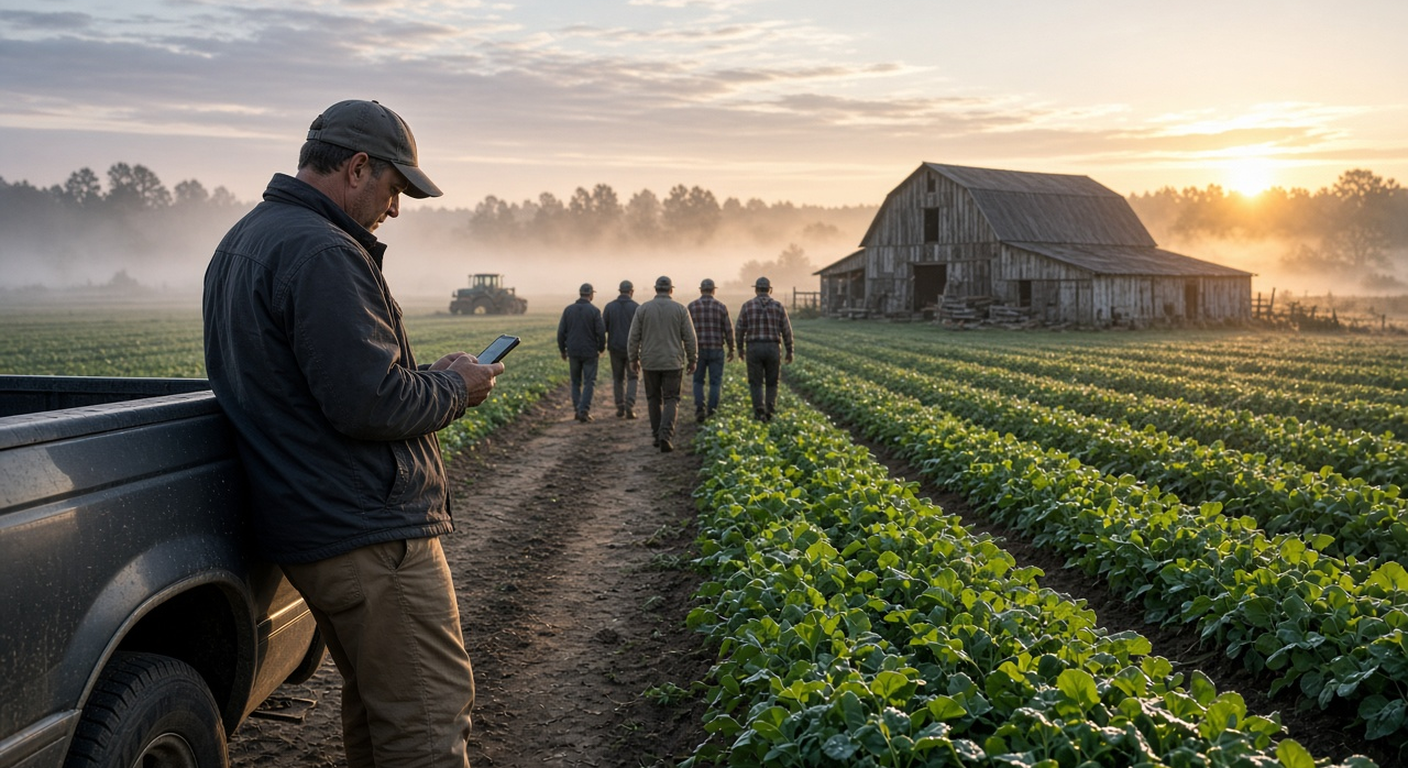
Field crews need clock-ins that work at the orchard gate—not only in the barn.
It's 5:40 a.m. on a picking morning. The orchard block is wet, three seasonal hires didn't text back, and your barn whiteboard still says yesterday's crew. By Friday you're staring at paper agricultural timesheets that all say "8 to 5," even though half the crew drove between parcels, two stayed late for irrigation, and someone forgot to clock out at the packing shed. You know the hours are wrong. You just can't prove which way before payroll.
This guide is for farm, ranch and orchard owners—and the crew leads who run the day—who need accurate farm staff scheduling and field time without turning harvest week into a spreadsheet fight.
Why farm timesheets break down in harvest season
A harvest day isn't one shift at one gate. It's early starts, weather delays, parcel-to-parcel moves, packing-shed overtime and a rotating cast of seasonal people. Paper sheets and "text me your hours" fall apart for predictable reasons:
- Field and barn are different workplaces. A morning check-in at the shop says nothing about who was in Block 4 vs. who stayed on the packing line.
- Drive time between parcels disappears. Minutes spent moving crews, water or bins get rounded into the block, left off, or padded—so you can't allocate labor cost by crop or field.
- Seasonal hires turn over fast. New names every week mean shared clipboards and hours that never quite match who was actually there.
- Overtime shows up after it's paid. In picking windows, 50-hour weeks creep in quietly until the payroll file is already locked.
- Irrigation and night covers collide with time off. Two people ask for the same weekend by text, and you find out when the pump house is short.
None of this is a people problem. It's a tooling problem. If clocking in takes more than a few seconds from a muddy truck cab, crews skip it.
What good agricultural timesheet software looks like
Whether you run a small orchard crew or a multi-parcel vegetable operation, the setup that holds up tends to have the same pieces:
- Clock-in on the crew member's own phone, with GPS saved at each clock-in—not a shared clipboard in the barn.
- A shared tablet PIN kiosk for packing-shed or shop staff who stay on one site.
- Job codes / work activities inside one clock-in so a lead can switch from "picking" to "drive between parcels" to "packing" without clocking out.
- Schedules that match picking and irrigation windows, so coverage is visible before dawn—not after.
- Mileage next to the hours when people drive personal vehicles between parcels or to market.
- Overtime visible before approval, plus leave and PTO in the same place.
- A clean Excel or CSV export your bookkeeper or payroll provider can open.
You don't need a full farm ERP for accurate hours. TimeOff Manager time tracking handles GPS clock-ins, timesheets, overtime, schedules, mileage and time off in one account. It doesn't replace your crop planner or payroll provider.
Field vs. barn: who clocks in where
What the crew does from the field
Each crew member signs in to the TimeOff Manager Pro app with their work email. The Today tab is where they clock in and out. When your clock rules require it, GPS is saved with the clock-in, and a photo can be required too—so you know who started at the north orchard gate vs. the packing shed. The employee mobile app guide covers the Today, Time, Leave and More tabs.
If you turn on work activities, the person taps to switch activity while staying clocked in. Each segment keeps its own duration, so a Tuesday can read "Picking 4.5 h, Drive between parcels 0.8 h, Packing 2.2 h" instead of one flat block. That is how agricultural timesheets start showing cost by task.
Miles go on the same phone for personal-vehicle runs between parcels or to a CSA drop—live GPS trip or save-after. See the mileage hub and submit trip guides. Crew members can also review hours under the employee timesheet overview and check My schedule.
What packing-shed and shop staff do on the kiosk
For packing-line, cooler and shop staff who stay on site, put a shared tablet at the door with TimeOff Kiosk. An admin signs in once; each person clocks in and out with their own PIN. The kiosk overview covers that flow. Field crews keep the phone app; barn crews use the kiosk. Same timesheet week for both.
What the owner or crew lead does
On review day, open the manager timesheet hub. The Weekly view splits regular and overtime hours—approve there before payroll. Mileage claims go through Mileage Management. Set overtime thresholds in overtime rules, and use the PTO, clocks and overtime guide when you wire leave and hours together the first time.
Drive between parcels, overtime and payroll timing
Write the rules before peak harvest—not after the first dispute.
- Home to first field. The ordinary commute from home to work usually isn't work time under common federal hours-worked ideas. If people take a farm vehicle home, check your state and write the policy down.
- Barn first, then out. If the crew must report to the shop for bins, radios or the day's map, the drive from the barn to the first parcel is generally work time. Have them clock in at the barn.
- Parcel to parcel. Travel between fields during the day is generally work time. A "Drive between parcels" work activity makes it visible instead of buried inside "picking."
- Irrigation or night cover. Leaving for a late irrigation check is work. Clock in when they leave and out when done, so Friday isn't reconstructed from memory.
If you require a schedule to clock in, people can't start on a day they aren't scheduled. Useful for a fixed core crew; awkward for last-minute harvest help. Leave that rule off for seasonal pickers, or schedule the rotation through schedule management. Leads can adjust days with employee schedule edit, and schedule validation helps gaps show up before dawn. This is not legal advice—confirm travel and overtime policy with your advisor or payroll provider.
Staff scheduling for picking windows and irrigation
Agriculture staff scheduling software only helps if the schedule matches how the farm runs: early starts, weather holds, and short windows when fruit or veggies have to come off.
Build the week around real constraints—trucks, cooler capacity, packing-line seats—then publish so people see their shift on their phone. Time-off requests go under My requests; you approve from leave request management and watch balances in leave summary. Define leave types (seasonal unpaid, illness, personal) in leave types so text messages stop being your system of record. A simple rule many farms use: no more than one experienced lead off during peak picking weeks, first approved first served.
Set it up in one afternoon before the next picking week
- Turn on time tracking and set clock rules: GPS on clock-in, photo or not, schedule required or not for seasonal vs. year-round staff.
- Create five or six work activities: Picking, Packing, Drive between parcels, Irrigation, Shop / barn, Training. Keep the list short.
- Set overtime thresholds so long harvest days are visible before you approve.
- Turn on mileage if you reimburse personal vehicles between parcels or for market runs.
- Put a kiosk in the packing shed for staff who don't use a phone for work.
- Build next week's schedule around picking and irrigation windows.
- Run one week in parallel with your old sheet, compare totals, then switch.
- Pick an approval day (Thursday afternoon works for many farms), fix missed clock-outs, approve, then download Excel or CSV for payroll.
After the 14-day trial: Starter $180/year (1–20 people), Growth $300/year (21–50), Scale as listed on the site. Start a trial when you're ready.
How this differs from shop or trades setups
Auto shops lean on bay kiosks; HVAC and trades chase call-to-call van time. Farms need the same honest hours, but the pattern is parcels, seasonal headcount and weather windows. For a bay-first setup see the auto shop time tracking guide; for phone GPS clock-ins more broadly, see clock in app with GPS for small business.
Compliance notes
This is not legal advice. Hours-worked and agricultural employment rules depend on where your crew works, seasonal vs. year-round status, and which federal or state programs apply.
- U.S. Department of Labor, Fact Sheet #22: Hours Worked under the FLSA.
- Federal rules on travel that is part of the day's work and home-to-work travel.
- Confirm H-2A or state ag rules with counsel if they apply to your operation.
- In Canada, provincial rules apply; Ontario employers can start with the Employment Standards Act guide and any farm-specific exemptions.
Location data is personal data. Tell your crew what's recorded and when, in writing. TimeOff Manager records GPS at clock-in when you require it—make that clear to seasonal hires on day one.
Try it on your own harvest crew
See GPS clock-ins, work activities, schedules and overtime on the time tracking software page, explore the mobile app and kiosk for field vs. barn, try the live demo, or start a 14-day trial and run one week beside your old agricultural timesheets.
FAQ
What is agricultural timesheet software?
It records when each crew member starts and stops work, where they clocked in, and how the day splits between field work, drive time between parcels, packing and barn time. TimeOff Manager does that on each person's phone or a shared tablet kiosk, adds mileage, schedules and time off in the same account, and lets a manager approve the week before hours go to payroll.
Can field crews clock in at the orchard gate instead of the barn?
Yes. Crew members clock in from the TimeOff Manager Pro app wherever the day starts. GPS is saved with the clock-in when your rules require it, so you can see whether someone started at the north parcel vs. the packing shed.
Is drive time between parcels paid?
Under common federal hours-worked ideas, travel from one work site to another during the workday is generally work time, while the normal commute from home to the first site usually isn't. Your state or province can add rules, and agricultural operations can have extra considerations—confirm with your own advisor. This is not legal advice.
How do seasonal harvest hires get set up quickly?
Add them to your roster, give them the mobile app login (or a kiosk PIN for packing-shed staff), assign them to the week's schedule, and keep work activities to a short list. Approve hours from the manager timesheet hub before payroll.
Can I see harvest overtime before I run payroll?
Yes. Set company overtime thresholds, review regular versus overtime hours in the weekly timesheet view, and approve only after the week looks right. TimeOff Manager flags the hours; your payroll provider still calculates pay.
Does this replace farm management or payroll software?
No. TimeOff Manager doesn't plan crops, manage inventory or cut paychecks. It records clock-ins, work-activity time, drives, schedules and time off, then exports approved hours as Excel or CSV.
Is there a free trial?
Yes. You get a 14-day trial with time tracking, GPS clock-in, mileage, the shared-tablet kiosk, schedules and time off included. After the trial, Starter is $180/year for 1–20 people and Growth is $300/year for 21–50, with Scale as listed on the site.