TimeOff Kiosk (PIN clock)
Shared-device PIN clock: activate a browser at /clockin or install the TimeOff Kiosk app. Employees punch without a full login. If a schedule is required to clock in, the kiosk enforces it for everyone.
/clockin
Roles
Employees (PIN) · Company admin / HR (activation)
TimeOff Kiosk is the PIN time clock for a shared tablet or a dedicated kiosk phone. Employees punch without signing into the full product. That is a different app from TimeOff Manager (email login).
Kiosk vs employee app
- Kiosk — one device, many PINs, front desk or warehouse door. Landing page: /kiosk-app.
- TimeOff Manager app — each person signs in on their own phone for leave, mileage, stubs, and more.
What /clockin is
- Not activated yet —
/clockinsends you to Kiosk Setup (/clockin/setup). An administrator signs in once to bind the browser (or app) to the company. - Activated — PIN pad for that company. A cookie (web) or kiosk mode (native app) keeps the device bound until you deactivate it.
Activating a device
A company admin or HR manager enters email and password and taps Activate Kiosk. After that, staff use the PIN from their employee profile. Forgot-punch from the kiosk uses PIN as well (see Forgot to punch). Report a bug is on the kiosk footer (web) and on the TimeOff Kiosk PIN / clock screens in the native app.
If the company enabled work activities, a clocked-in employee can tap Switch activity on the kiosk (or signed-in timesheet) without clocking out.
Deactivate when you retire the tablet or move it to another site.
TimeOff Kiosk on the stores
Install TimeOff Kiosk from the App Store or Google Play (links on /kiosk-app). It is a shared-tablet PIN clock. Personal phones use TimeOff Manager, not this kiosk.
Requirements
- Time tracking must be on (setup wizard or company settings).
- Treat the device as dedicated: anyone with a PIN can clock in.
- GPS and selfie follow Clock rules, same as web clock.
- If Require a schedule to clock in is on, the kiosk needs a schedule for everyone (including admins). Turn that rule off in Company settings → Clock rules to let people clock in without a roster.
Clock in without a signal
Looking up a person by PIN still needs a network. After the employee is identified and GPS/photo are captured, if the clock-in or clock-out request times out, the TimeOff Kiosk app saves the event on the tablet and shows a receipt that it is waiting to send. When wifi or cellular returns, the tablet sends the saved event with the original time and location. Schedule, geofence, and photo rules are not skipped — they apply to what was captured at the tap.
Product screenshots
Kiosk Setup — fresh browser, no kiosk cookie (Acme not bound yet on that profile).
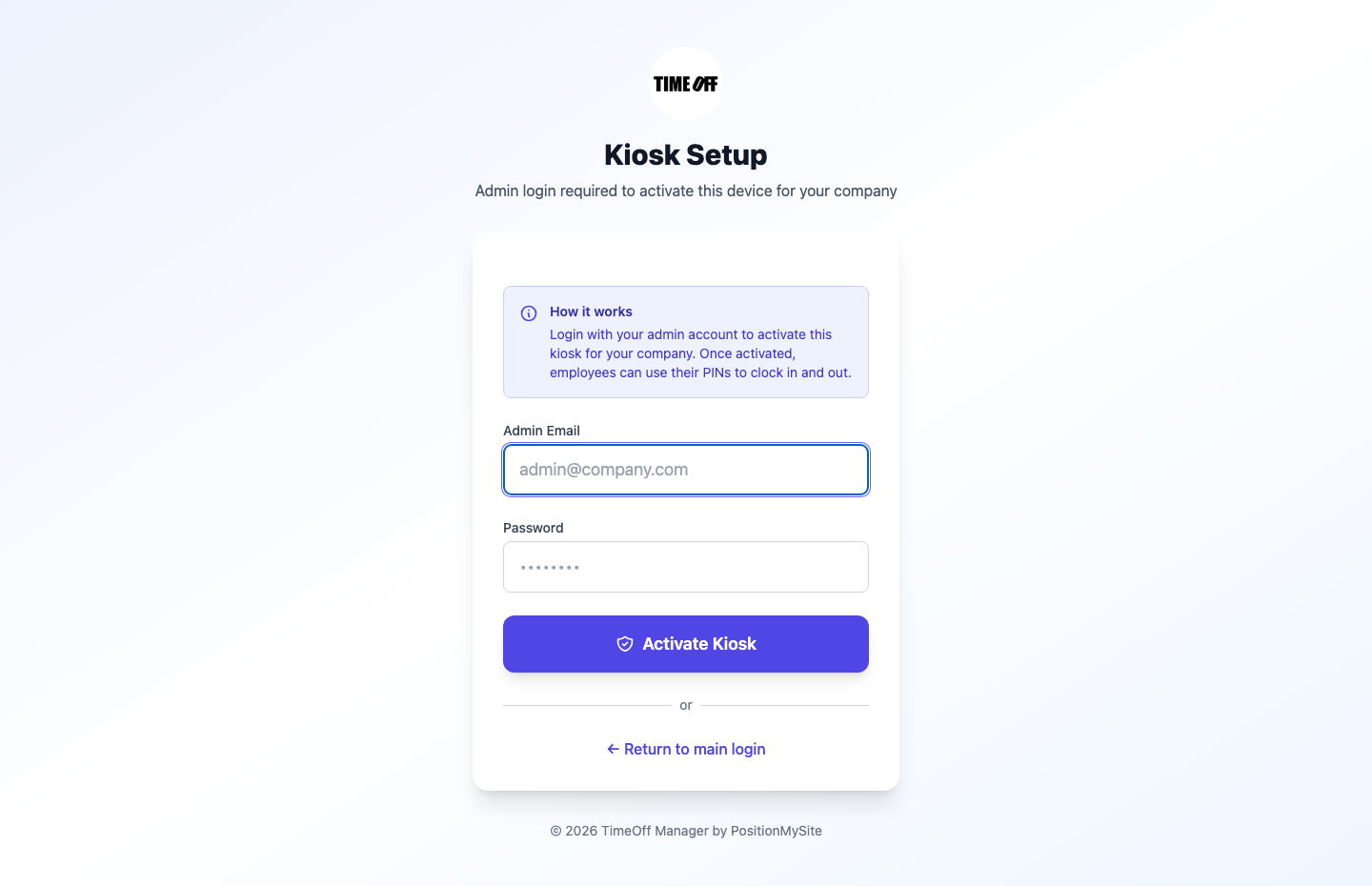
Time clock kiosk — activation screen (/clockin when inactive).
Store landing — public /kiosk-app page with App Store and Play links.
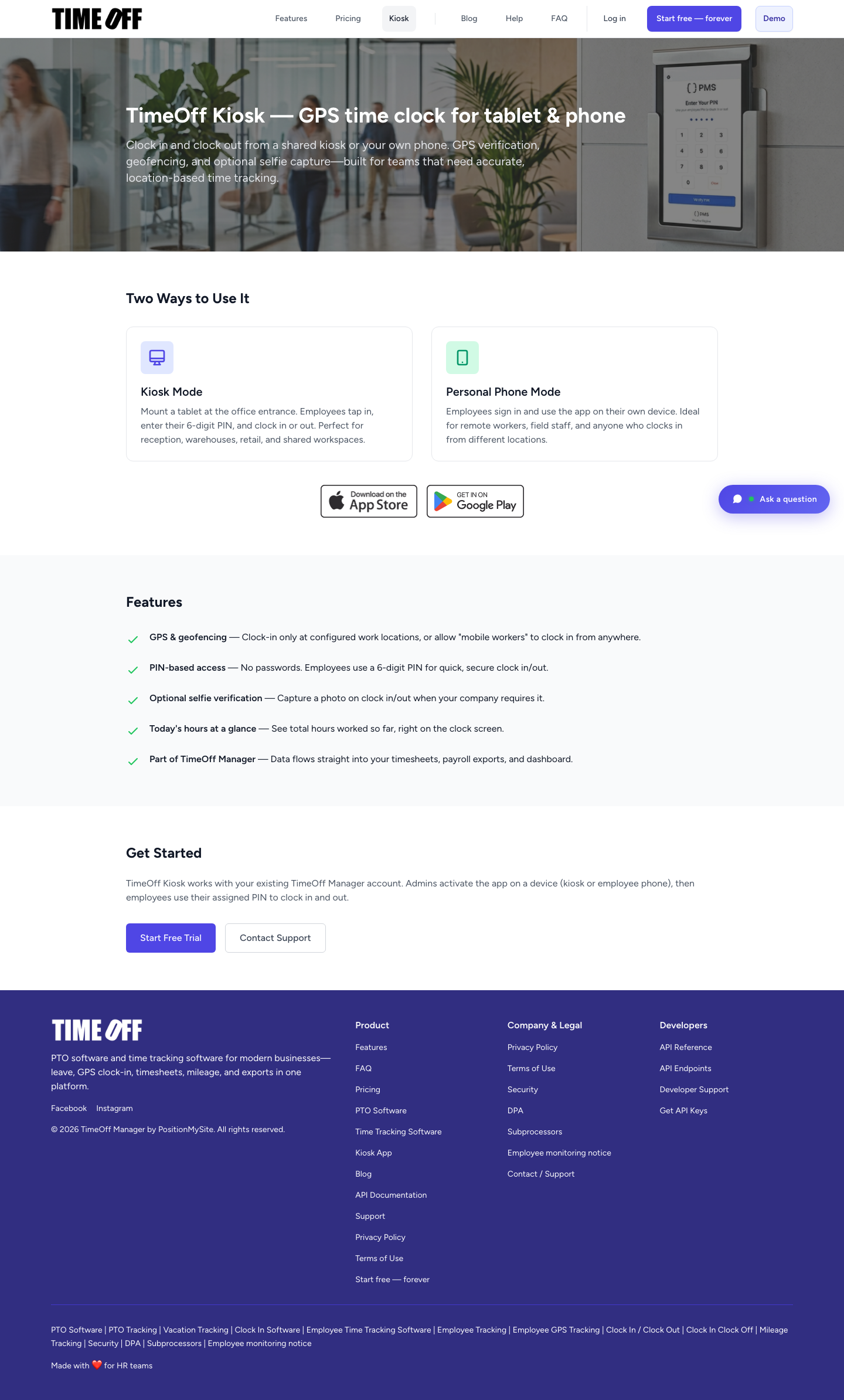
TimeOff Kiosk — public app page (/kiosk-app).