Leave: Custom leave types (admin)
Manage company leave types at /admin/leave-types when custom types are enabled: list, add, edit, reorder; vacation and sick are mandatory; codes are lowercase_snake_case.
/admin/leave-types
Roles
Company admin
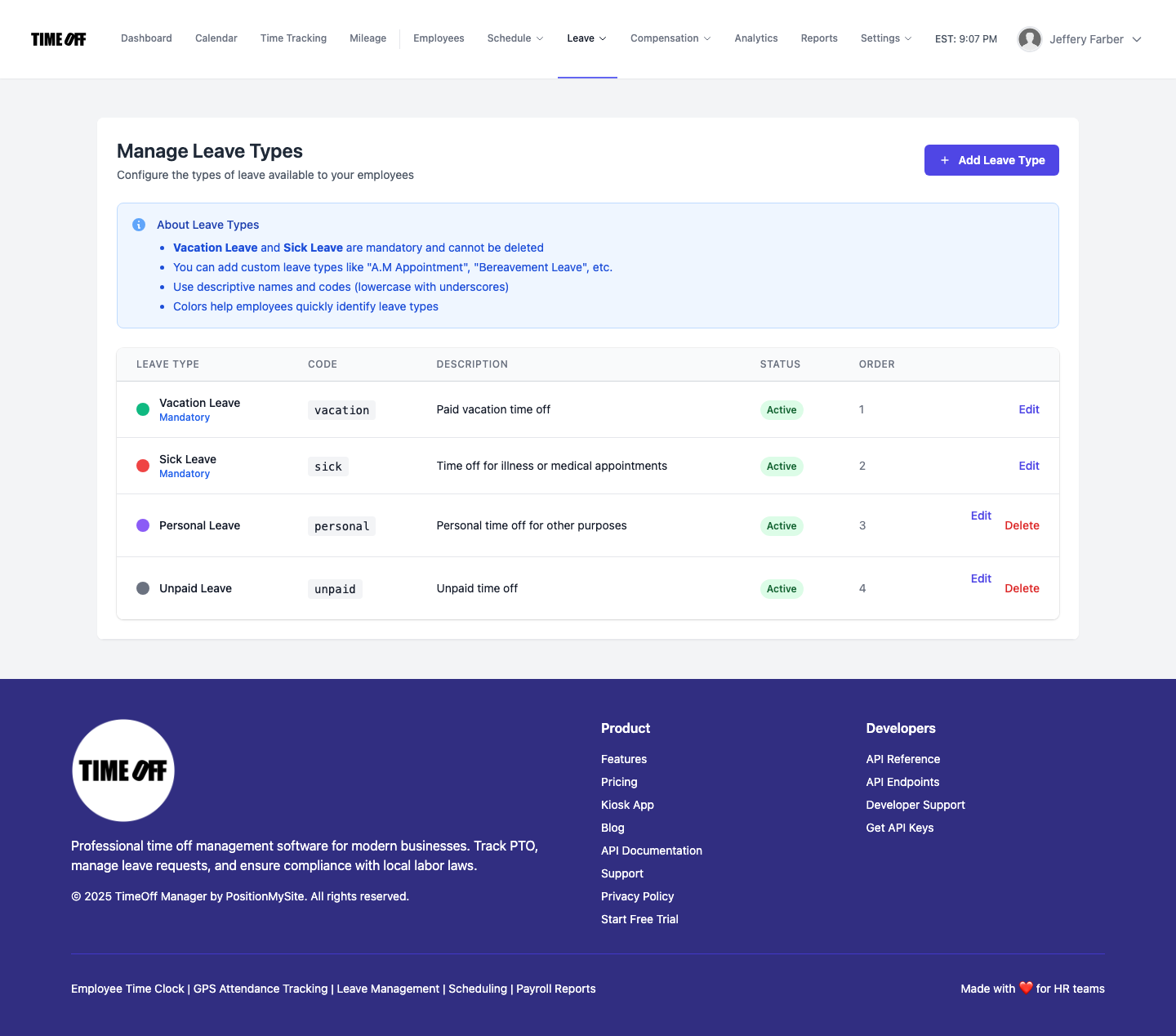
Manage Leave Types at /admin/leave-types is where company administrators define which leave categories appear when employees request time off — names, codes, colors, order, and active state — when custom leave types are turned on for the company.
Overview
Every company has core behavior for vacation and sick leave. With custom types enabled, you can add labels such as bereavement, appointments, or unpaid leave so reporting and employee picklists match your policy. Changes here affect new and edited requests that reference those types (exact behavior depends on your tenant’s rules).
Enabling access
Turn on custom leave types for the company (e.g. in the Setup wizard or equivalent settings). If the feature is off, visiting /admin/leave-types redirects to the dashboard with a message to enable it first. The listing requires a user with an associated company and the flag set on that company record.
What’s on the page
- Header — Manage Leave Types and short description.
- Add Leave Type — opens the create form (/admin/leave-types/create).
- About Leave Types — in-page summary of mandatory types, naming, codes, and colors.
- Table or empty state — list with type name, code, color, sort order, status, and actions to edit or remove (where allowed).
Rules & tips
- Vacation and sick are mandatory — they cannot be deleted; sick/vacation codes cannot be duplicated.
- Codes — lowercase letters and underscores only (e.g.
bereavement); must be unique per company. - Colors — help employees spot categories in calendars and lists.
- Reorder — controls display order where your app supports it.
Related
Employees choose types from My requests. Approvers use Manage requests and Employee summary. Broader PTO rules often live under Company settings (time off section).
Product screenshot
Automated capture: full page after login as demo company admin (custom leave types enabled).
Custom leave types — /admin/leave-types