TimeOff Manager Pro
Signed-in iOS/Android app (TimeOff Manager Pro) for employees and managers: clock, leave, mileage, approvals, schedule, and pay stubs. Not the PIN kiosk app.
TimeOff Manager Pro (App Store / Google Play)
Roles
Employee · Manager · HR manager · Company admin
The TimeOff Manager Pro phone app is a signed-in workspace for employees and managers. You use your work email (the same login as the website). It is not TimeOff Kiosk, which is PIN-only on a shared tablet.


Two apps
| App | Who | How you identify |
|---|---|---|
| TimeOff Manager | Each person’s own phone | Email + password (or company SSO if you use it) |
| TimeOff Kiosk | Shared tablet by the door | Employee PIN after an admin activates the device |
What you can do
Typical tabs: Today (clock and what’s next), Time (hours and punches), Leave (requests), and More (mileage, schedule, holidays, pay stubs, team approvals if you manage people).
- Clock in / out with GPS when your company requires it (and a selfie when Clock rules say so).
- Request leave, see My pending, and (managers) the same mixed approvals inbox as the web dashboard.
- Start/stop a live mileage trip, view My Schedule, holidays, and pay stubs.
- Managers can open the live staff map when live location is on.
- Report a bug from More (and Settings → Support).
Clock in without a signal
If your phone cannot reach the server when you clock in or out, TimeOff Manager Pro still saves the clock event on the device — including the time you tapped, GPS, and photo when required. You will see a banner: Saved on this phone — will send when you have a signal. When the network returns (or you open the Time screen again), the app sends the event. Company rules still apply: geofence, schedule, and photo are checked against what was captured at tap time, not against your location at sync time. The website clock-in page does not queue offline; use the phone app (or TimeOff Kiosk) for that.
Same company on the web
Practice on the Acme demo website first — the screenshots below are Jeffery Farber’s Acme workspace on a phone-sized browser, the same data the native app uses after you sign in.
Store listings ship on their own release cycle; ./deploy.sh updates the website and API, not the App Store binary.
What stays on the website
- Payroll runs (approve and mark paid) — employees still download stubs in the app.
- Company invoicing / native billing, API keys, setup wizard, and most company-settings tabs.
- The PIN kiosk activation flow — that is TimeOff Kiosk.
Product screenshots
Acme demo, company admin, phone viewport — same login as the website.
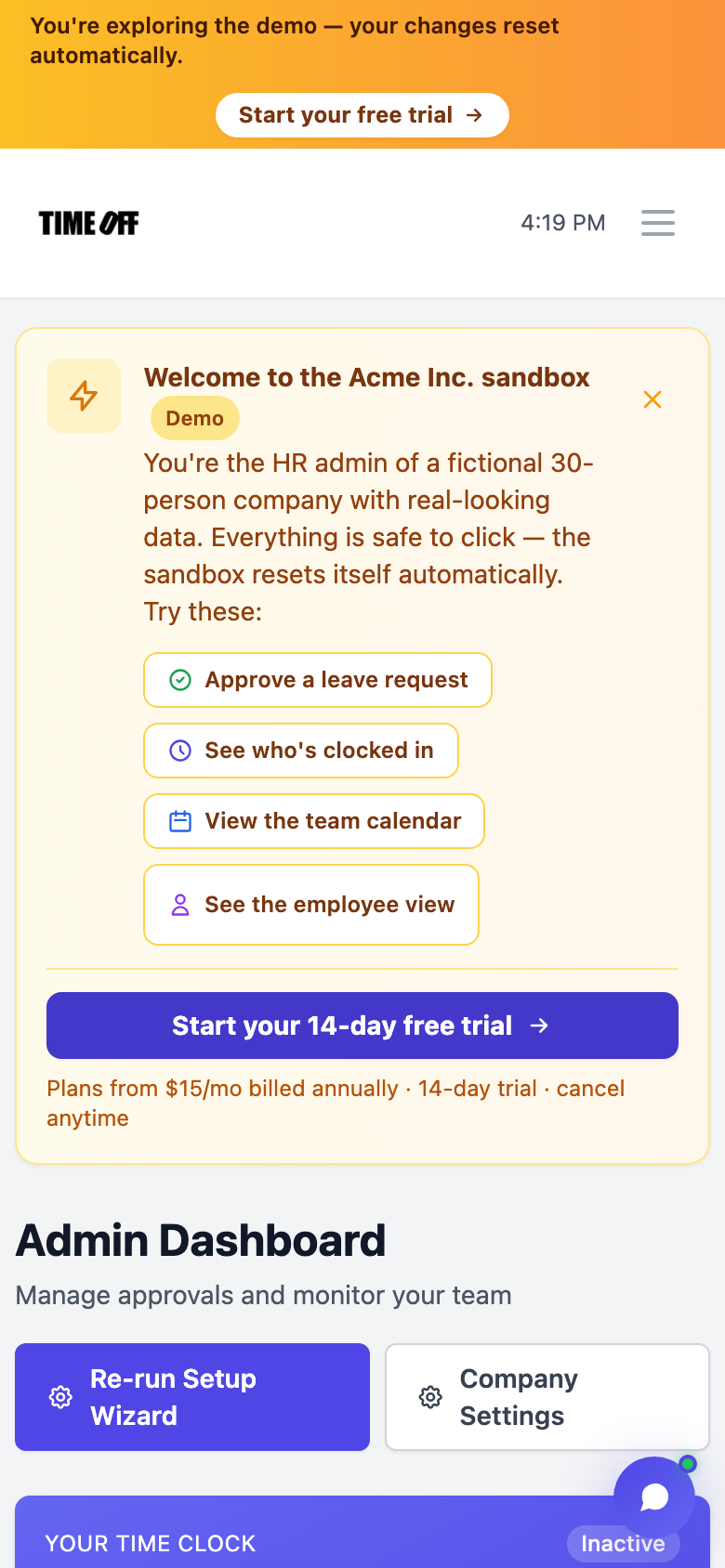
Today / home — Acme demo on a phone viewport (same account as the native app).
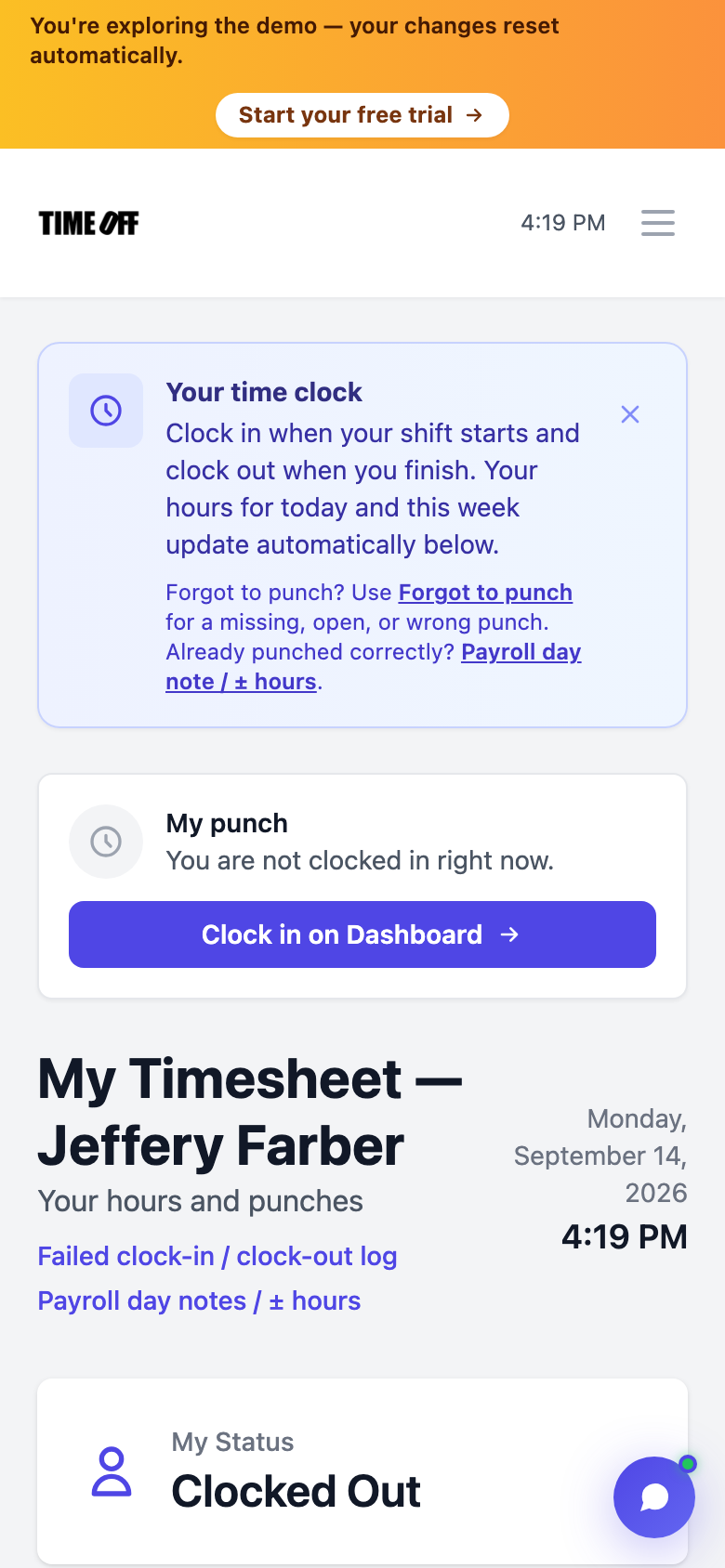
Time — employee timesheet in the Acme demo (phone viewport).