Work activities (admin)
Settings → Work Activities at /admin/work-activities: enable tracking, add billable codes, then staff switch activity on a punch (kiosk/web/app). Activity Reports appear in Settings when tracking is on. Not the live map.
/admin/work-activities
Roles
Company admin
Work activities split a shift into job codes (billable vs not) so kiosk, web, and app punches can switch mid-shift. The catalog lives at /admin/work-activities under Settings → Work Activities.
What it is
Optional. Off by default. It is not the live staff map and not a leave type. Use it when people change tasks during the same clock-in (warehouse vs delivery, shop vs travel).
Turn tracking on
Company admins open Work Activities and Settings on that page: enable activity tracking, choose hours vs percentage allocation, and optionally rates (default hourly rate, overtime multiplier). You cannot add activities until tracking is on.
Activity catalog
Add Activity sets name, optional short code, color, rate type (standard / overtime / premium / custom), optional hourly rate, billable flag, and description. Drag to reorder. If a code has already been used on punches, delete is blocked — deactivate instead.
Switching on a punch
With tracking on, staff pick or switch the current activity from the signed-in timesheet and from the PIN kiosk (Switch activity) while clocked in. Each segment stores duration (and cost when rates are on).
Activity reports
When tracking is enabled, Settings → Activity Reports (/admin/activity-reports) shows time by activity. That report is hidden while tracking is off.
The Acme sandbox often ships with tracking off, so the hub still shows the enable card without a full catalog — turn it on there to try Add Activity.
Product screenshot
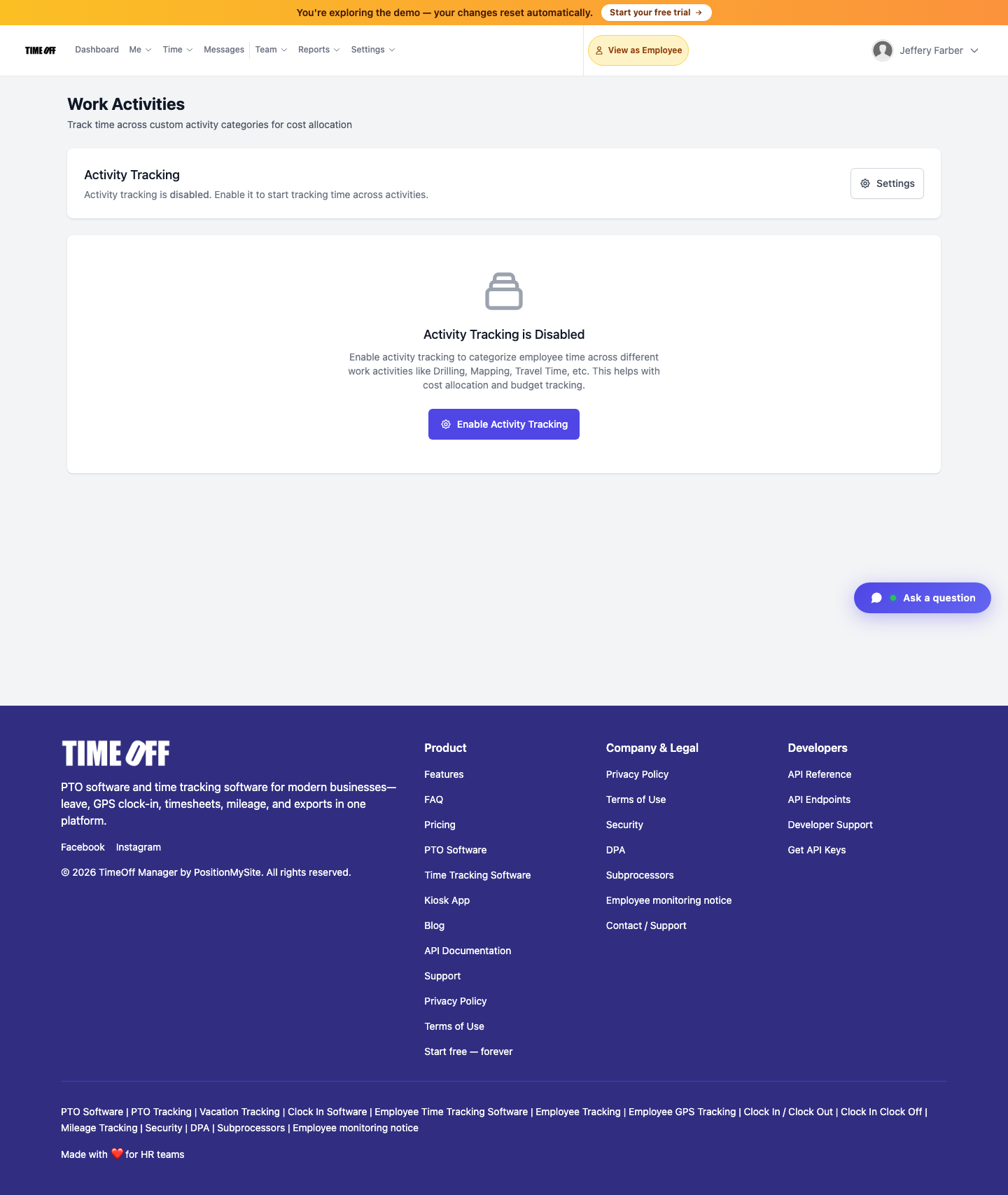
Work Activities — /admin/work-activities (Acme demo).