
Time Off Request Software: From Ask to Answer (2026)
PTO requests by text and email get lost. Here's what a good time off request flow looks like, from the employee's ask to the manager's answer to payroll.

Expert insights, best practices, and practical guides for modern HR professionals and business leaders managing employee time off.
Know who still has vacation in the bank, which teams are trending heavy on sick days, and what happened to every request, without building a spreadsheet each month.
PTO requests by text and email get lost. Here's what a good time off request flow looks like, from the employee's ask to the manager's answer to payroll.
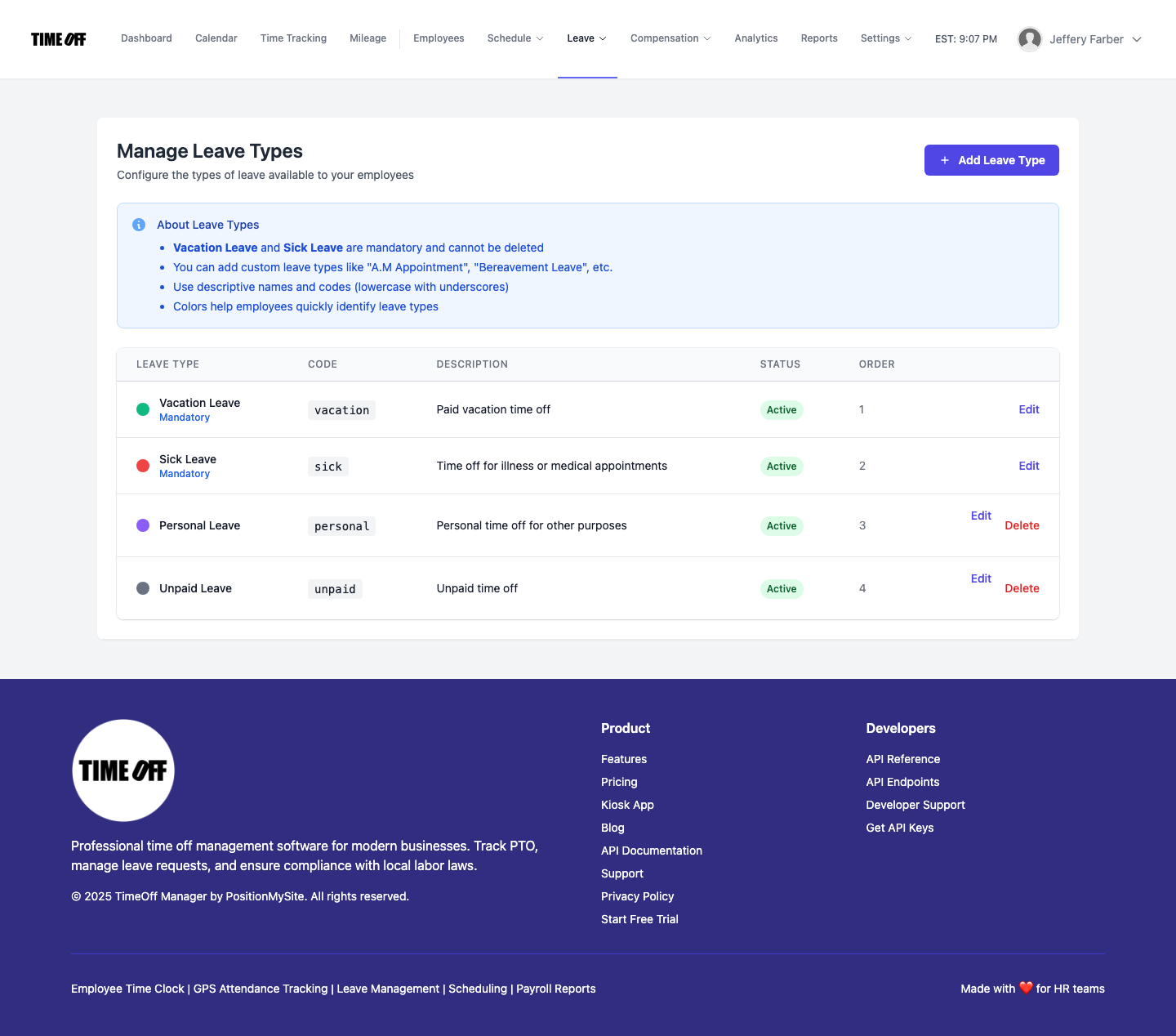
Vacation and sick alone rarely match a real handbook. With custom leave types enabled, company admins manage Personal, Unpaid, Bereavement, and more at /admin/leave-types—names, codes, colors, and order that employees pick when they request time off.
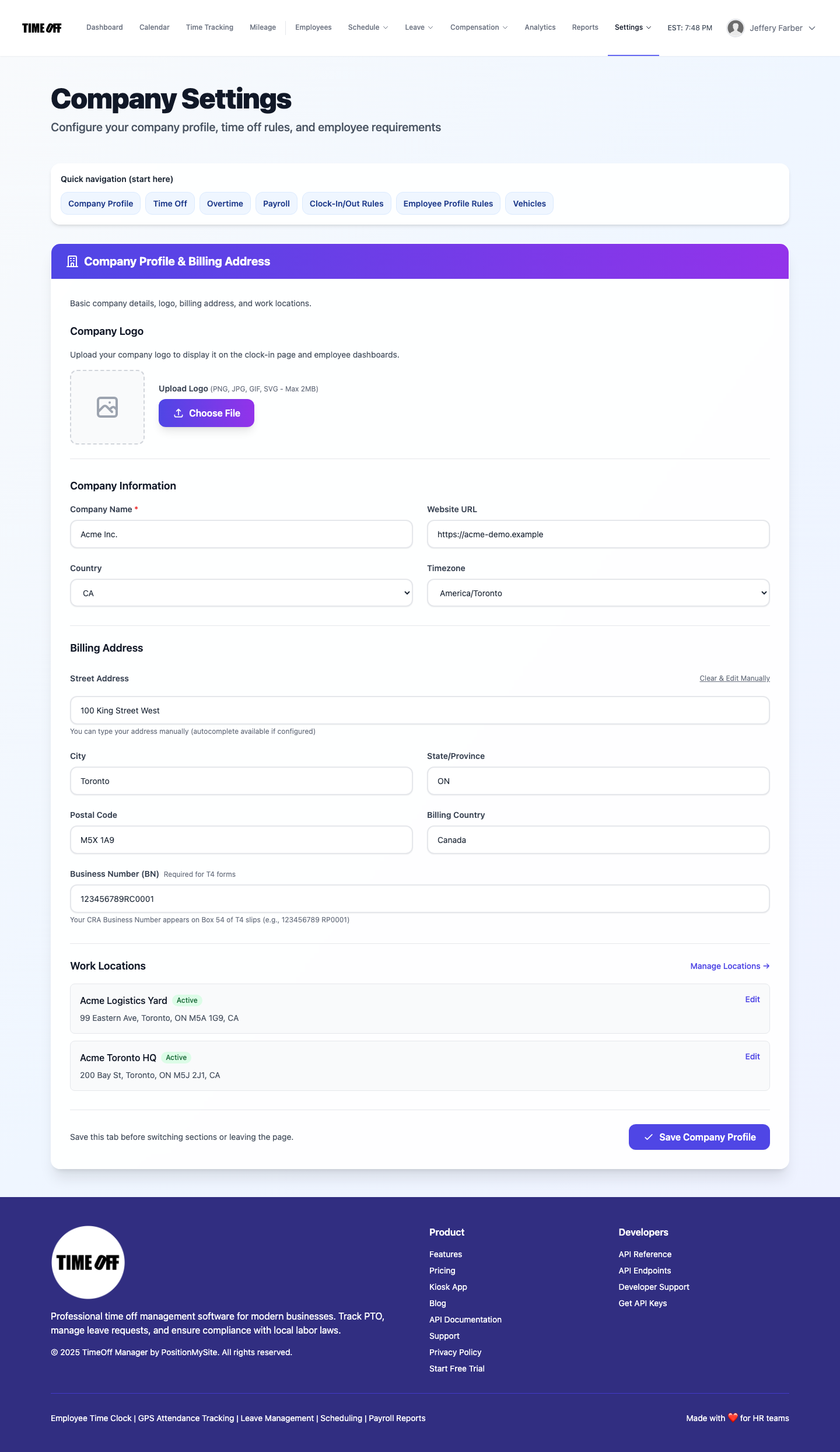
Owners who run multiple brands need isolated data—not one shared spreadsheet. TimeOff Manager Multi-Company Support gives each organization its own workspace with Company Settings, custom policies, roster, and clocks. Register additional companies as needed.
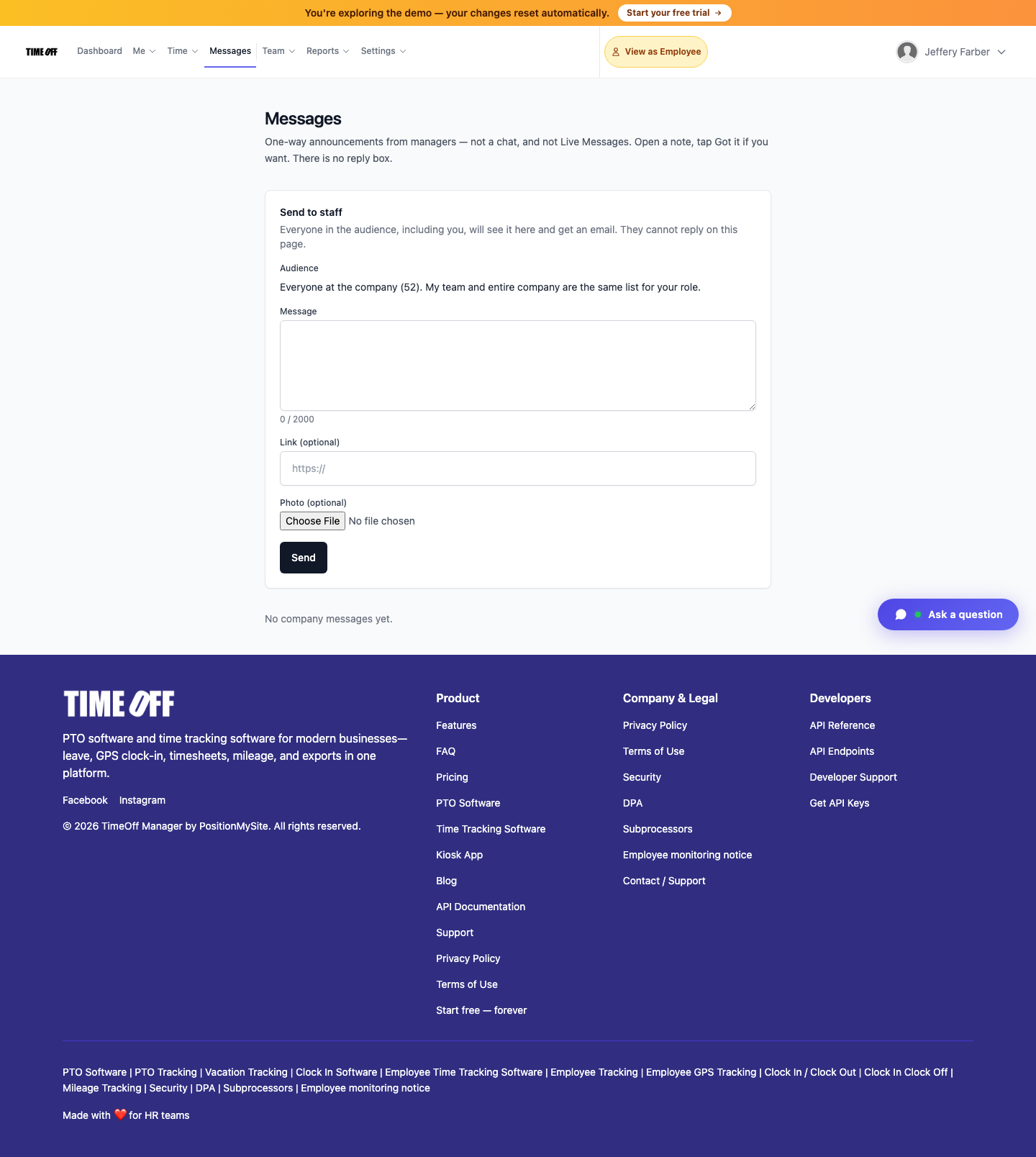
Managers send one-way staff announcements at /messages — pick team or company, compose, send. Staff open the note and tap Got it to acknowledge. Same inbox in TimeOff Manager Pro with optional push. Not a chat; not Approval Center; not Work Activities.
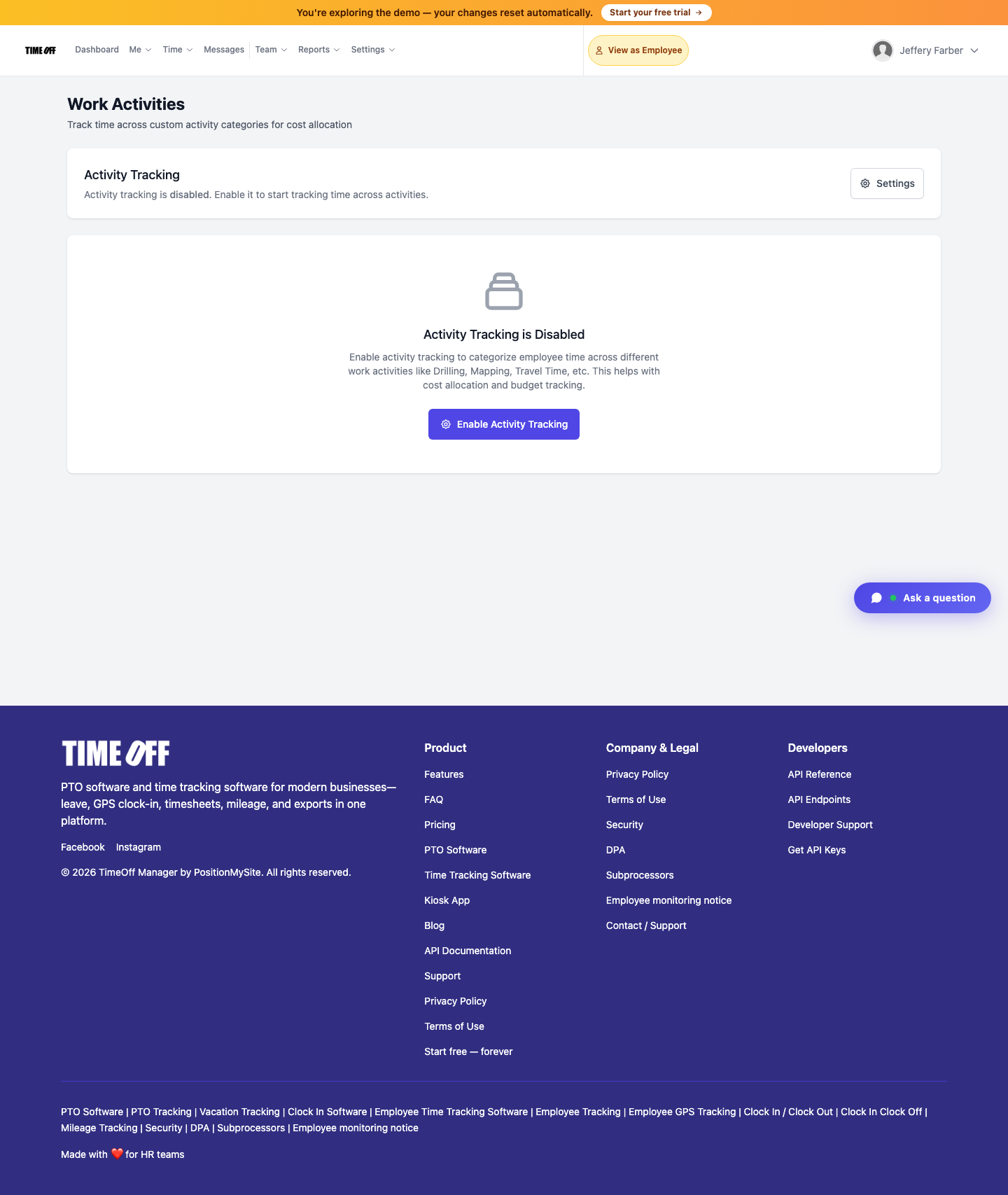
Company admins enable optional job codes at /admin/work-activities (Settings → Work Activities) so staff can split a shift and switch activity mid-shift on kiosk, web, or app—for billable vs non-billable cost allocation. Not the live map; not a leave type.
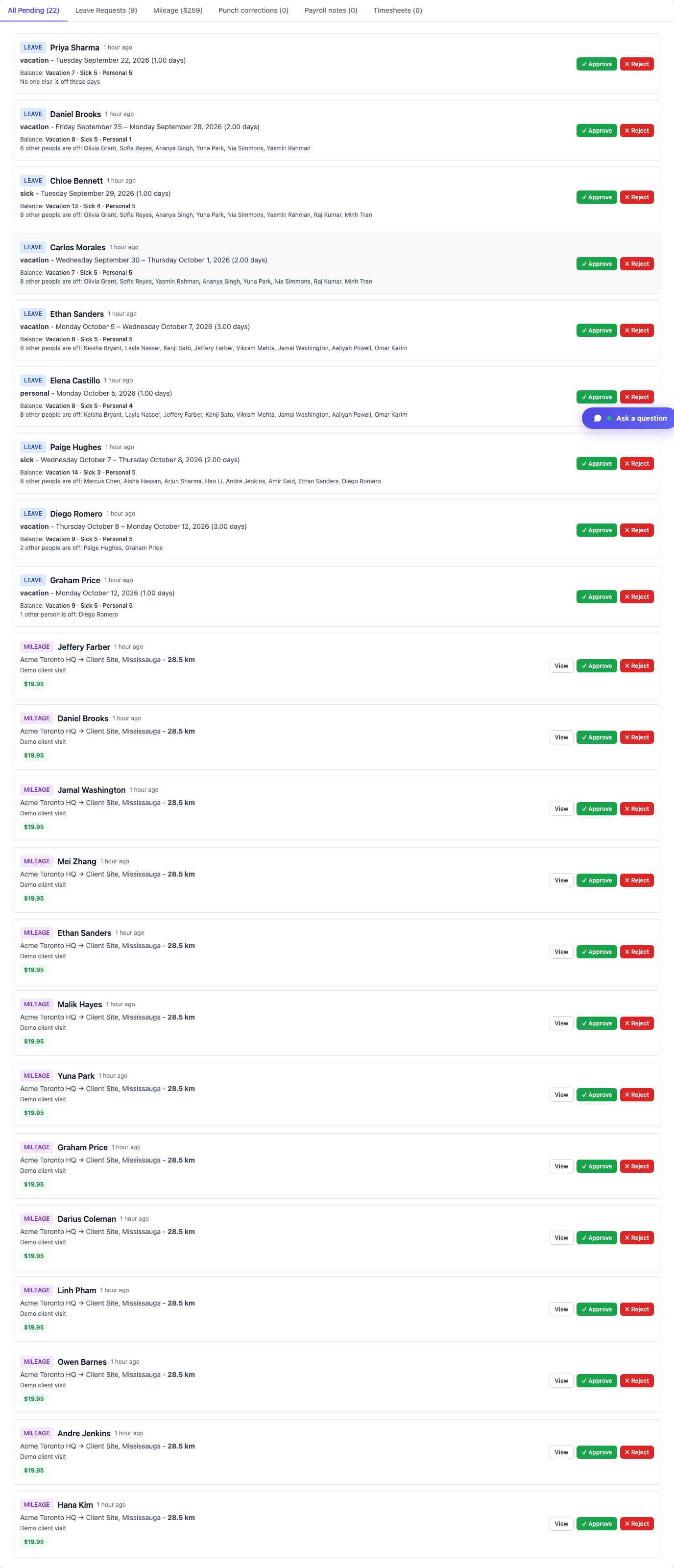
Managers and HR clear leave, missed clock-ins, mileage, and day notes in one dashboard inbox at /dashboard#approval-center—tabs filter by type; approve or reject in place. Same mixed queue in TimeOff Manager Pro (More → Approvals). Pure employees use My requests / My pending.
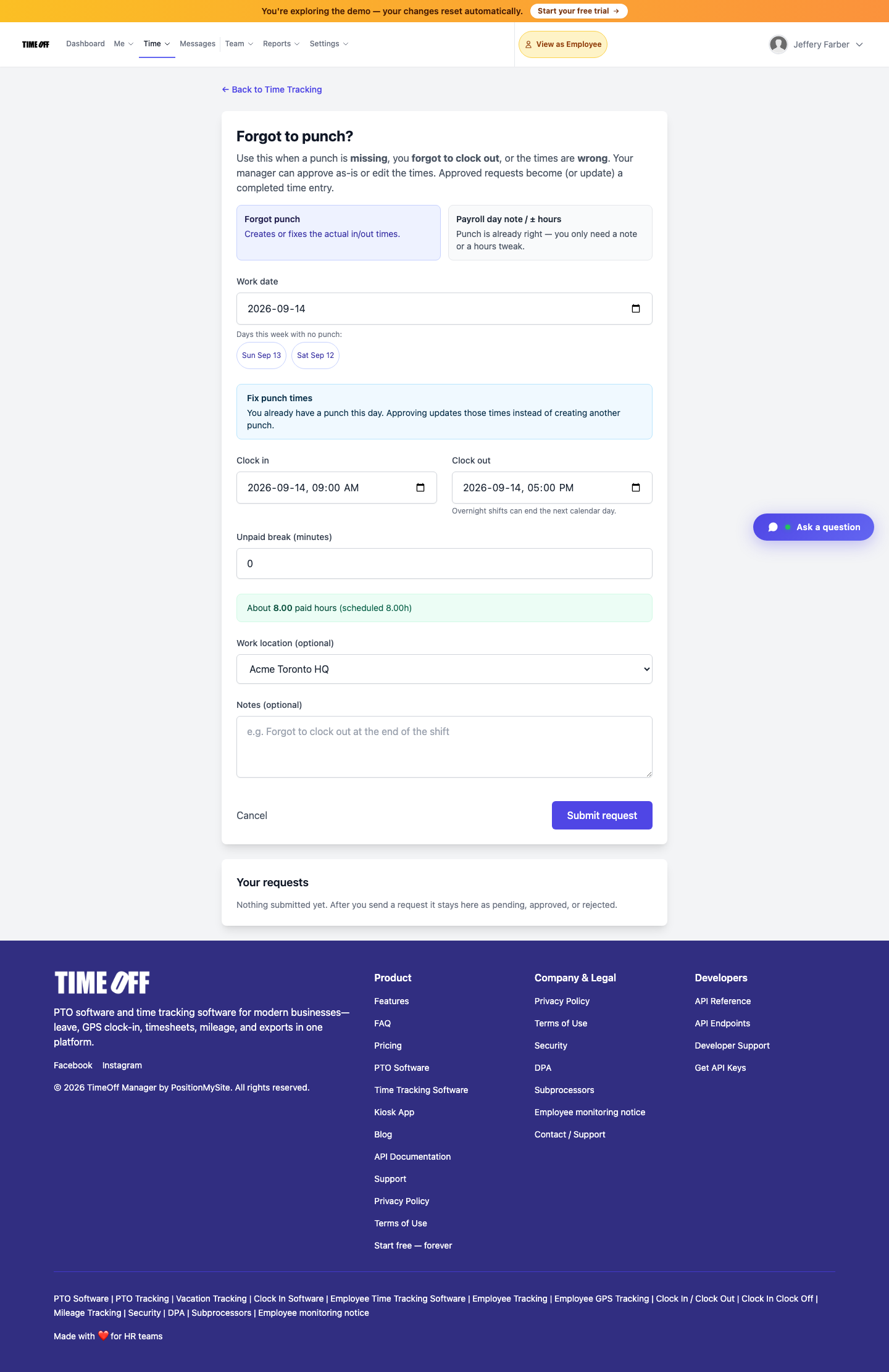
Employees submit missing, wrong, or forgotten clock-ins via Forgot to clock in. Managers approve or edit times in the Approval Center—approved requests become completed time entries (60-day window). Also in the app and kiosk PIN.
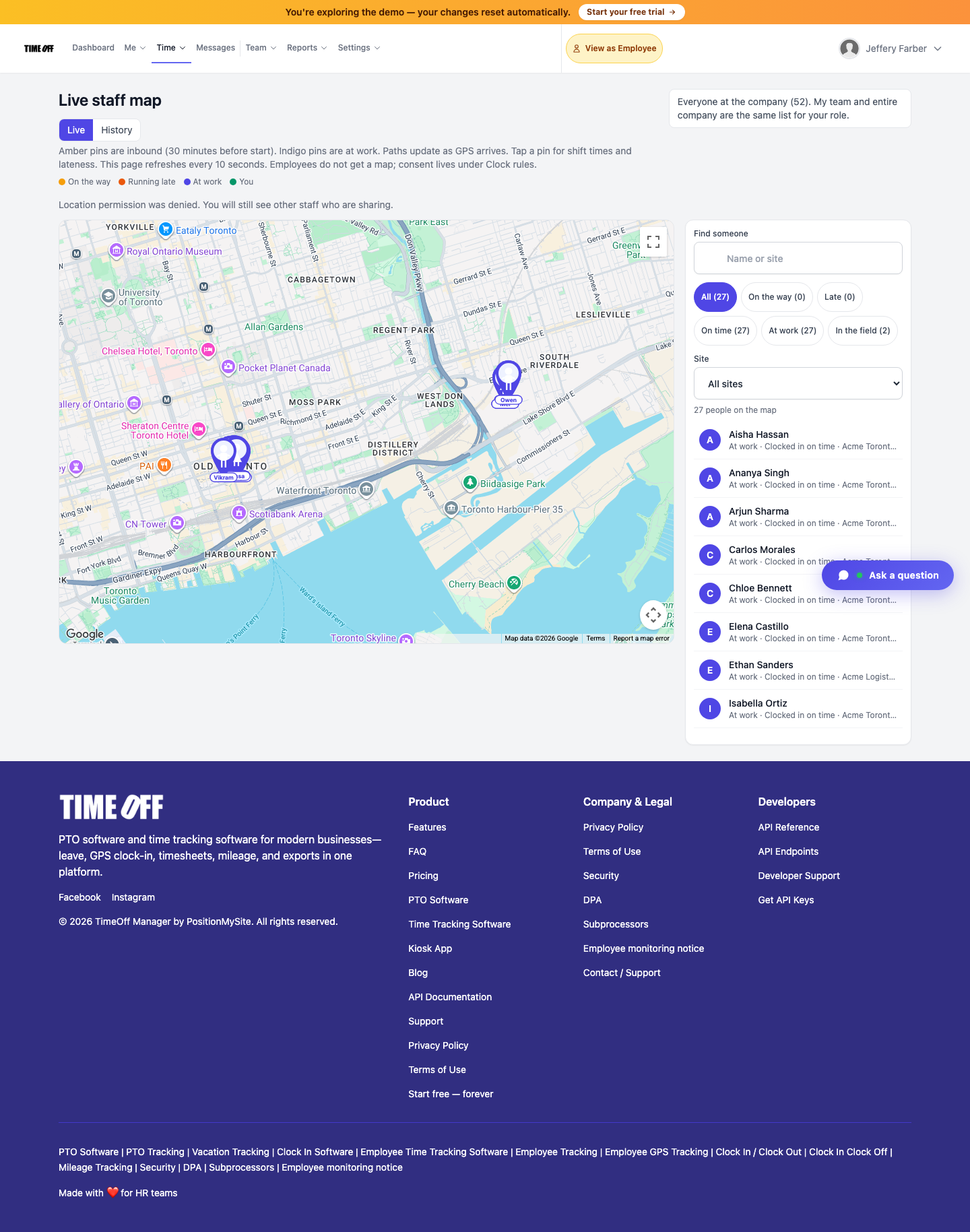
TimeOff Manager Pro gives managers live insight into their people: who is inbound ~30 minutes before a shift, who is on site, and who clocked in—until they clock out. Pair that with GPS clock-in geofencing. Full payroll and AP/AR coming soon at the same pricing.
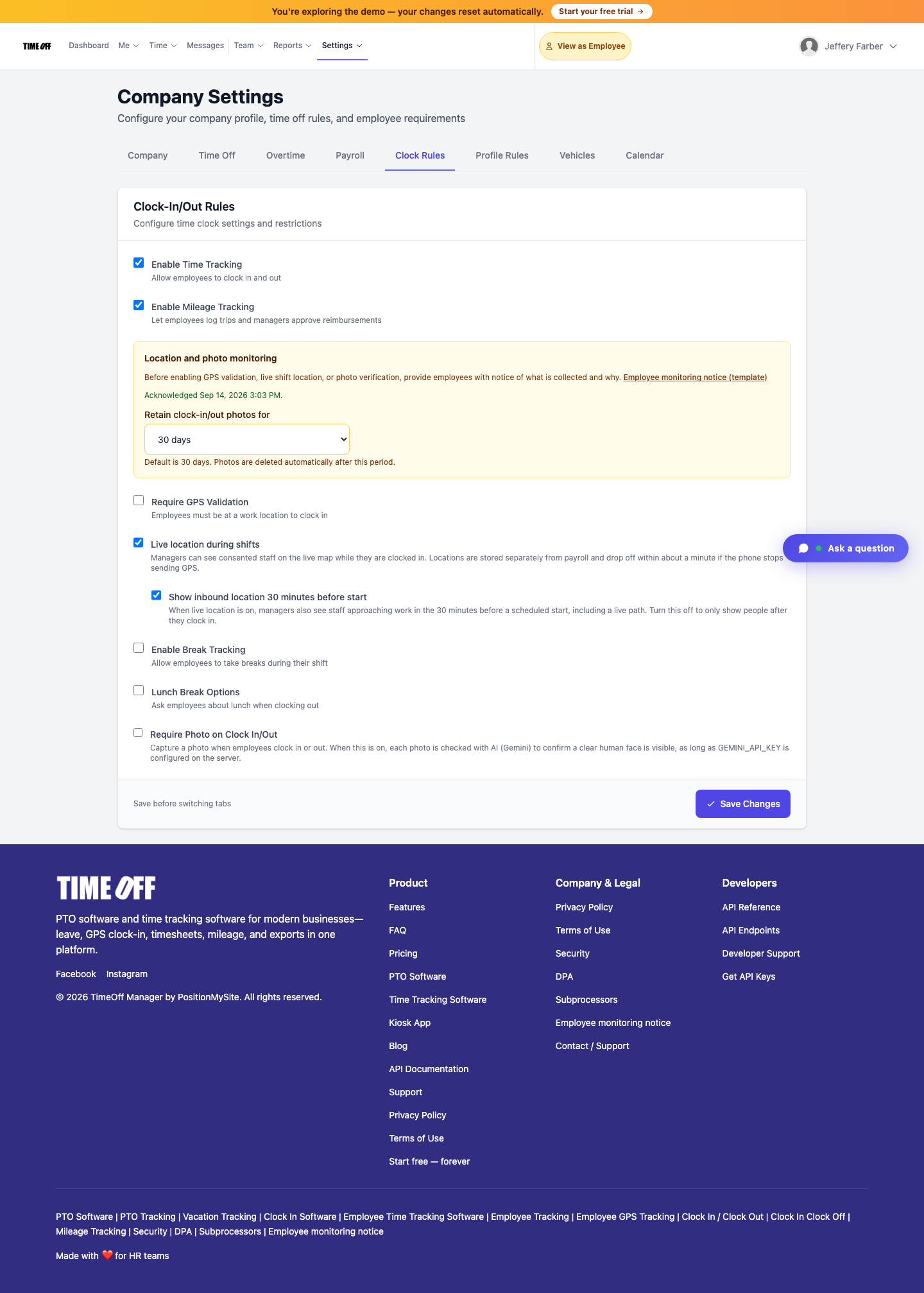
Shared-PIN / kiosk selfie fraud empties payroll. TimeOff Manager pairs a shared-device PIN kiosk with Clock Rules Require Photo (AI face check) and optional GPS geofencing at work locations—so the person who clocks in is the person on the roster.
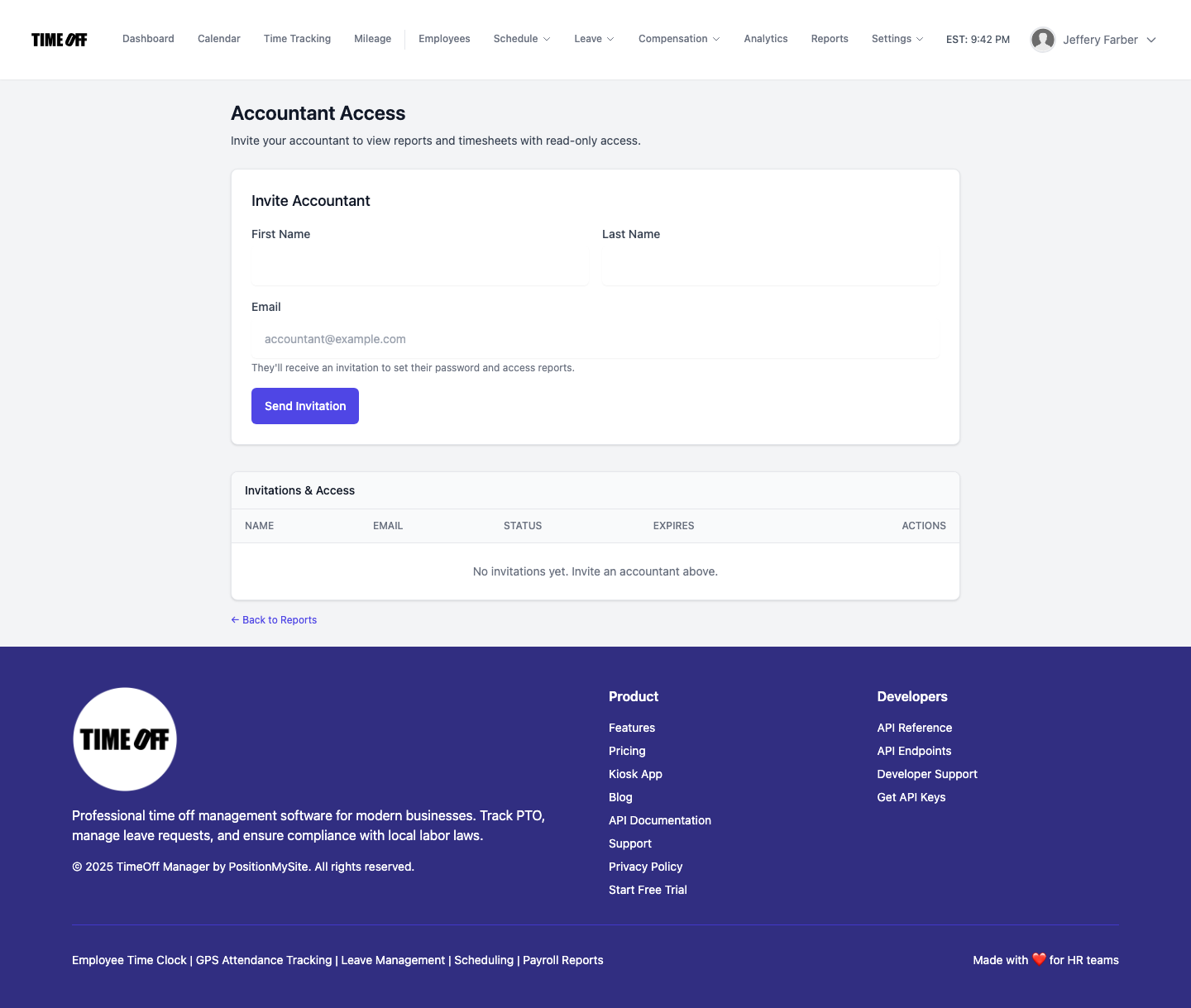
Give your bookkeeper read-only access to reports and timesheets—or download payroll-ready Excel/CSV yourself. TimeOff Manager’s Accountant Access invite plus Reports exports keep month-end clean without sharing an admin login.
1 article
0 articles
4 articles
4 articles
5 articles
1 article
1 article
5 articles
3 articles
3 articles
5 articles
3 articles
4 articles
0 articles
5 articles
9 articles
2 articles
Get the latest HR insights and TimeOff Manager updates delivered to your inbox.
No spam. Unsubscribe anytime.