Mining Time Tracking: Pit Gate Clock-Ins, Crew Rotations and Overtime (2026)
How mine, pit and quarry operators replace the guard-shack sign-in sheet with gate clock-ins, keep clock-ins when signal drops, plan 7-on/7-off rotations around time off, and see rotation overtime before payroll.

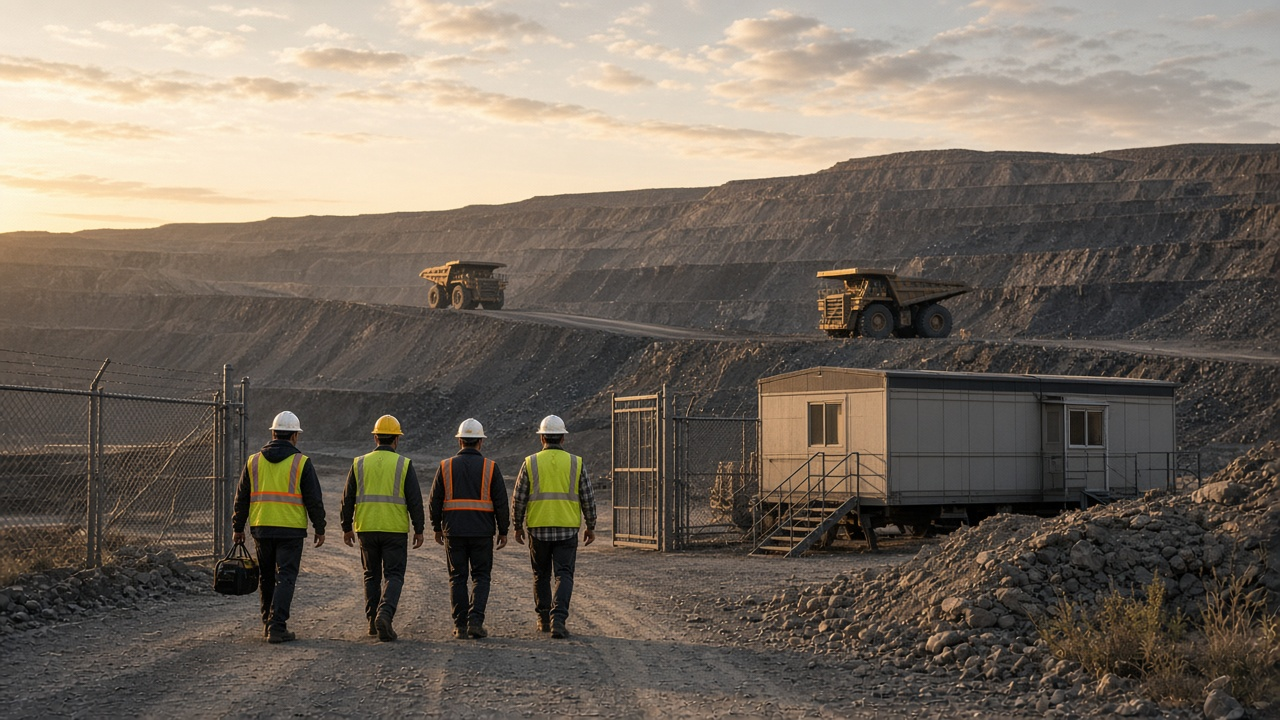
Shift change at the pit gate is where hours start, so that's where the clock-in belongs.
At most mines, the timesheet is still a clipboard in the guard shack. Someone signs in for a buddy who's running late. The night crew's sheet gets rained on. A miner swaps a rotation week with a friend and nobody tells the office. Then payroll lands on your desk with 84-hour weeks, missing clock-outs and a question about who was actually on site when the shift changed.
This guide is for mine, pit and quarry operators who want clock-ins at the gate, rotations everyone can see, and overtime you catch before payday, not after. It works the same whether you run a single aggregate pit or a few sites across a region.
Why mining hours are harder to track than most
Mining has every time-tracking problem at once. Crews start in the dark, far from the office, often with weak or no cell signal. Shifts run 10 or 12 hours. Rotations like 7-on, 7-off or 14-on, 14-off put a lot of hours into a single week. And the people signing the sheet aren't the people running payroll.
- The gate sheet is easy to skip. Paper sign-in at the shack depends on everyone remembering, and on someone typing it up later.
- Signal is patchy. A clock-in that needs a live connection fails exactly where your crews work.
- Several entrances. Haul crews, maintenance and the processing plant may start at different gates or different sites.
- Rotations hide time off. When half the roster is off rotation anyway, a sick day or a swapped week looks like normal absence until the shift is short.
- Overtime piles up fast. Seven 12-hour shifts is 84 hours. Where that rotation falls in your workweek changes how much of it is overtime.
What good looks like at a mine site
- Every miner clocks in at the gate in seconds, with their own PIN, on a tablet that stays put.
- Crews who start at another entrance clock in on their phone at a location you saved.
- A clock-in from the highway or the parking lot down the road doesn't count as time on site.
- A dropped signal doesn't lose the clock-in.
- The rotation is visible: who's on this week, who's off, and who asked for time off on top of that.
- Supervisors see weekly hours and overtime building up while there's still time to adjust.
- Missed clock-ins get fixed by the miner and approved by a supervisor, not retyped by the office.
- Approved hours go to payroll as an export, without someone rebuilding the week from paper.
Clock-ins at the pit gate
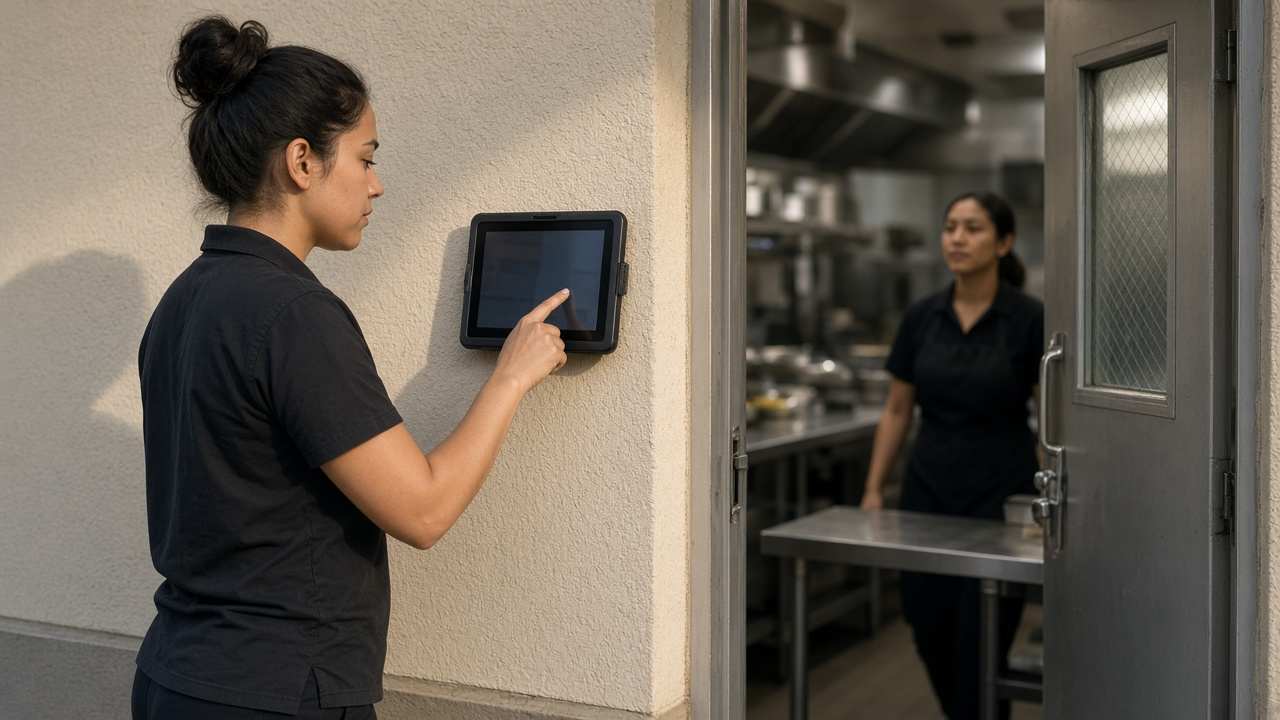
The simplest setup is a tablet at the gate, the dry or the lamp room running TimeOff Kiosk. An admin activates it once, and from then on each person clocks in with their own PIN. Nobody needs a company phone. See how the kiosk works for setup and clock rules.
Crews who start at another entrance, or travel between sites, use the TimeOff Manager Pro phone app. It's a signed-in app on each person's own phone, separate from the kiosk. Details are in the employee app guide.
When the signal drops
This matters underground and in remote pits. The phone app saves a clock-in or clock-out on the device, including the time you tapped and GPS or photo when your rules require it, and sends it when the signal comes back. The kiosk still needs a connection to look up a PIN. Once a person is identified, though, a clock-in or clock-out that times out is saved on the tablet and sent later with the original time. Put the gate tablet where it can reach wifi or cellular, even if the rest of the site can't.
Fence the property, not the county
In Work Locations, save each pit, plant or gate as its own location and turn on GPS validation with a radius that covers the property. When your clock rules require GPS, a clock-in from the public road won't count as time inside the gate. If you run more than one site, save each one so shifts and clock-ins line up with the right place.

Rotations, rosters and time off
A rotation is a schedule problem first. Shift templates are reusable weekly patterns: days, shift times and, if you want, a default work location. For a 7-on, 7-off rotation, build a template for the on week and apply it to each crew on their on weeks. For 14-on, 14-off, apply it two weeks in a row. You can also edit one person's schedule directly when someone swaps a week. Templates are weekly, so you set the on and off weeks yourself; the software doesn't invent a rotation pattern for you.
Schedule validation rules let you set limits for shift length, daily and weekly hours, breaks and consecutive days. On a long rotation, a consecutive-days rule is a useful early warning when someone gets scheduled for a 15th straight day.
Time off sits on top of the rotation. A miner requests a day in the app, a supervisor approves it in the approval inbox, and the day shows on the team coverage calendar. That calendar is how you spot a short crew before the shift, instead of finding out at the gate. If you're still tracking leave on a whiteboard, our PTO software page shows how requests and balances work.
Overtime you see before payday
On rotations, overtime isn't an exception. It's built into the schedule. The job is to know how much is coming and make sure it's paid right.
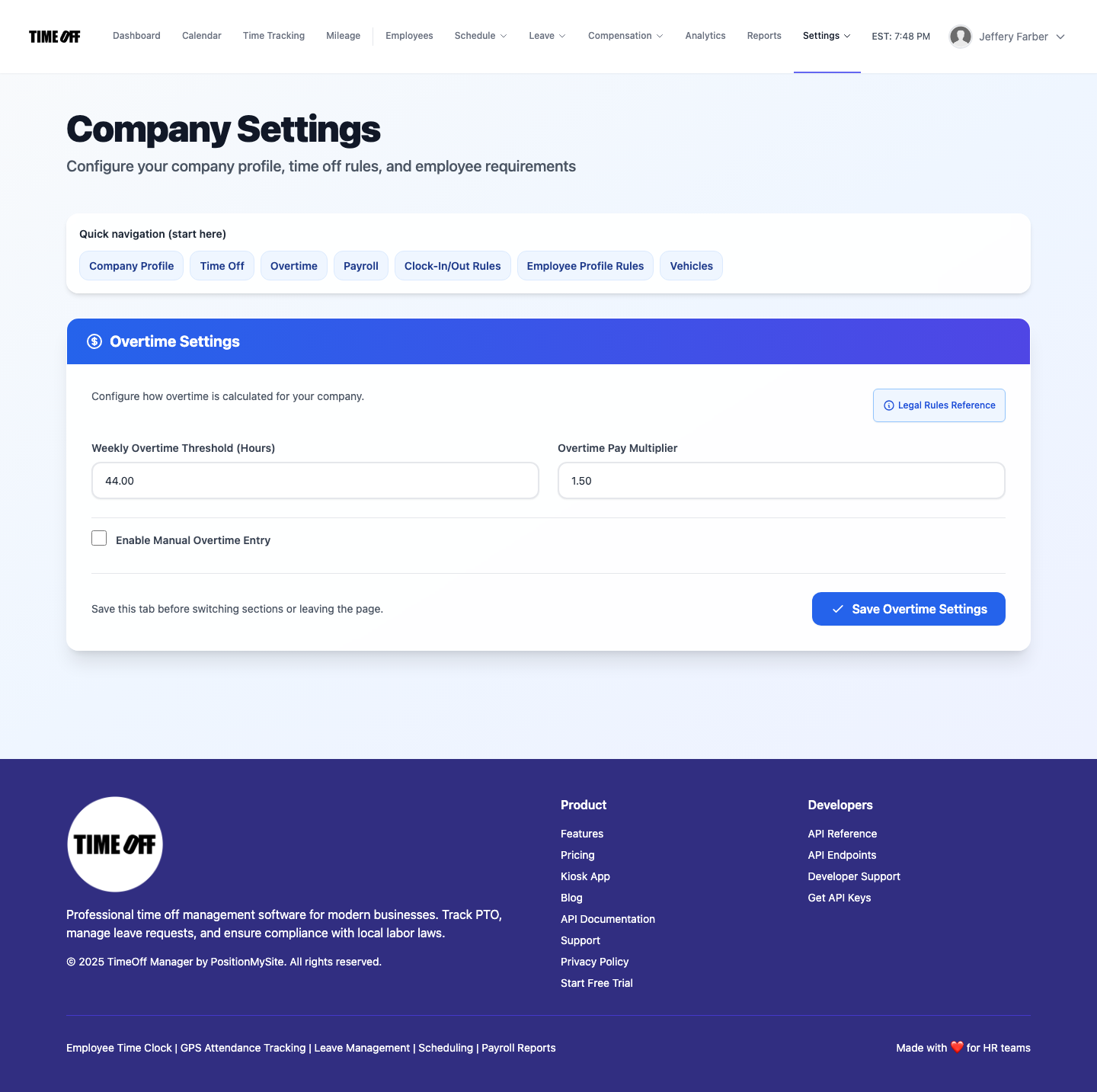
In Overtime Management, set a company-wide weekly threshold and multiplier, then add per-employee rules for anyone on a different arrangement. Supervisors review daily and weekly hours in the manager timesheet hub, so a crew heading for 90 hours is visible midweek. Our time tracking software page covers how clock-ins, timesheets and overtime fit together.
Why the workweek start matters on a rotation
Under the federal rule, overtime is counted per fixed 7-day workweek. Take a crew working seven 12-hour shifts from Wednesday to Tuesday. If your workweek runs Wednesday to Tuesday, that's 84 hours in one week, so 44 hours of overtime. If your workweek runs Sunday to Saturday, the same shifts split into 48 hours (Wednesday to Saturday) and 36 hours (Sunday to Tuesday), so 8 hours of overtime. Same hours worked, very different payroll.
That's not a trick to play. U.S. rules say you can change a workweek only if the change is meant to be permanent, not to dodge overtime. The point is to know which workweek you use, set it deliberately and price your rotations with it in mind. Then check that your overtime settings match it.
Supervisor and office: who does what
Miners clock in at the gate tablet or on their phone, see their schedule, request time off, and fix a missed clock-in themselves with a forgot to clock in or out request. It covers overnight shifts, and they pick the real times and add a reason.
Supervisors approve those fixes and leave requests from one inbox, check the coverage calendar before setting the next roster, and review weekly hours. If you turn on live location during shifts, managers can open the live staff map to see who's clocked in and sharing location. Employees don't get that map. It's only active during the live window you set, and it's not a map of the pit or an underground tracking system.
The office sets locations, overtime rules and templates, then exports approved hours for payroll or the bookkeeper. If you split time between job codes, like pit, plant, maintenance or training, work activities let crews switch codes mid-shift without clocking out, so hours land in the right bucket.
A rollout that fits one rotation
- Save your sites. Add each pit, plant and gate as a work location with a geofence radius.
- Set clock rules. Decide whether GPS and a photo are required at clock-in, and whether people need a schedule to clock in.
- Put a tablet at the gate. Activate TimeOff Kiosk, hand out PINs and test it where signal is weakest.
- Build rotation templates. One per crew pattern, applied to on weeks.
- Set overtime. Weekly threshold and multiplier that match your workweek, plus per-person rules where needed.
- Turn on time-off requests. Load leave types and tell crews to request days in the app, not at the shack.
- Run one full rotation in parallel with the paper sheet, then compare hours before you retire it.
- Every pay period: approve missed clock-ins, review overtime, approve hours and export.
Running crews on other kinds of sites? Our guides for construction crews on job sites and trucking and haul drivers cover the same problems with different roles. You can also see how TimeOff Manager fits mining operations on our industry page.
Rules worth checking
This is not legal advice. Mining touches employment law and mine safety law, and both vary by country, state and province.
- United States, overtime. Under the Fair Labor Standards Act, non-exempt employees generally earn overtime at time and a half after 40 hours in a fixed workweek, and hours can't be averaged across two weeks. Some states add daily overtime. See the U.S. Department of Labor overtime fact sheet.
- United States, safety training. Required mine safety training is generally paid time. Check how your MSHA training plan treats hours and pay on the MSHA training page.
- Time before and after the shift. Whether time spent at the dry, putting on required gear or travelling from the gate to the work area counts as hours worked depends on the facts. Get advice before you decide where the clock starts.
- Canada. Overtime and hours rules are provincial. Ontario generally pays overtime after 44 hours a week and allows written averaging agreements in some cases; see the Ontario overtime guide. Other provinces have their own averaging and mining-specific rules, so check your province.
Try it with your crews
Start with a full year free to try it with your team. You pay $0 for 12 months. A card is required to start, and the yearly price is charged on the anniversary unless you cancel first. After that, Starter (1 to 20 people) is $180 a year, Growth (21 to 50) is $300 a year, and Scale (51 to 1,000) is $479.90 a year or $49.99 a month. Get comfortable before you decide: save your gate as a location, put a tablet at the shack and run one full rotation side by side with the paper sheet.
FAQ
Can miners clock in at the pit gate without a personal phone?
Yes. Put a tablet with TimeOff Kiosk at the gate or the dry. Each miner clocks in with their own PIN, so nobody needs a company phone or a personal smartphone to start a shift.
What happens if the signal drops at a remote site?
The TimeOff Manager Pro phone app saves a clock-in or clock-out on the phone, with the time you tapped, and sends it when the signal returns. On the kiosk, looking up a PIN still needs a connection, but once the person is identified, a clock event that times out is saved on the tablet and sent later with the original time.
Can I stop people clocking in from the public road?
Yes. Save the mine property as a work location and turn on GPS validation with a geofence radius. Clock-ins then have to happen inside that boundary when your clock rules require it.
How do I schedule a 7-on, 7-off or 14-on, 14-off rotation?
Shift templates are weekly patterns, so build one template for the on weeks and leave the off weeks empty, or edit each person's schedule. The team calendar then shows who is on rotation and who is off on any date.
How does overtime work on a 12-hour rotation?
Under the federal FLSA, non-exempt workers earn overtime after 40 hours in a fixed 7-day workweek, and you can't average across weeks. You set the company overtime threshold and any per-employee rules, and managers review weekly hours before payroll. Canadian provinces have their own rules, and some allow averaging agreements.
Does TimeOff Manager handle MSHA training records?
No. It tracks clock-ins, schedules, time off and overtime. If you turn on work activities, you can log training as its own activity code so those paid hours show up in reports, but your training records and certifications stay in your safety system.
What does it cost after the free year?
New companies get a full year free, $0 for 12 months, with a card required to start. If you continue, the yearly price is charged on your anniversary: Starter (1 to 20 people) is $180 a year, Growth (21 to 50) is $300 a year, and Scale (51 to 1,000) is $479.90 a year or $49.99 a month.