Live staff map
Manager/HR/admin map at /admin/live-map: who is inbound vs clocked in, GPS history, and Clock-rules consent. Employees do not get this map.
/admin/live-map
Roles
Manager · HR manager · Company admin
Live staff map at /admin/live-map shows who is on the way versus at work during the live-location window. It is not the same as GPS-on-punch (geofence at clock in).
What it is
Managers, HR, and company admins open Time → Live map. Pins update on a timer. Tap a pin for shift times and lateness.
History (/admin/live-map/history) is the GPS trail for a person and date range, with export when you need a record.
Employees do not get a map. The phone app can show the map only to people who can manage a team.
How to read the map
- Amber — inbound (minutes before shift start, if that Clock rule is on).
- Orange — running late.
- Indigo — at work / clocked in.
- You — your own share pin when the page is allowed to ping.
Use My team vs Entire company when those lists differ. Search and site filters sit beside the map.
Turning it on
Company admins enable Live location during shifts under Company settings → Clock rules. Optional inbound tracking is a separate toggle. Geofence / “require GPS on punch” can stay off while live map is on — they are different products.
Privacy
Location is recorded only in the live window your company configured. Tell staff in your monitoring notice. GPS history is stored for the map and exports; it is not a public page.
Product screenshots
Acme demo (Jeffery Farber). Pins depend on who is in a live window when the shot was taken.
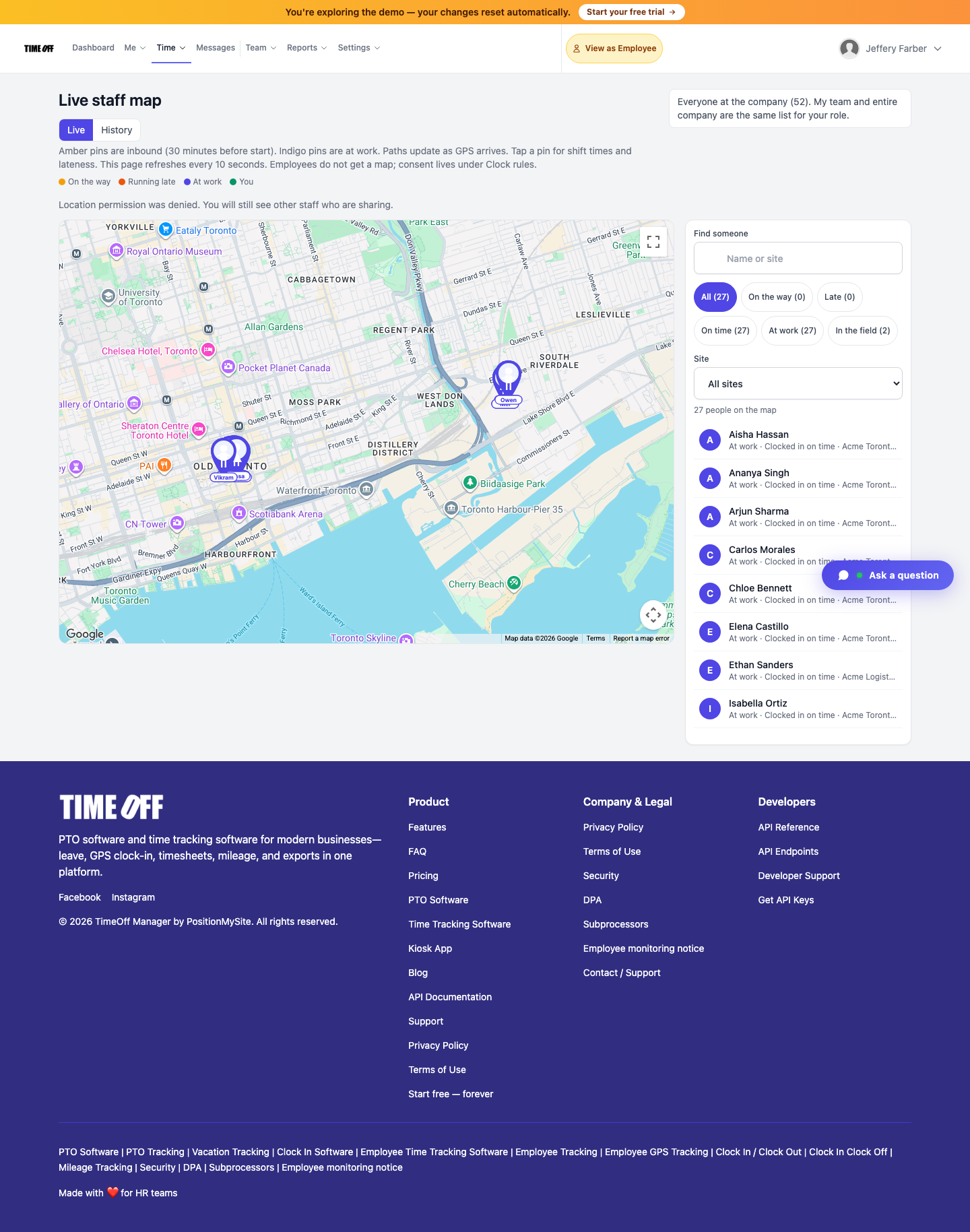
Live staff map — Acme demo.
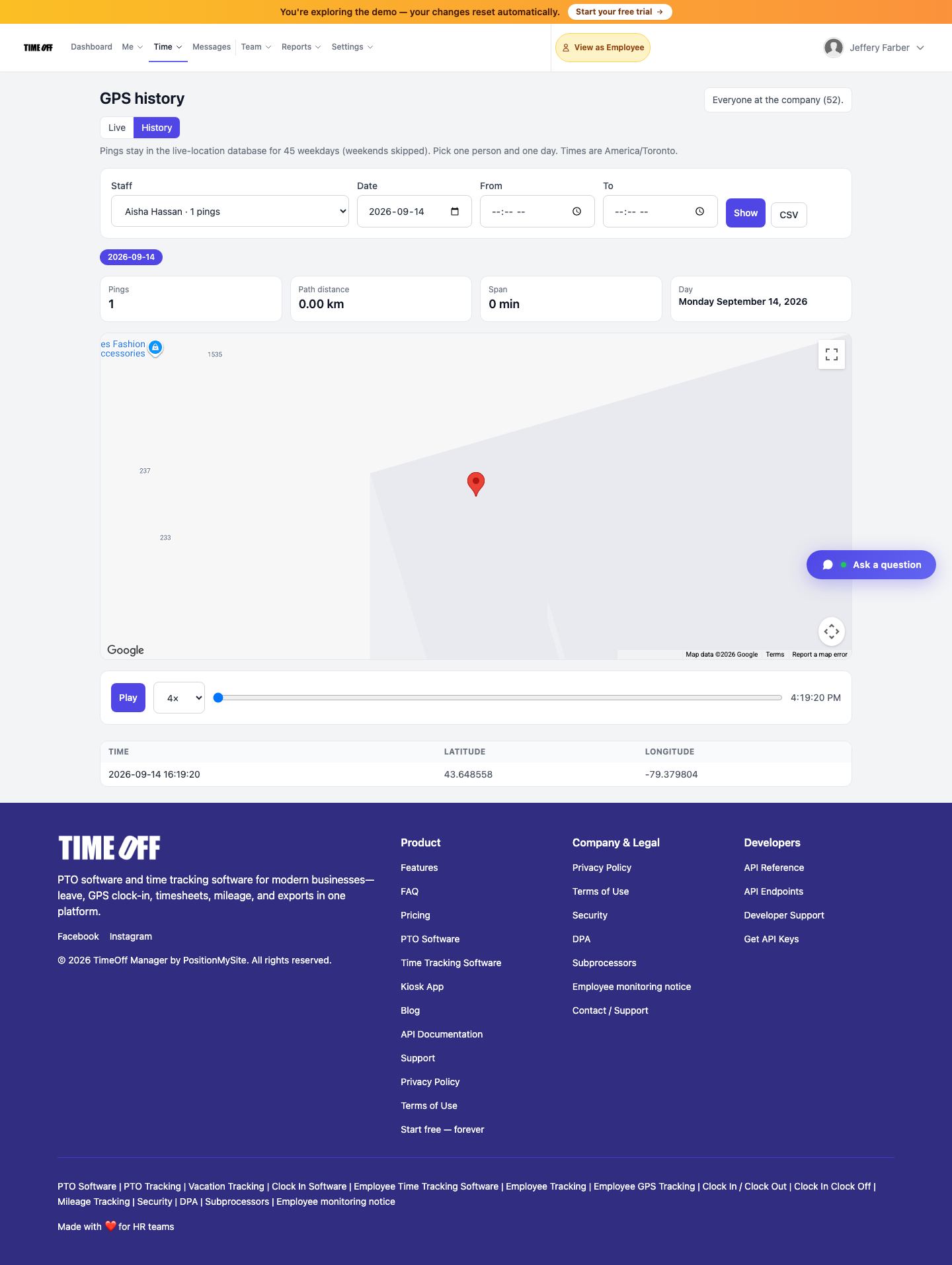
GPS history — trails and export (Acme demo).