Use Any AI for Schedules, Timesheets, and PTO (2026)
Connect the AI you already use through MCP. Set up the company, build the schedule, review timesheets, flag overtime, check PTO, and find late clock-ins.


The assistant can say who is out. People still clock in on the phone and the kiosk.
Any AI you already use can set up your TimeOff Manager company, then do the work you actually sit down for.
Build next week's schedule. Review the timesheets. Flag the overtime. Check PTO. Find who keeps clocking in late. That used to mean five screens. The AI already has the schedule, the requests, the clock-ins, and the locations.
That connection is MCP. MCP means Model Context Protocol. It is how ChatGPT, Claude, Cursor, Codex, and Grok reach TimeOff Manager. You connect once. After that, the AI can read the company and change it when you say so. The steps sit on the setup page, not in this article.
Start a 14-day trialOpen the live demoConnect your AI
Like Stripe, the payment processor
Like Stripe, the payment processor, you don't build a bank. Stripe takes the card and keeps the money. TimeOff Manager is that for hours and time off. You don't build the clock. You tell the AI what to do, and TimeOff Manager keeps the people, the hours, and the approvals.
Set the company up
You start the account. The AI helps you fill the company in. Add Maria and email her the invite. She still accepts it on the site. Put the crew on Monday to Friday, 8 to 4. The roster is the same one in the employee wizard.

Next week's schedule
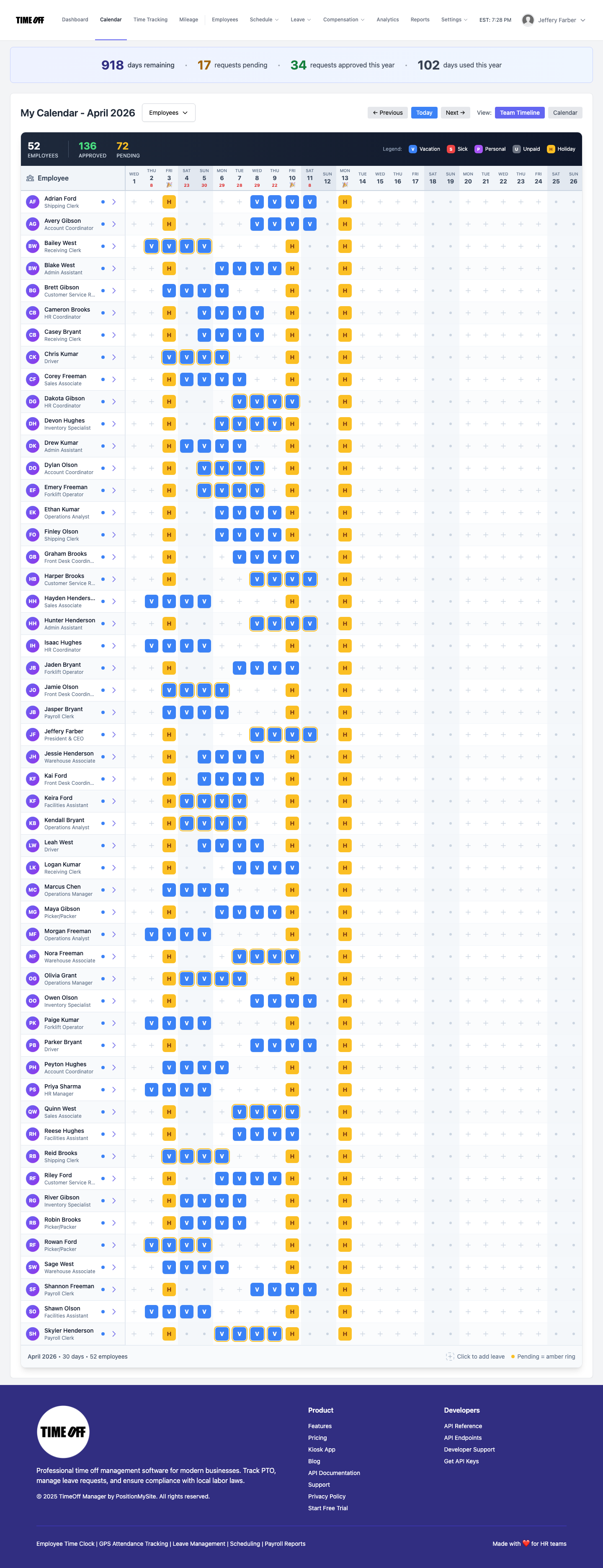
Build next week's schedule. Who can move, and who is already off. Put Alex on Monday to Friday, 8 to 4. Next Tuesday, send Priya home at 2. The week still lives in the schedule.
Timesheets, and who clocked in late
Review last week's timesheets. Who clocked in late, and who did it again. People still clock in on the phone and the kiosk. The AI reads those clock-ins. It can add a missing clock-in or decide a missed clock-in. It does not stand in for the phone or the kiosk. Missed clock-in is the same job as this guide.

Overtime
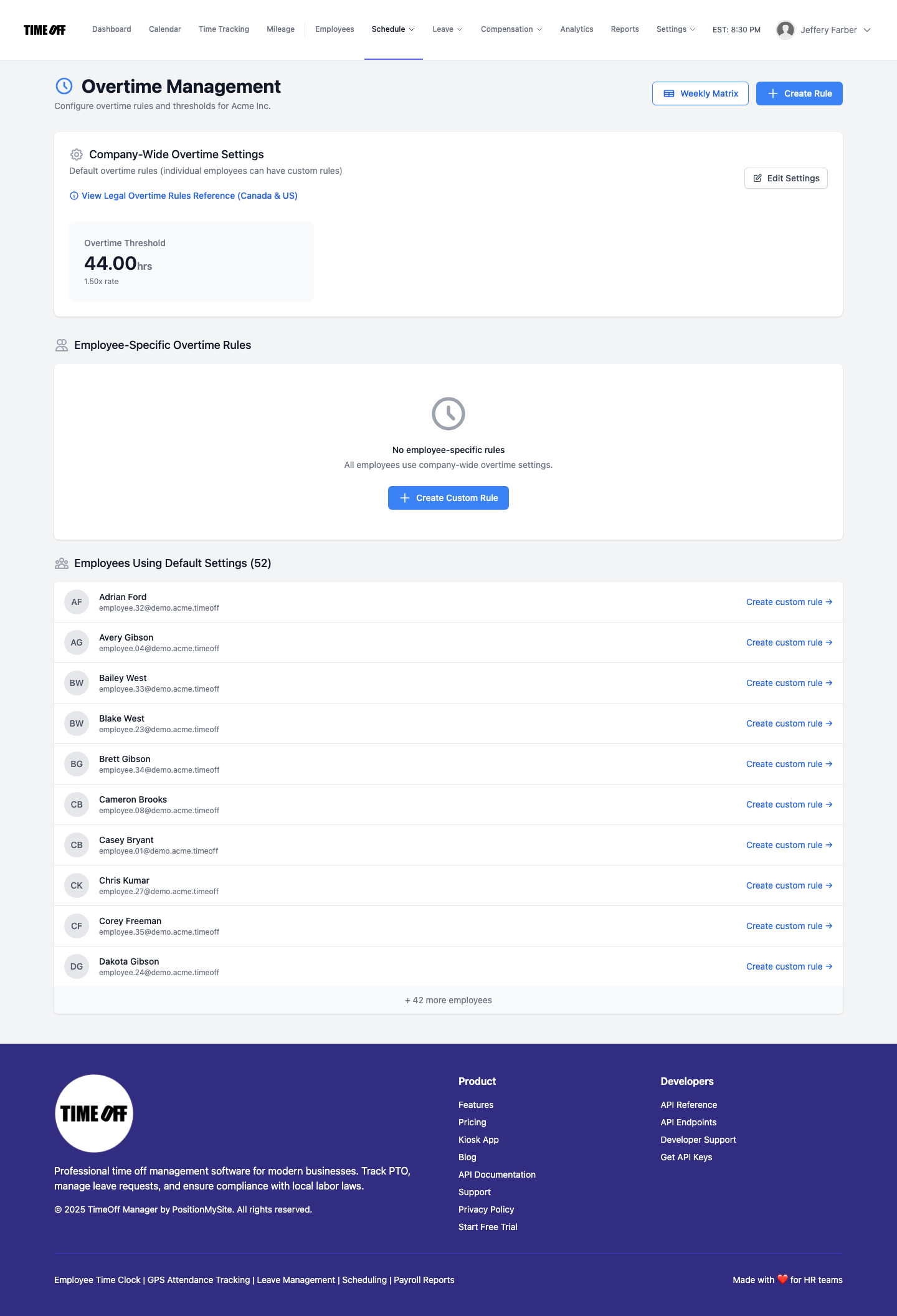
Flag the overtime before you send hours to payroll. Pull last week's hours, with overtime called out, for the payroll software you already use. It does not pay anyone. Managers already see those hours in payroll. The rules are the ones in overtime.
PTO
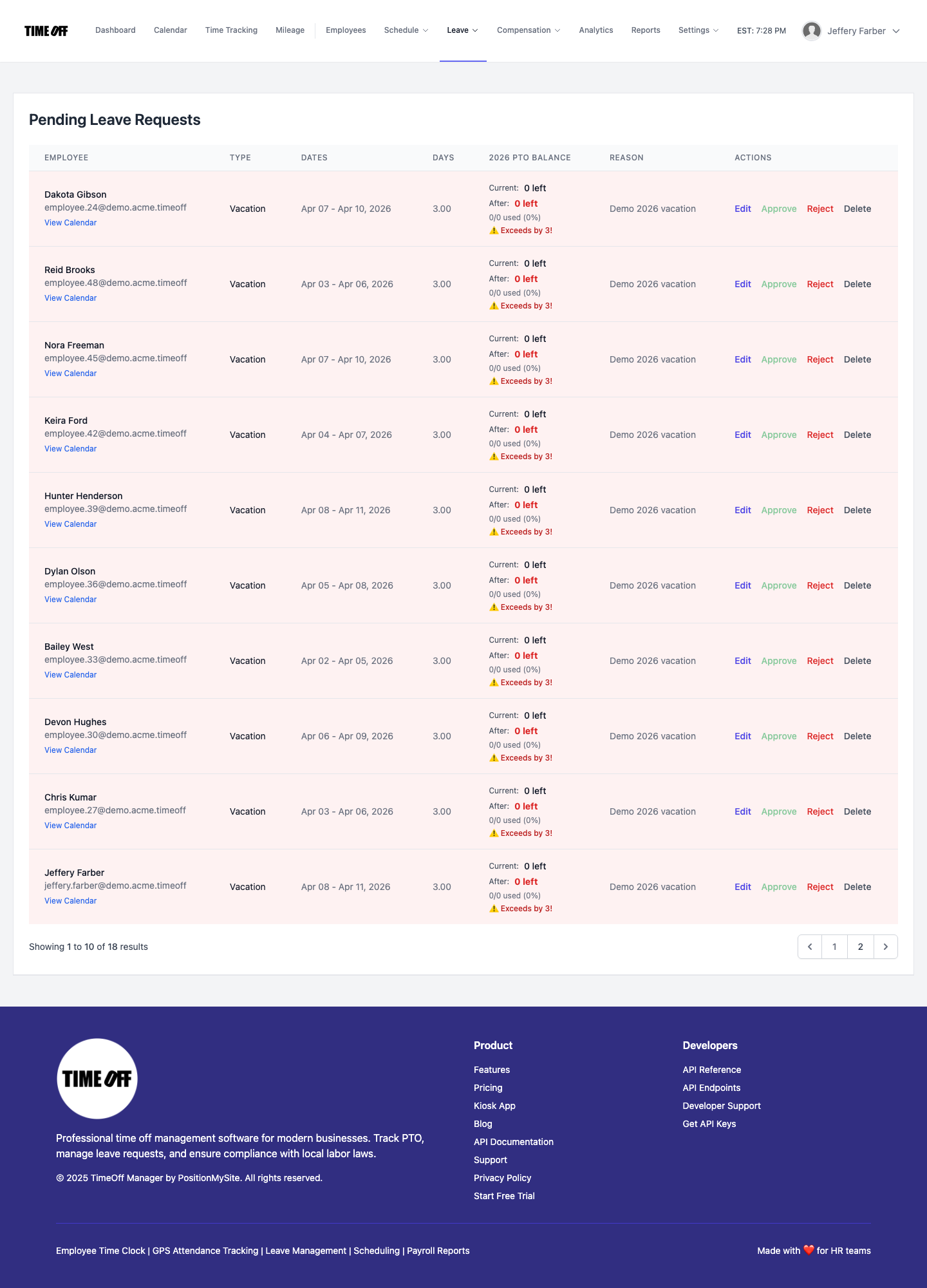
Check PTO before you approve Friday off for Sam. Reject the request that overlaps. Read the balance first. Approve and reject stay done. That queue is leave requests, and the balances are PTO.
Locations, mileage, and what is waiting
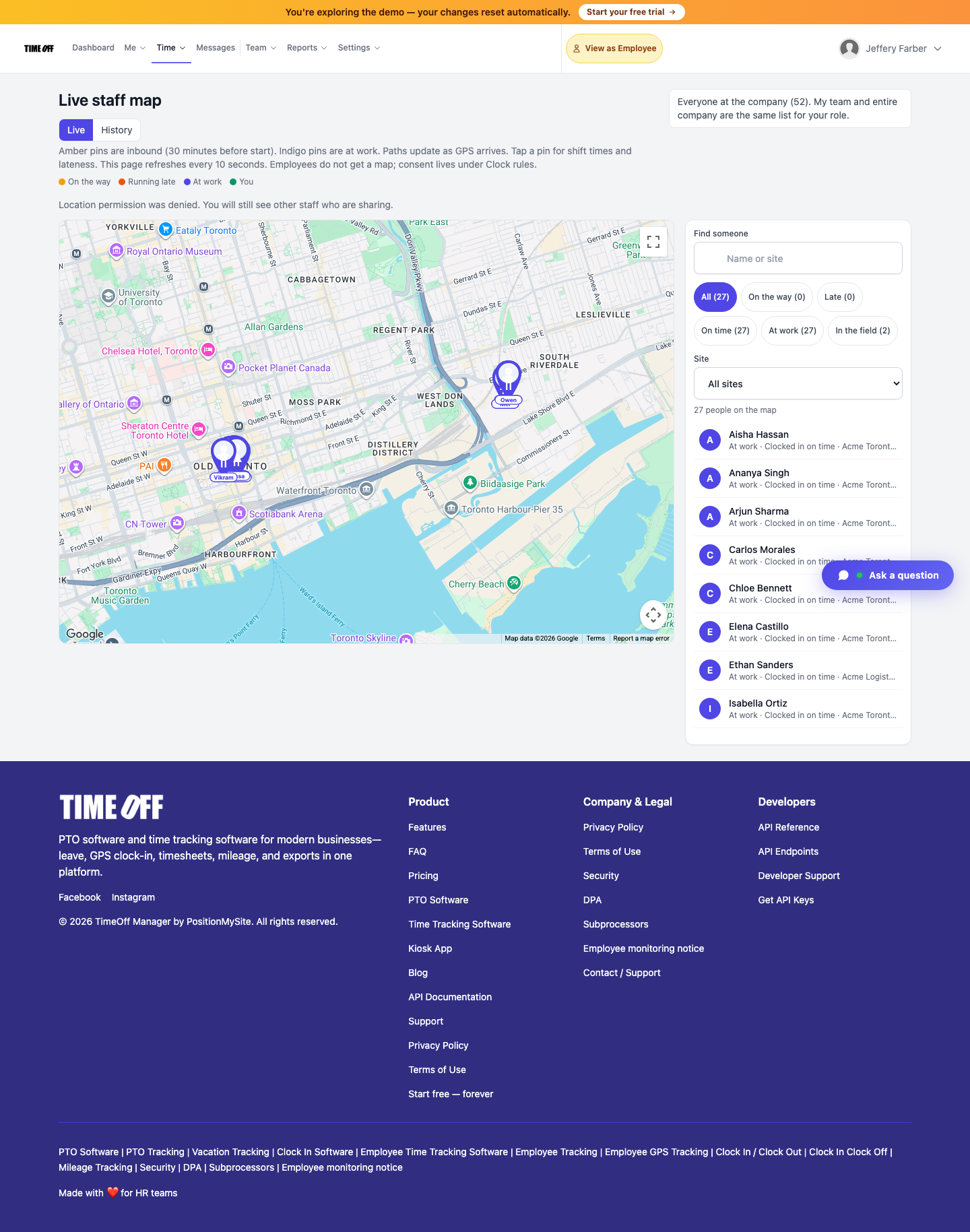
Open the live map when you need locations. That view is for a manager, not the whole staff. It is the live map.
Approve this week's mileage. Reject the trip that does not belong. Those trips are the ones in mileage.

Show me what is waiting, then clear it. That is leave, a missed clock-in, mileage, and a day note. Send the crew a notice when you need to. It is an announcement, not a group chat. They read it in staff messages.
What it will not do
It will not create the account, take a card, or replace the phone or the kiosk. It will not run payroll. If you connect it so it can only look, it can review the timesheets, the PTO, and the late clock-ins, and it cannot change the week, approve a request, or message the staff.
If you ask a rules question, this is not a lawyer and it is not legal advice. It can look at your records and your settings. Your local law still decides.
When leave is approved, a shift ends, or mileage is approved, TimeOff Manager can tell your app. You build what happens next. The record stays here.
Try it
Start a 14-day trialOpen the live demoConnect your AI
FAQ
What can AI actually do in TimeOff Manager?
Set up the people and the week, build next week's schedule, review timesheets, flag overtime, check PTO, and find who keeps clocking in late. ChatGPT, Claude, Cursor, Codex, and Grok connect through MCP.
What is MCP?
MCP means Model Context Protocol. It is how those apps reach TimeOff Manager. You connect once. The setup steps are on the MCP page.
Can it answer legal questions?
It is not a lawyer and it is not legal advice. It can look at your records and your settings. Your local law still decides.
Do people still clock in on the phone and the kiosk?
Yes. The AI does not replace the phone app or the kiosk. It can read the clock-ins, add a missing one, or decide a missed clock-in when you ask.
Does the chat run payroll?
No. It can pull the hours, with overtime called out, for the payroll software you already use. It does not pay people.