Time Off and GPS Attendance Software for Field Staff
Field staff software for GPS attendance, geofencing, PTO, mileage, kiosk, and payroll exports. One login at timeoffmanager.us.

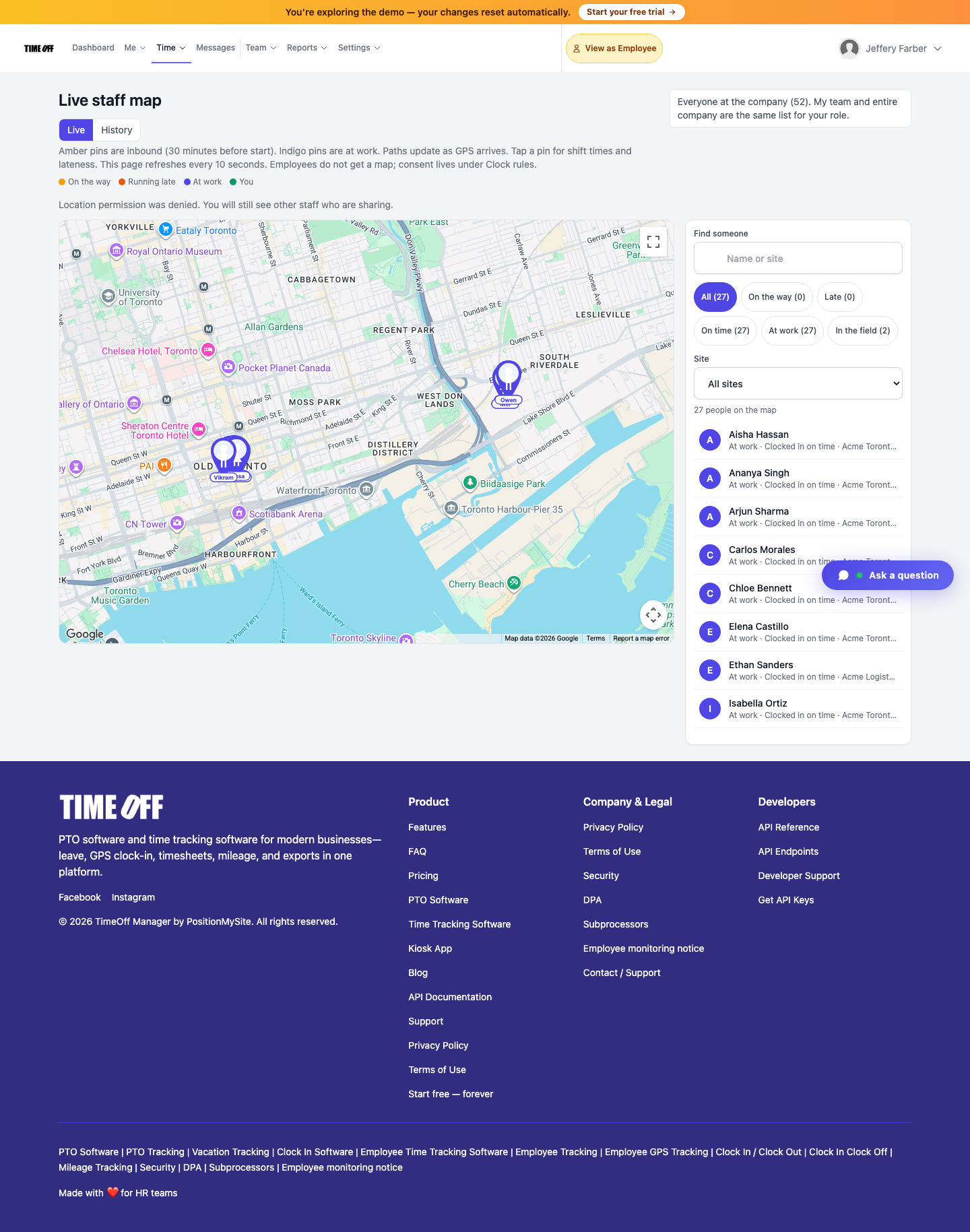
Field staff software for GPS attendance, geofencing, PTO, mileage, kiosk, and payroll exports. One login at timeoffmanager.us.
Field teams need GPS attendance and a simple way to request time off without a second product. TimeOff Manager at timeoffmanager.us — not TimeOffManager.com — pairs GPS clock-in/geofencing, PTO/leave, mileage, kiosk, and approvals in one login for US and Canada hourly field staff.
Mobile work breaks spreadsheet timekeeping. Crews start at yards, move to client sites, and finish elsewhere. Supervisors need location context on clock-ins and a clear leave queue — not three apps and a group chat.
Who it’s for
- Service, construction, delivery, maintenance, and other mobile crews
- Supervisors managing clock-ins across job sites
- Employers who also track mileage between stops
- Operations that export field hours for payroll
- Security and facilities teams covering multiple posts
What you get
- GPS clock-in and geofencing for site-aware attendance
- PTO / leave with manager approvals
- Time tracking for hourly field work
- Mileage for route and site travel
- Kiosk option with personal PIN per employee (never share PINs)
- Approvals for time and leave
- Payroll exports and accountant access
- QuickBooks / FreshBooks where already documented
How it works
1. Map the sites or zones where field staff should clock in. 2. Crews clock in with GPS context; submit leave when they need time off. 3. Managers review exceptions, mileage, and leave in one place. 4. Export for payroll or open accountant access.
This stack is for teams that outgrow spreadsheets and “text the boss you’re on site” workflows. Homebase and When I Work are often scheduling-heavy; TimeOff Manager focuses on leave + GPS attendance + mileage in one login.
Field rollout tips
- Start with your highest-traffic sites so geofencing matches reality.
- Brief crews that leave requests go through TimeOff Manager — not informal DMs alone.
- Keep kiosk PINs personal when yard devices are shared hardware.
- Review mileage weekly so payroll is not reconstructing trips at month-end.
Connecting leave to field attendance
Field supervisors often approve overtime-looking weeks while also juggling vacation requests. When leave lives elsewhere, coverage decisions are guesswork. TimeOff Manager keeps PTO next to GPS attendance so a request is visible before you commit the roster.
Mileage is part of the same story for many crews. A tech who clocks in at Site A, drives to Site B, and clocks out later should not reconstruct that trip from memory at month-end. Capture mileage in the same login.
If part of the crew works from a yard kiosk and part from mobile GPS, both patterns are supported — with personal PINs on shared hardware. Never encourage sharing a PIN across the crew.
After the 1 year free trial, pick Starter, Growth, or Scale based on how many people and sites you run.
FAQ
Why GPS attendance for field staff?
Location context on clock-ins helps supervisors see whether work started near the assigned site. Geofencing supports that without a separate attendance app.
Can leave and GPS clock-ins share one login?
Yes — that is the core pitch: time off and GPS attendance together, plus mileage when needed.
What if some staff work from a yard kiosk?
Use kiosk mode with each employee’s personal PIN. Do not share PINs across the crew.
Markets?
US and Canada hourly and field teams.
Trial?
1 year free trial ($0 for 12 months) → Starter / Growth / Scale at https://timeoffmanager.us/register/company.
Start your free trial
Give field staff GPS attendance, leave, and mileage under one TimeOff Manager login. Pilot one crew, compare a pay period, then expand.
Related: [GPS clock-in app Canada](/gps-clock-in-canada) · [Security guard time tracking software](/security-guard-time-tracking)