Statutory PTO Wizard: Set US & Canada Leave Minimums in Minutes (2026)
Stop guessing sick-day and vacation minimums. TimeOff Manager's employee wizard recommends statutory PTO guidance for all 50 US states and 13 Canadian provinces—then you own the final policy. Start with a 1 year free trial, then Starter, Growth, or Scale.

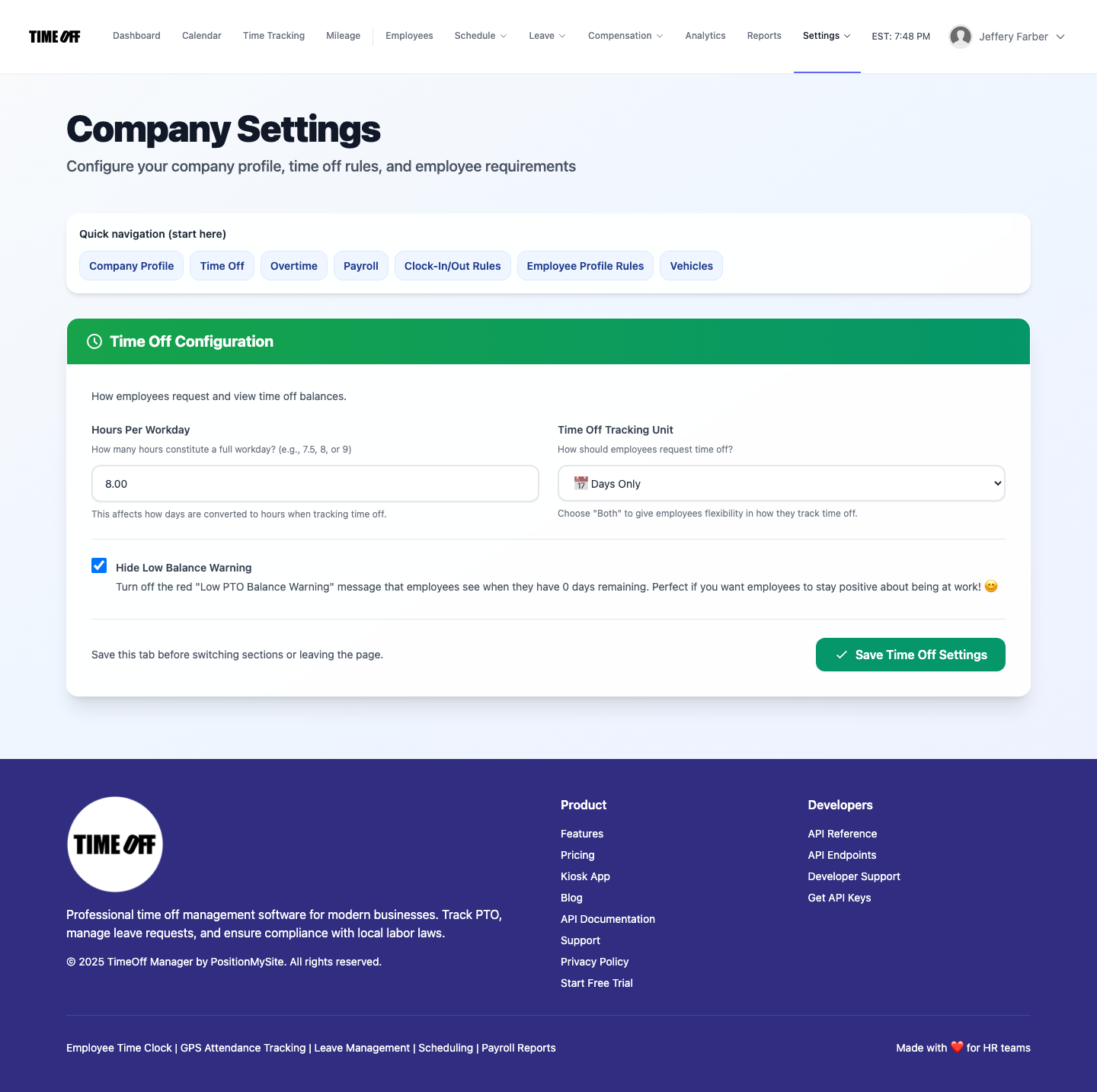
Real product UI
Most SMB PTO policies start as a copied spreadsheet and a hopeful guess about what California, Ontario, or Texas actually require. That is how teams under-provision sick leave, miss provincial vacation pay rules, and discover the gap at the worst possible time — mid-onboarding or mid-audit.
TimeOff Manager includes a statutory PTO guidance wizard for all 50 US states and 13 Canadian provinces and territories. When you add an employee, it recommends common leave minimums for their work location. You still configure and own the final policy; the wizard just stops you from starting blank (and wrong).
Start your free trial → — you pay $0 for 12 months. A card starts the year. Nothing is charged until then. Then pick Starter, Growth, or Scale by team size.
Why statutory PTO is hard for growing SMBs
US and Canadian leave rules are not one national template:
- US states layer paid sick leave, PFML-style programs, and city ordinances on top of federal silence about vacation.
- Canadian provinces set vacation length and vacation-pay percentages that change with tenure — and public holidays differ by province.
- Hybrid and multi-location teams often hire into two or three jurisdictions before HR has time to rebuild the policy matrix.
If you are comparing PTO tools, you want a concrete answer: will this tool help me set the right minimums?
What the statutory wizard actually does
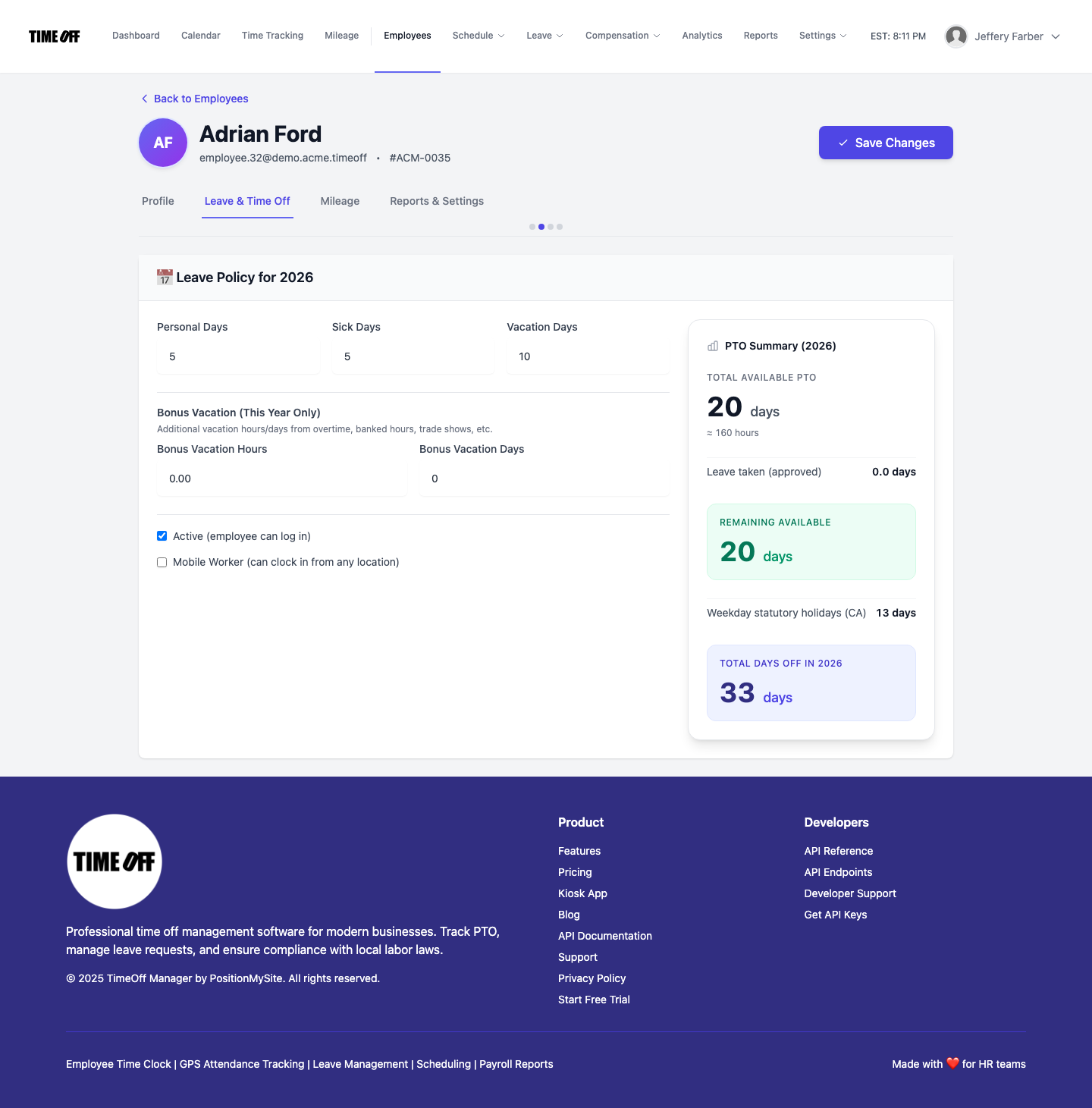
During employee setup, TimeOff Manager looks at the worker’s location and suggests PTO building blocks you can accept or edit:
- Recommended sick / vacation (and related) minimums for that US state or Canadian province/territory
- Starting points for vacation-pay style expectations where provincial rules commonly apply
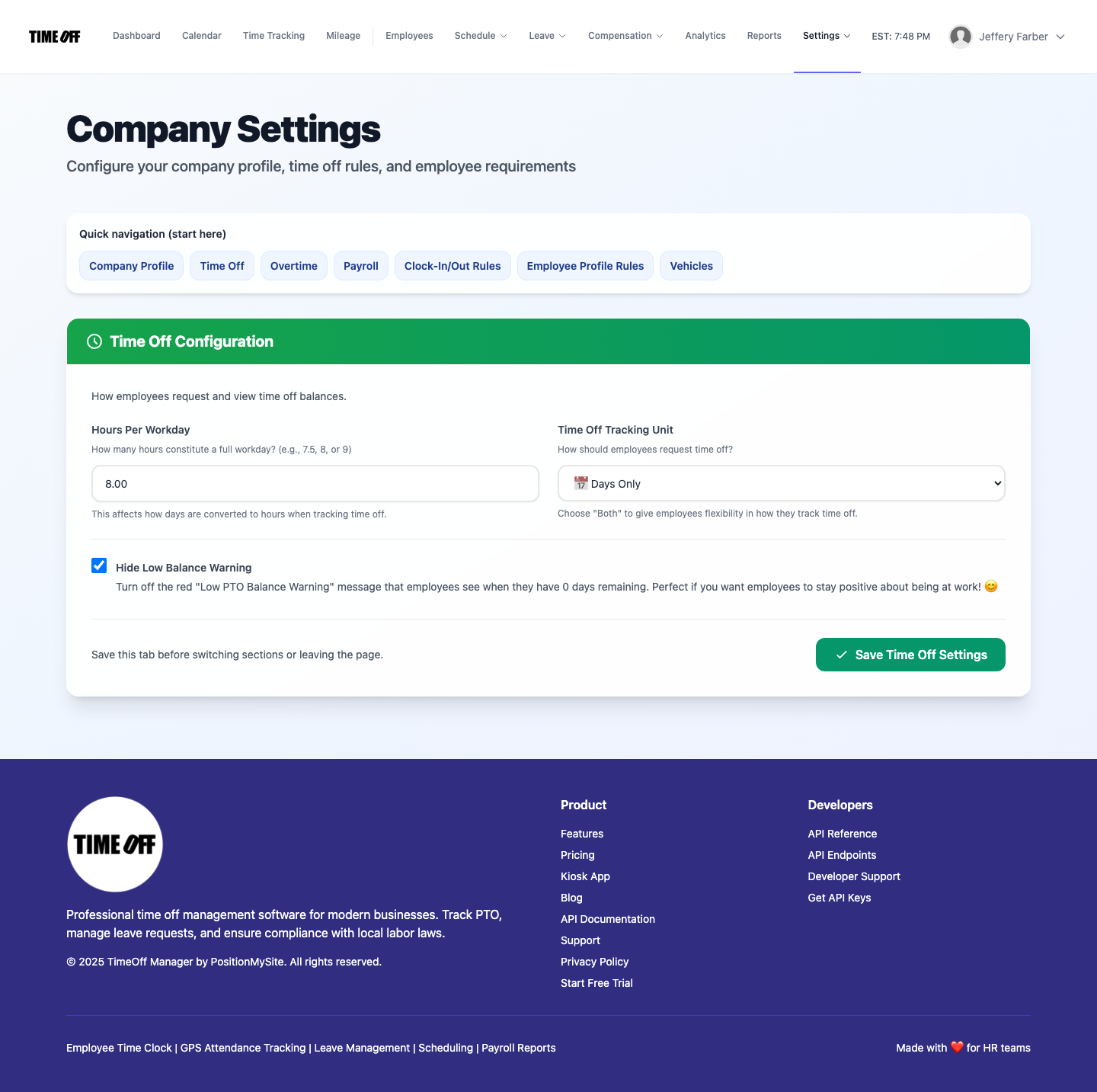
- Room for your own custom leave types (bereavement, jury duty, floating holidays — whatever your handbook names)
You are not locked into the suggestion. The point is speed and a safer default — especially when a manager in Calgary hires someone in Vancouver or a US shop opens a second location mid-year.
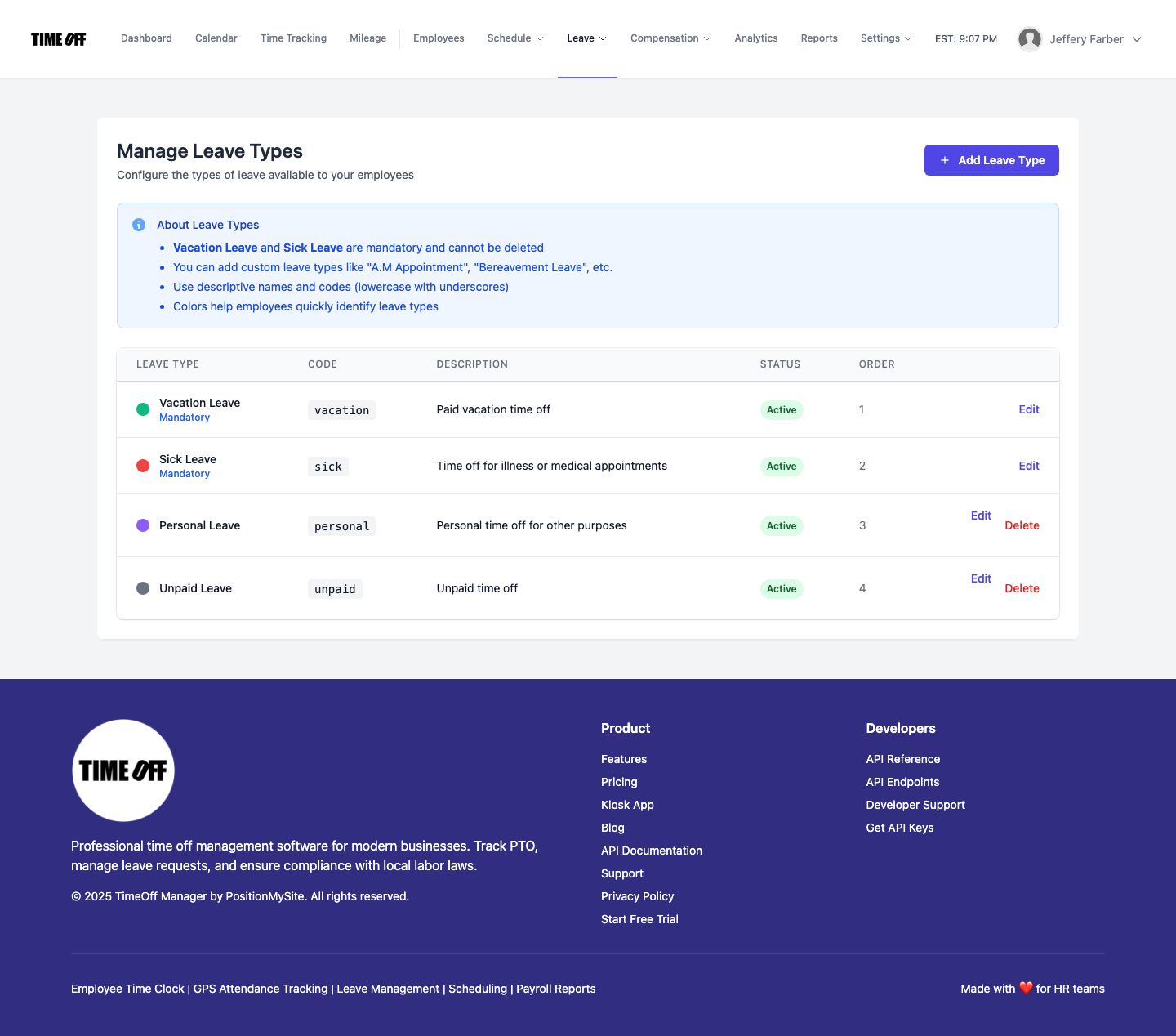
Public holidays that match the work location
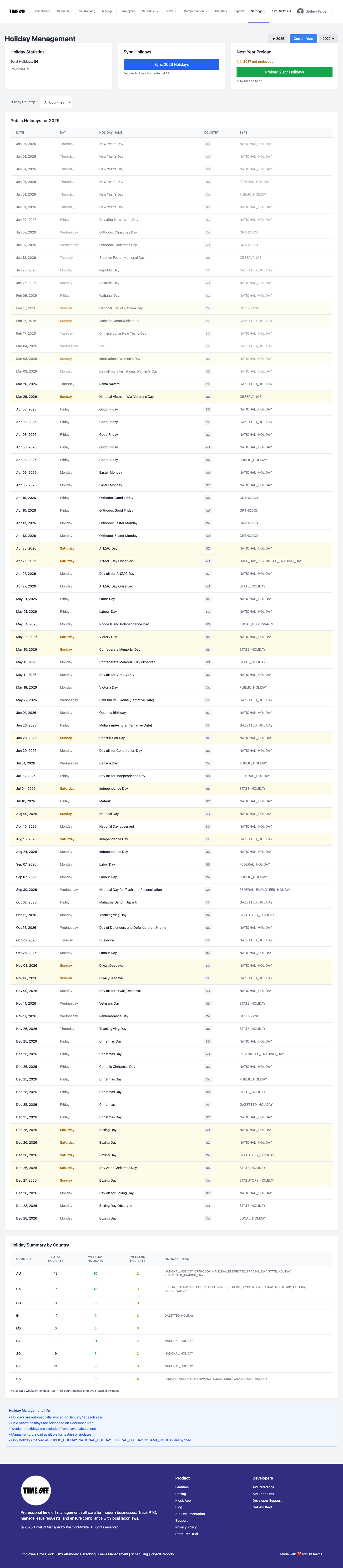
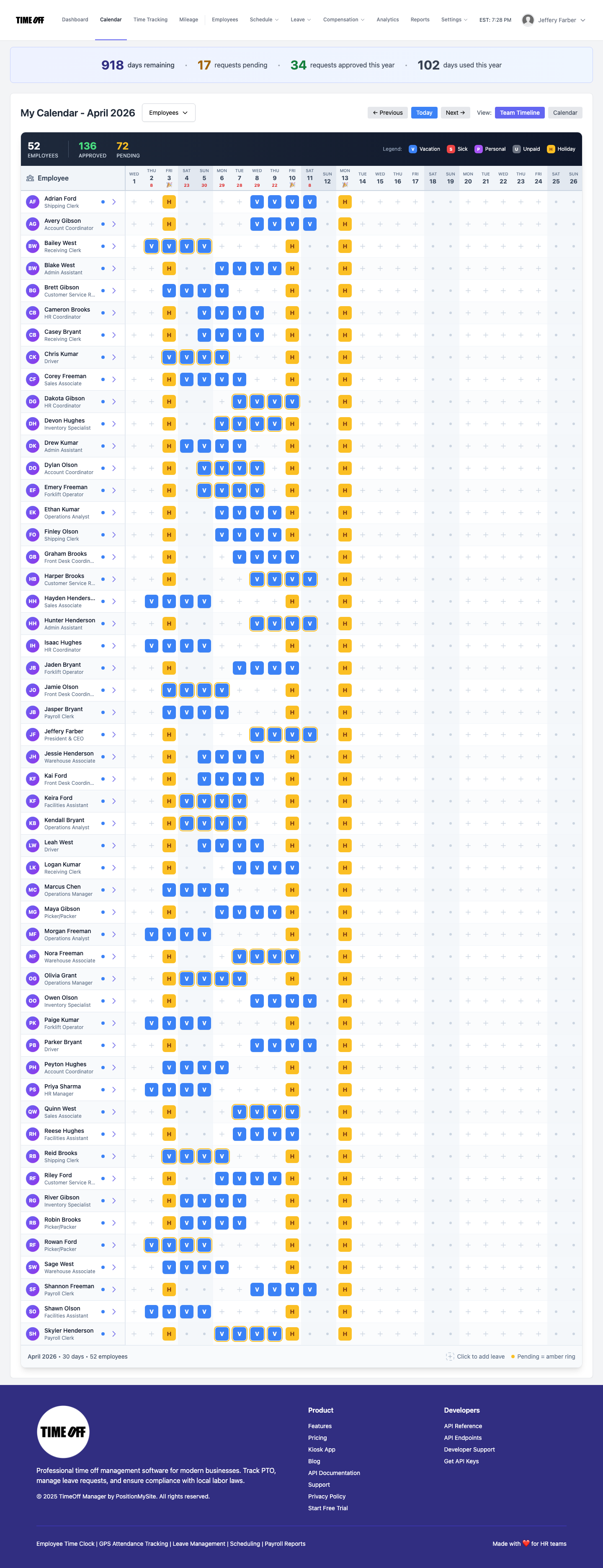
Statutory leave is only half the calendar story. TimeOff Manager can sync public holidays for US and Canada per work location, so the team calendar shows real days off where people actually work — not a single HQ holiday list pasted onto every site.
From policy to payroll-ready exports
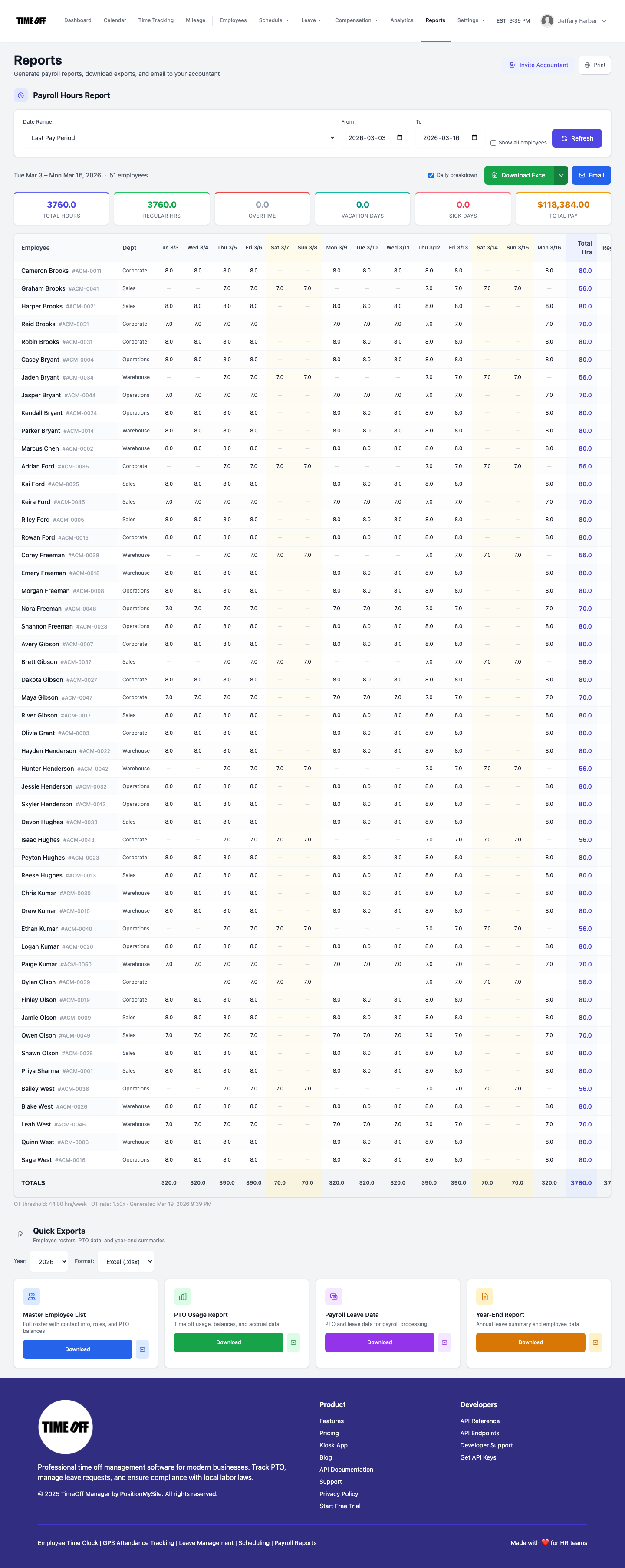
Once balances and holidays are real, finance still needs files. TimeOff Manager exports PTO usage, balances, and year-end summaries to Excel/CSV, with QuickBooks Online and FreshBooks sync where connected — so statutory setup is not trapped in a tool your accountant cannot use.
How this is different from another “best PTO software 2026” list
Generic roundups rarely show the hard part: multi-jurisdiction minimums. TimeOff Manager ships the guidance inside onboarding, next to the same login that already has GPS clocks, geofencing, kiosk, mileage, and manager approvals. One workspace — not a leave app plus a holiday spreadsheet plus a separate time clock.
Start your free trial
- Open timeoffmanager.us/register/company
- Create the company workspace with your work email (a card starts the year; nothing is charged until then)
- Add employees and use the statutory guidance for each work location
- Turn on location holiday calendars, invite managers, and approve the first leave request
- Optional: poke around the live Acme demo first
The free-forever launch offer ended on September 15, 2026. New companies get a 1 year free trial, then Starter, Growth, or Scale by team size. Workspaces created during the launch offer stay free.
Start your free trial + statutory PTO setup →
Who this post is for
- US/Canada SMBs hiring across state or provincial lines
- Ops and HR leads tired of rebuilding leave policies from forums and PDFs
- Finance partners who need Excel-ready PTO usage after policies finally match the law
FAQ
Does the wizard replace legal advice?
No. It recommends common statutory minimums so you are not guessing from a blank form. Your counsel and final handbook still own compliance.
Can I override the suggestions?
Yes. Accept, edit, or replace every leave type and allowance. The company settings stay yours.
Do holidays auto-update?
Public holiday calendars sync for US and Canada by work location; you can still adjust company-specific days.
Is the launch offer still available?
No. The free-forever launch offer ended on September 15, 2026. New companies get a 1 year free trial, then Starter, Growth, or Scale. Workspaces created during the offer stay free.
Product screenshots are from the live TimeOff Manager product, not stock mockups.