Hourly & Partial-Day PTO Tracking: Stop Rounding Half Days Into Full Days (2026)
Half days shouldn't cost a full day in your PTO ledger. Day-only leave systems push managers to round dentist appointments and early outs — or keep a shadow spreadsheet. TimeOff Manager tracks time off in hours, days, or both, with a configurable hours-per-workday so balances match how your team actually works. Set it under Company Settings → Time Off, then let employees request the hours they need. Start your 1 year free trial, then pick Starter, Growth, or Scale: https://timeoffmanager.us/register/company Read the walkthrough: https://timeoffmanager.us/blog/hourly-partial-day-pto-tracking-software-2026

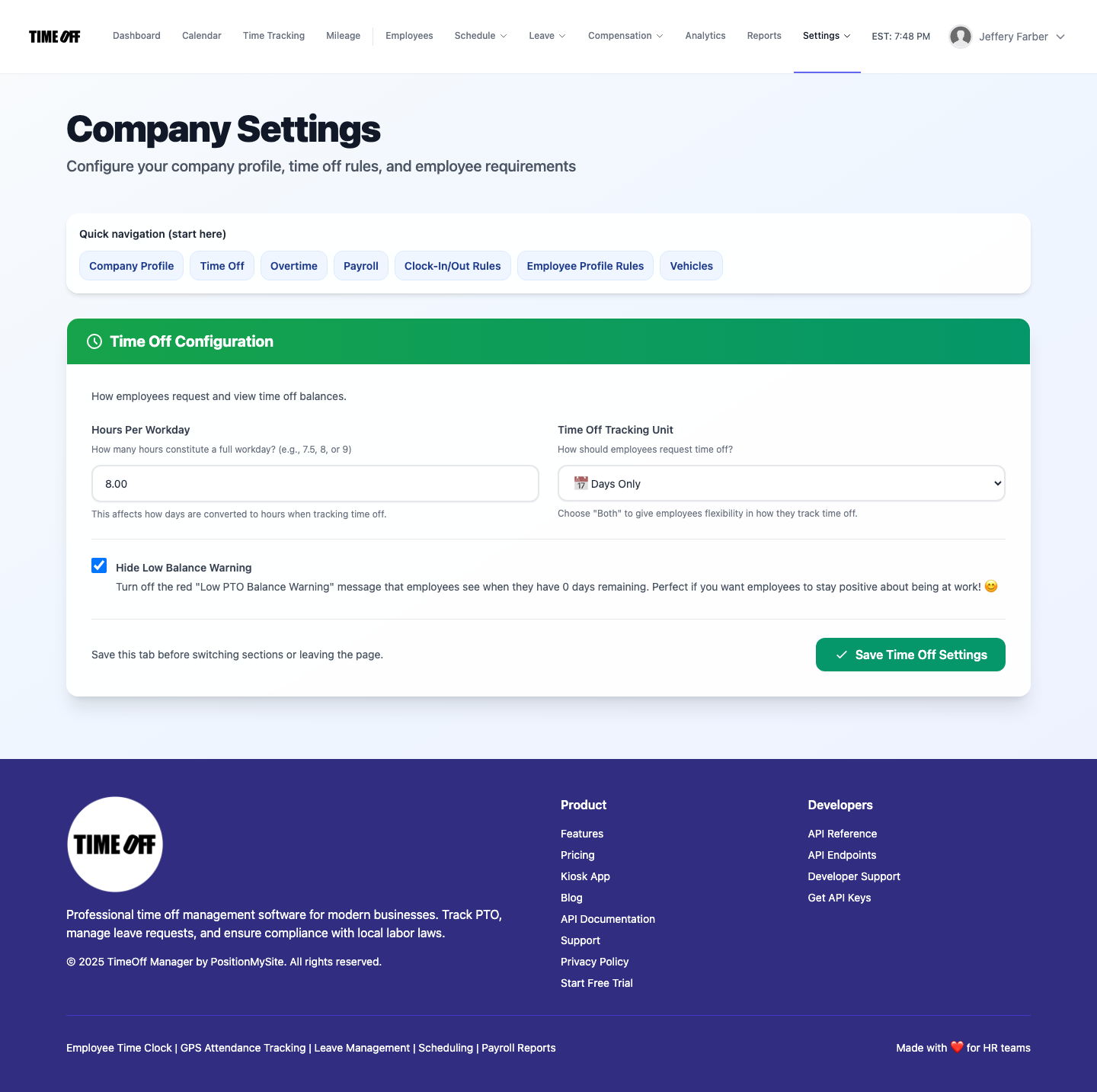
Day-only PTO ledgers force managers to round half days, dentist appointments, and early outs into whole days — or keep a shadow spreadsheet. TimeOff Manager lets you track leave in hours, days, or both with a configurable workday length. Create your company workspace free forever before September 15, 2026.
Most SMB leave ledgers still think in whole days. That works until someone leaves at 2pm for a specialist appointment, takes a true half day, or works a 7.5-hour standard day while the policy assumes 8. Then managers invent a second truth: a spreadsheet that “really” tracks hours while the system still shows rounded days.
TimeOff Manager ships hourly and partial-day PTO tracking alongside classic day balances. Set your company’s hours per workday, choose days, hours, or both, and let employees request the actual time they need — with balances that stay honest for payroll and audits.
Start your free trial → — you pay $0 for 12 months. A card starts the year. Nothing is charged until then. Then pick Starter, Growth, or Scale by team size.
Why day-only PTO quietly breaks growing teams
Partial absences show up where your team already works: the calendar, leave requests, and timesheets. Day-only tools create friction there:
- Rounding tax: a 3-hour early out becomes a full day used, or gets tracked off-system.
- Workday mismatch: 7.5-hour and 8-hour shops can’t share the same “day” math without conversion rules.
- Manager distrust: approvals feel unfair when the ledger doesn’t match the shift reality.
- Audit gaps: finance asks for hours; HR exports days; nobody can reconcile without a side file.
What TimeOff Manager configures in Company Settings
Under Company Settings → Time Off you control the conversion source of truth:
- Hours per workday (for example 8.00 or 7.50) — used whenever the product converts between days and hours.
- Time off tracking unit — Days Only, Hours Only, or Both Days and Hours.
- Optional balance-warning behavior so employees see clear remaining time without noisy false alarms.
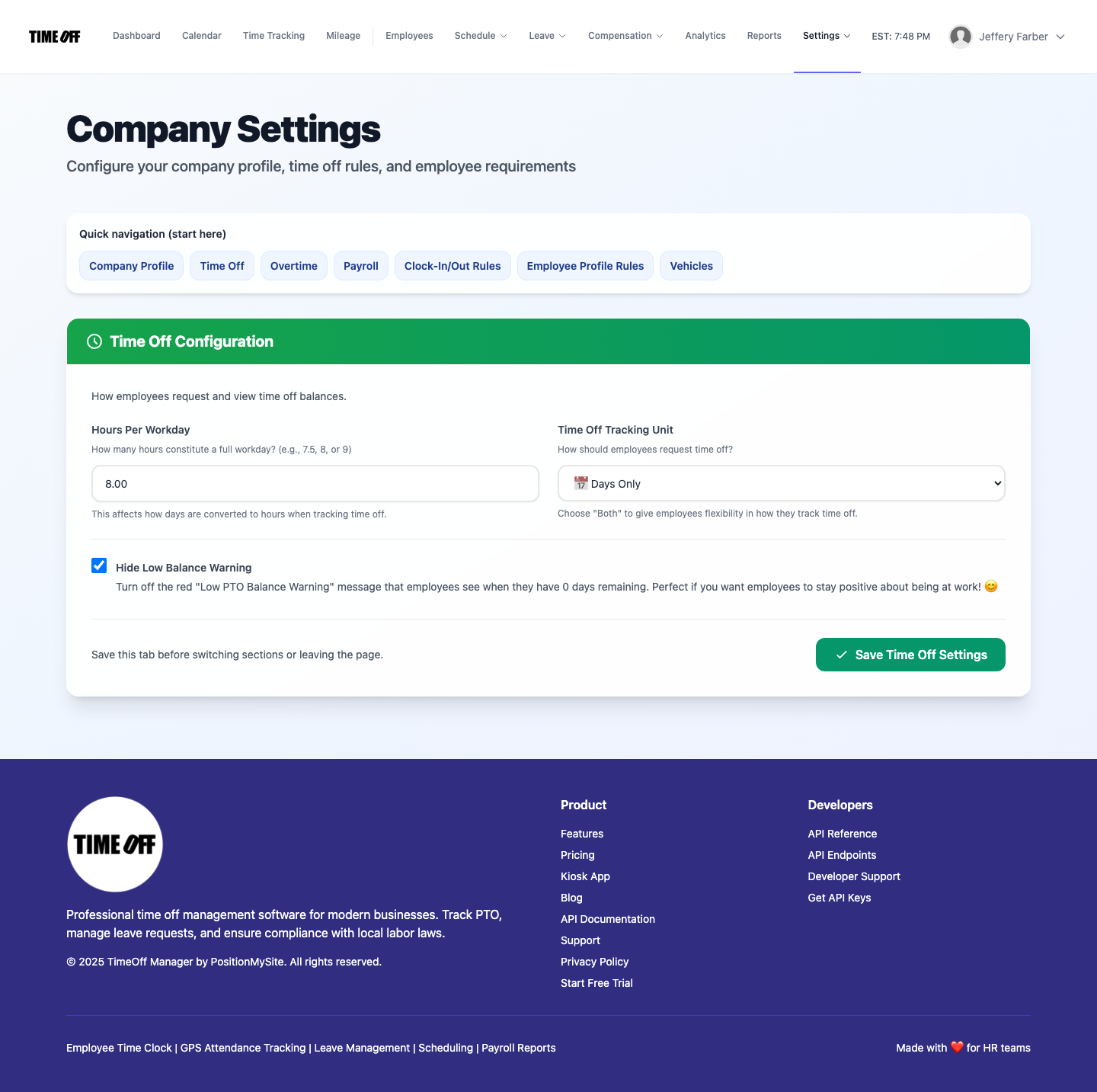
Pick Both when some roles think in days (salaried vacation) and others need hour precision (hourly staff, partial shifts). The workday length keeps the math consistent instead of making every manager invent a conversion.
How employees request partial days and hours
On the leave request form, hour-aware companies can enter the exact hours needed and use quick presets like half day or full day based on your workday length. Examples the product already documents in-product:
- 1 hour — left early
- Half day — half of your configured workday
- Full day — exactly hours-per-workday
Where this helps more than another “best PTO software” list
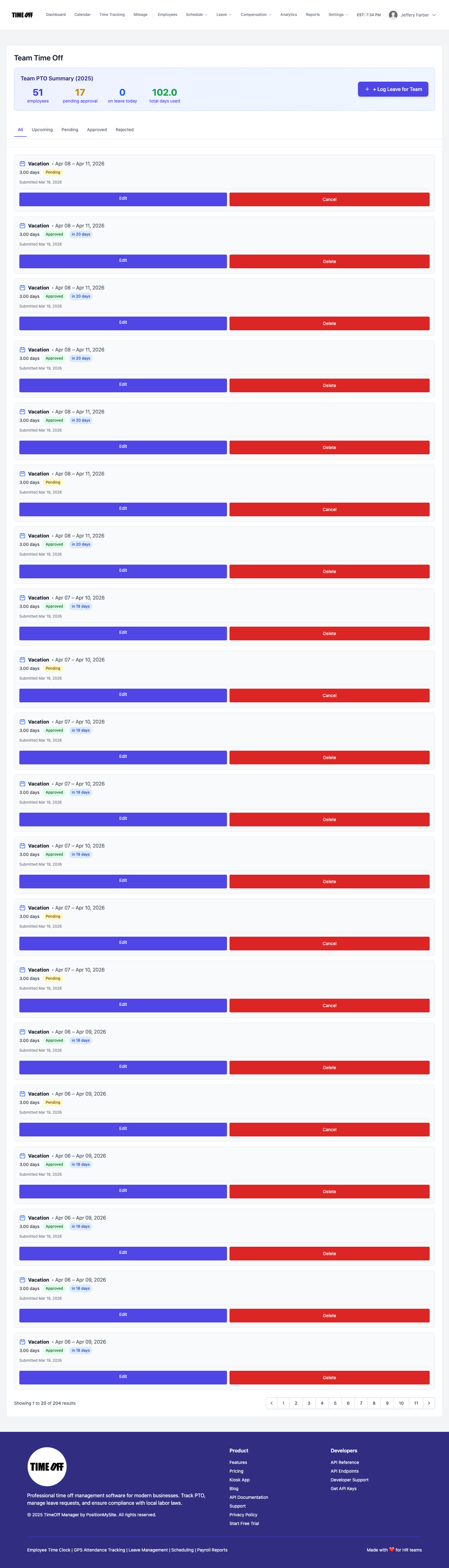
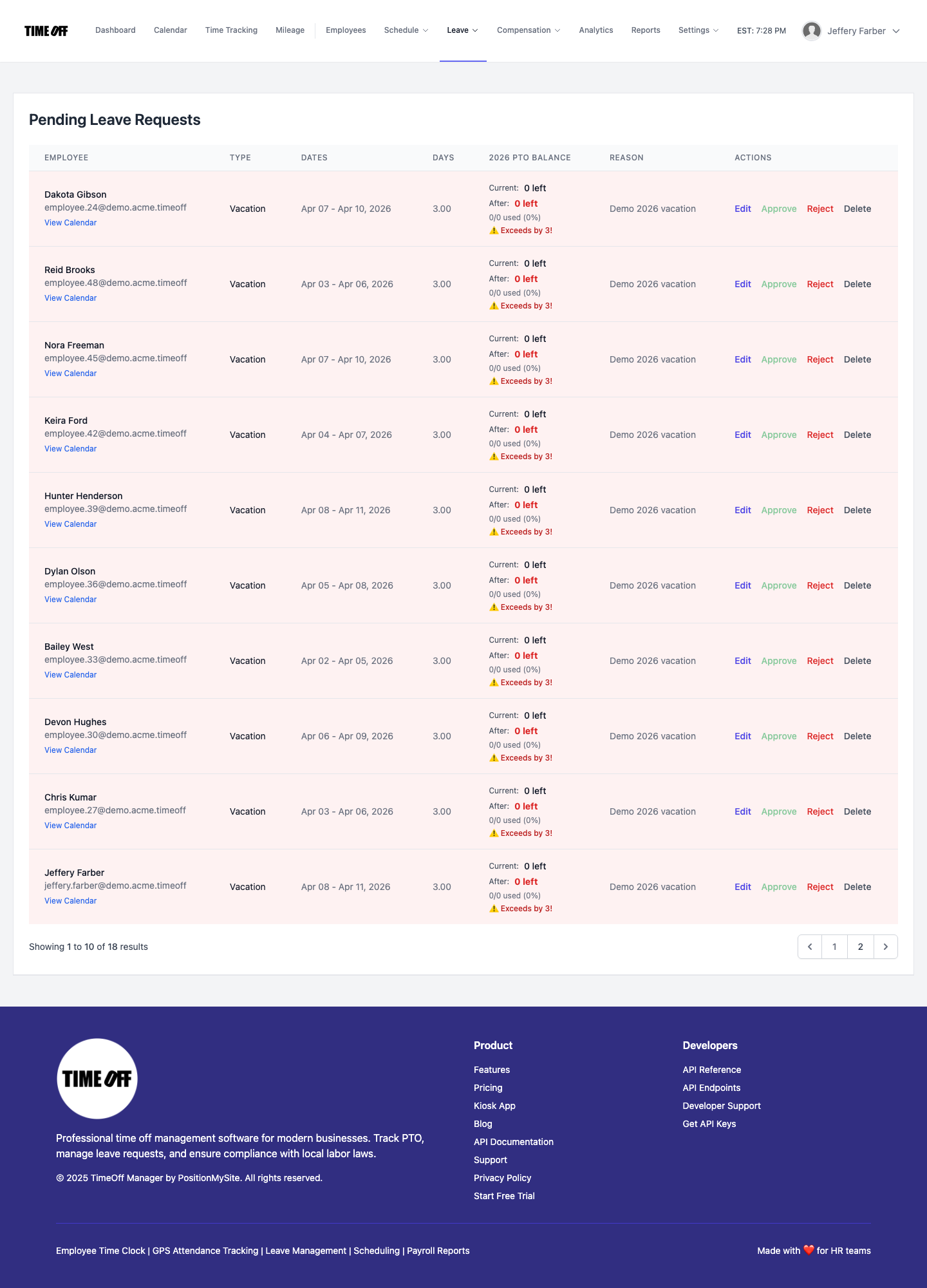
Generic roundups rarely mention partial-day math. Buyers comparing vacation tracking software usually discover the gap after go-live: dentist visits, school pickups, and mid-shift emergencies. Hourly PTO is an unused capability in many stacks; in TimeOff Manager it’s a first-class company setting tied to leave requests, balances, and approvals.
Signup checklist (about 10 minutes)
- Register your company and create the admin workspace.
- Open Settings → Time Off and set hours per workday.
- Choose Hours or Both if you need partial-day accuracy.
- Invite managers, then have one employee submit a half-day or early-out request.
- Confirm the calendar and approval queue show the same story as the balance.
FAQ
Can we stay on days-only?
Yes. Days Only remains available. Switch to Hours or Both when partial absences become common.
Does this replace timesheets?
No. Hourly PTO covers leave duration. Timesheets still track worked hours, overtime, and payroll exports.
Will balances convert if we change the workday length later?
Hours-per-workday is the conversion baseline for day↔hour display. Set it carefully before you migrate historical balances.