Launch offer ended: TimeOff Manager pricing after September 15, 2026
The free-forever launch offer has ended. Workspaces created during the offer stay free. New companies get a 1 year free trial, then Starter, Growth, or Scale.


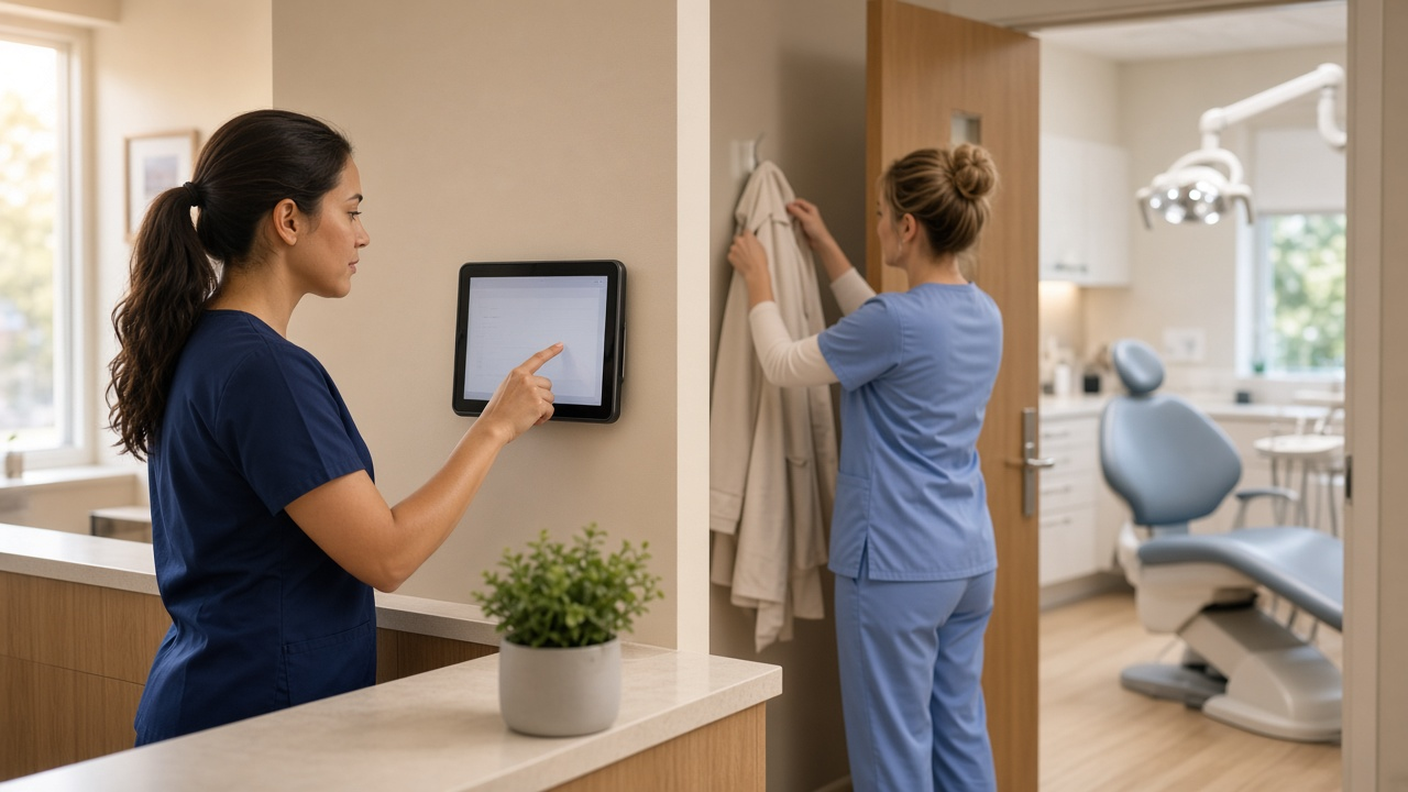
Unsplash stock (photo-1556761175), free commercial use
Update: the free-forever launch offer ended on September 15, 2026. Thank you to every team that joined during the launch. Workspaces created during the offer stay free forever. New companies now get a 1 year free trial: you pay $0 for 12 months. A card starts the year. Nothing is charged until then. Cancel before your anniversary and you owe nothing; otherwise the yearly price is charged that day: Starter ($180/year, 1–20 users), Growth ($300/year, 21–50), or Scale ($49.99/month or $479.90/year, 51–1,000). Start your free trial.
The original offer (now closed): teams that created a TimeOff Manager workspace by September 15, 2026 kept it free forever, with PTO, GPS time clocks, mileage, schedules, and payroll-ready exports included.
Why we ran this offer
We wanted real teams using the product and telling us what breaks. Teams that signed up before the deadline and invited their people kept the account free for life. Since September 15, 2026, new workspaces use the Starter ($180/year, 1–20 users), Growth ($300/year, 21–50), or Scale ($49.99/month or $479.90/year, 51–1,000) after a 1 year free trial. Accounts created under the launch offer stay free.
What you get in one login (not three tools)
Most SMBs stitch together a leave spreadsheet, a separate clock-in app, and email for approvals. TimeOff Manager replaces that patchwork:
- PTO & leave — requests, balances, custom leave types, manager approvals
- Time tracking — mobile clock in/out, shared kiosk, optional GPS / geofencing
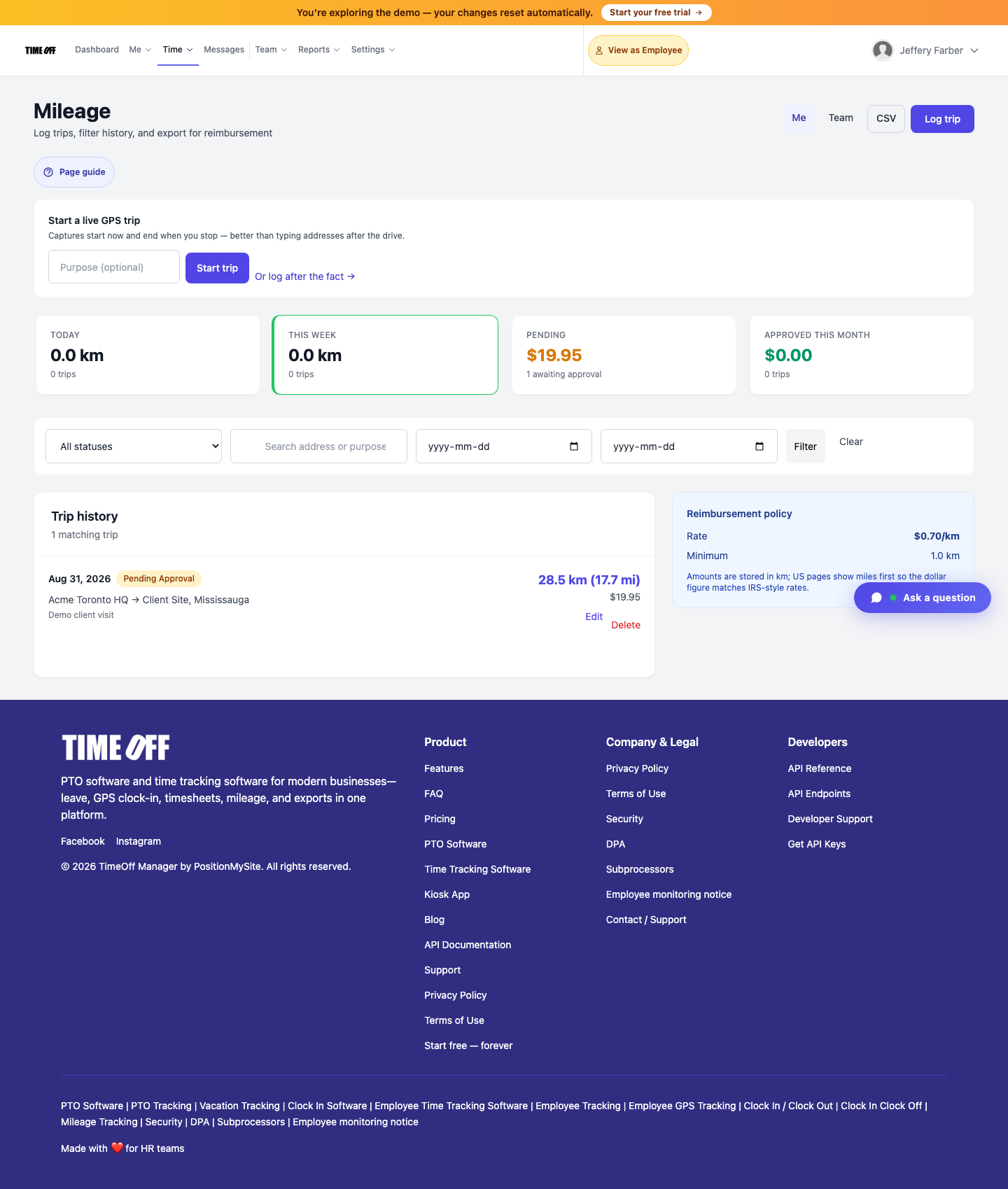
- Mileage — trips, rates, approvals, exports finance already expects
- Schedules & overtime — templates, timesheets, overtime rules
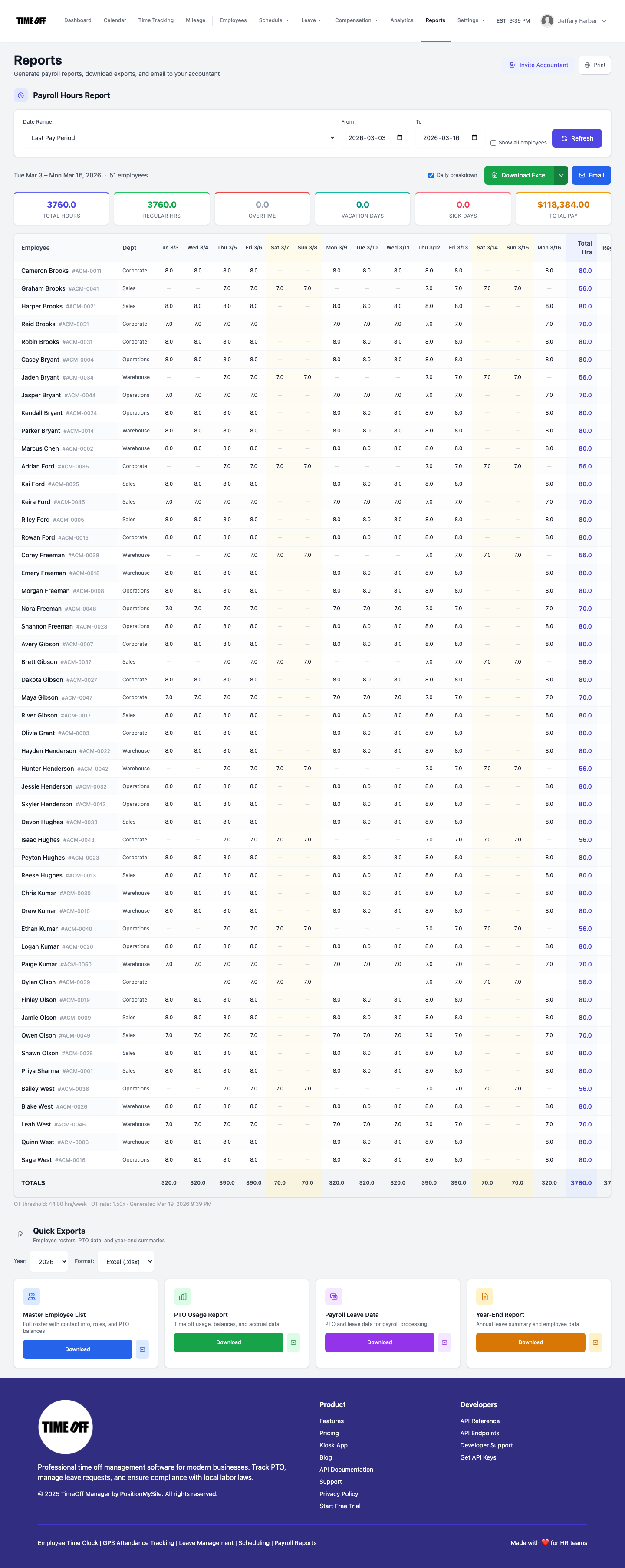
- Payroll prep — Excel/CSV exports; QuickBooks Online & FreshBooks sync where connected
PTO that doesn't live in a spreadsheet
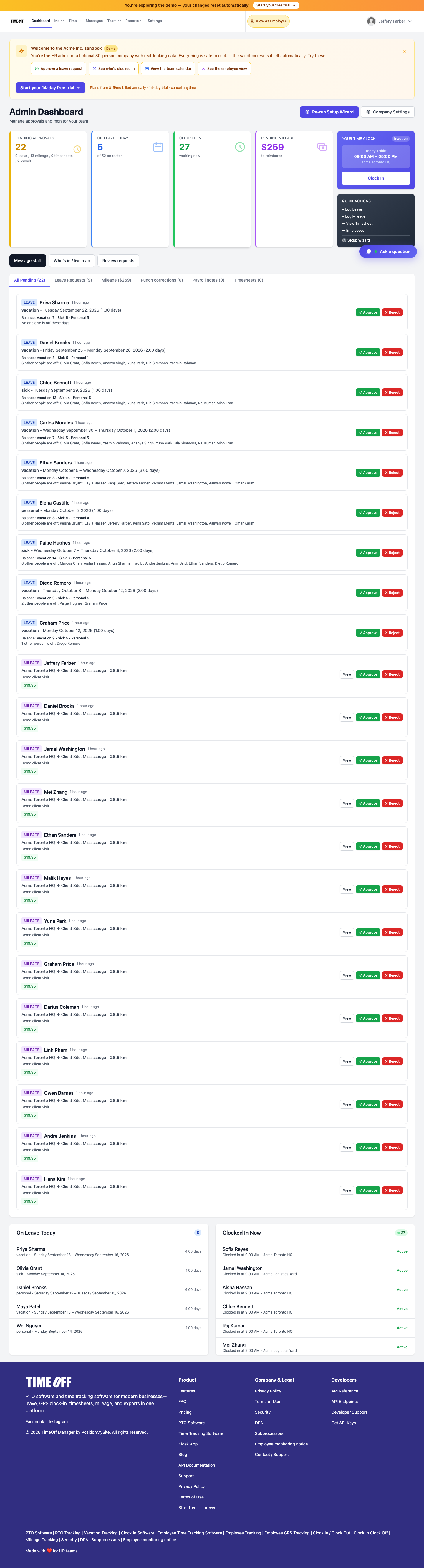
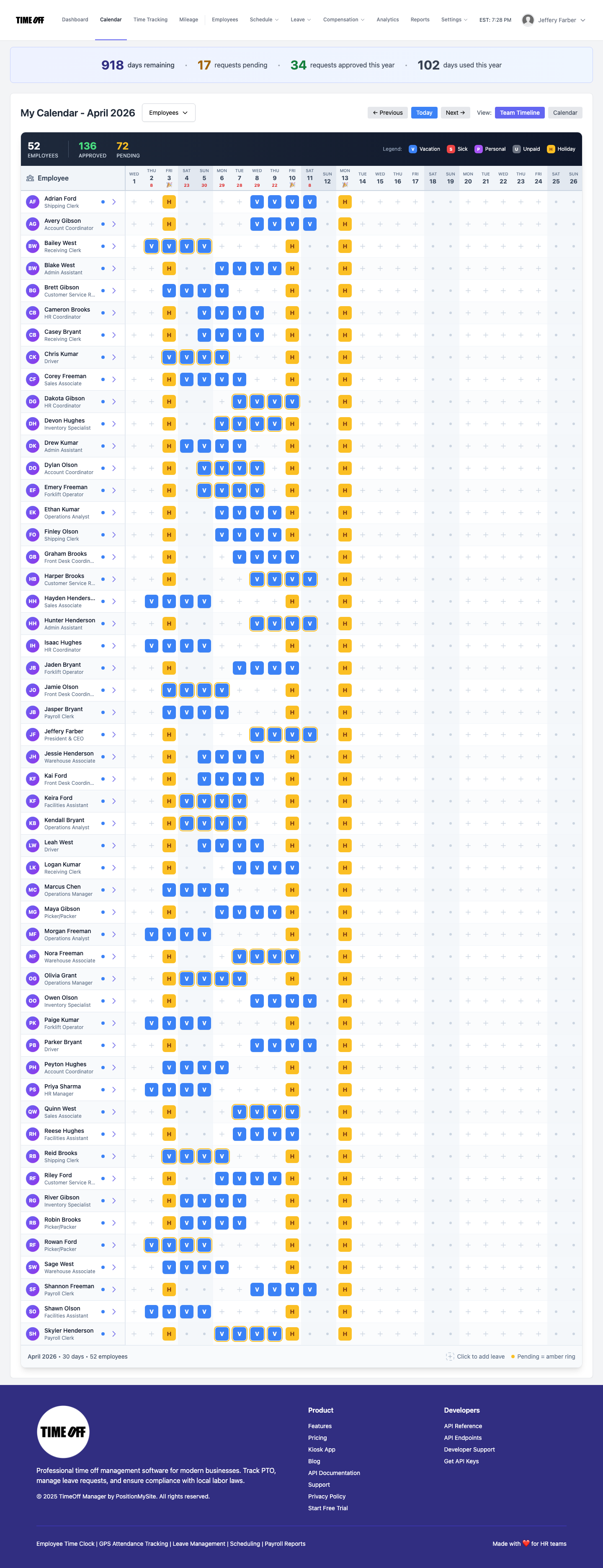
Employees request vacation, sick, or custom leave from phone or desktop. Managers approve in one click. Balances and accruals update live so you are not reconciling a shared Google Sheet every Friday.
Clock in with GPS or a shared kiosk
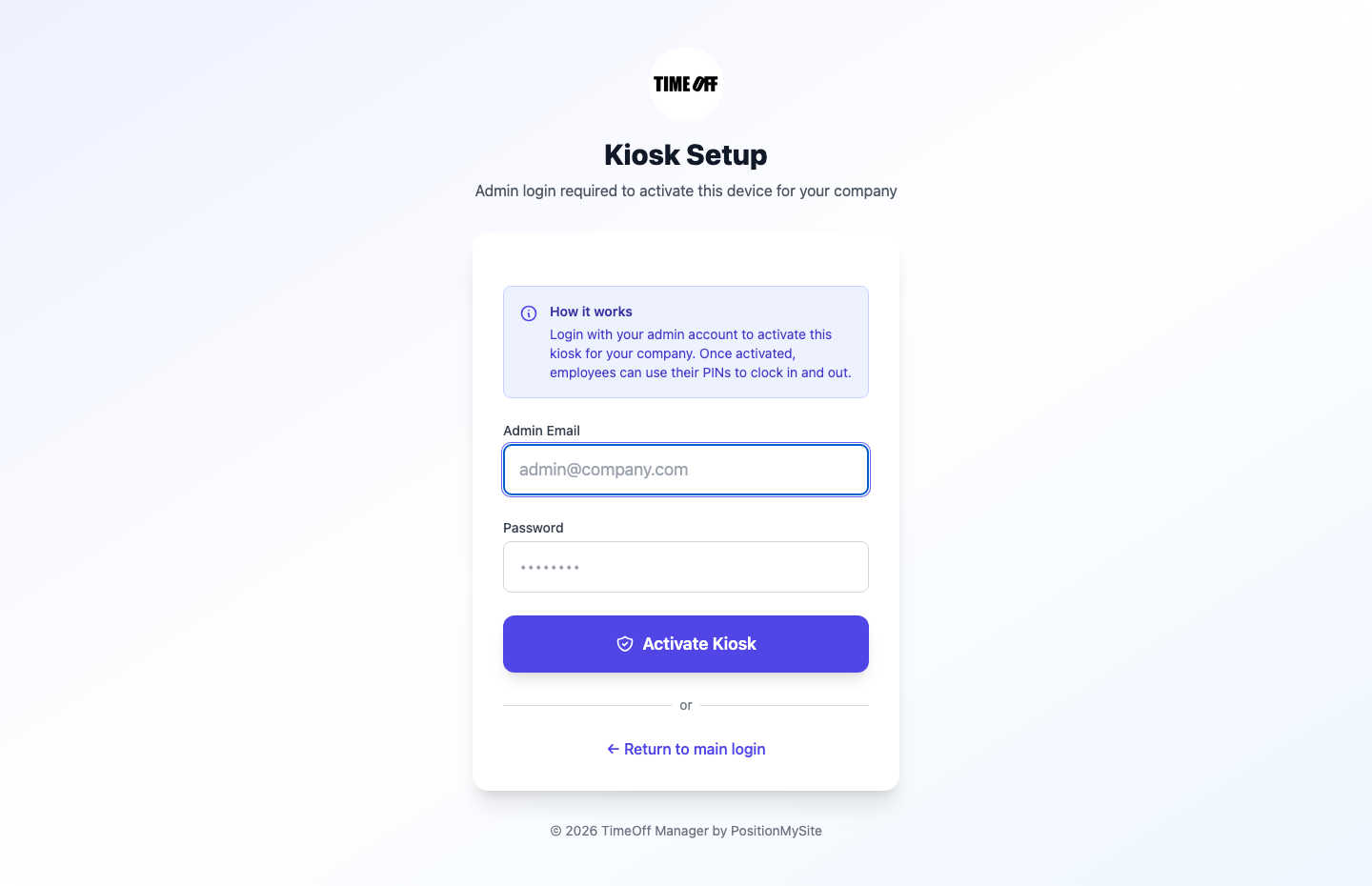
Field and floor teams need clock-ins you can trust. Use personal phones with GPS validation, or turn a tablet into a PIN kiosk. Optional selfie capture helps stop shared-PIN / kiosk selfie fraud. Approved hours flow into the same timesheets and exports payroll already uses.
Mileage + roster + reports without another vendor
Log trips with maps and receipts, keep the employee roster clean, and hand accountants Master Employee, PTO usage, and payroll-ready files — same product, same login.

Built for US & Canada teams
Onboarding guidance includes statutory PTO minimum recommendations for US states and Canadian provinces. You still own your final policies; the wizard stops you from starting from a blank (and wrong) template.
How to start your 1 year free trial (takes minutes)
- Go to timeoffmanager.us/register/company
- Create the company workspace with your work email and add a card. Nothing is charged until your anniversary
- Run the setup wizard, invite employees, and approve your first leave or timesheet
- Optional: open the live demo first if you want to click around a 52-person sample company
The free-forever launch offer closed on September 15, 2026. New companies get a 1 year free trial, then pick the plan that matches their team size. A full year to try it with your team. Get comfortable before you pay. Cancel before your anniversary and you owe nothing.
Who this is for
- Ops and HR tired of spreadsheet PTO and “who’s off today?” Slack threads
- Shops, clinics, field crews, and hybrid teams that need a real clock + leave in one place
- Finance folks who want exports that match what employees actually worked
FAQ
Is the free-forever offer still available?
No. It ended on September 15, 2026. Workspaces created under the launch offer stay free forever. New companies get a 1 year free trial: you pay $0 for 12 months.
Do I need a card?
Yes. A card starts the year. Nothing is charged until then. Cancel before your anniversary and you owe nothing; otherwise the yearly price is charged that day.
What happened after September 15, 2026?
Existing free-forever accounts stay free. New signups use Starter ($180/year, 1–20 users), Growth ($300/year, 21–50), or Scale ($49.99/month or $479.90/year, 51–1,000) after a 1 year free trial.
Is there a mobile app?
Yes — TimeOff Kiosk for iPhone, iPad, and Android is included.
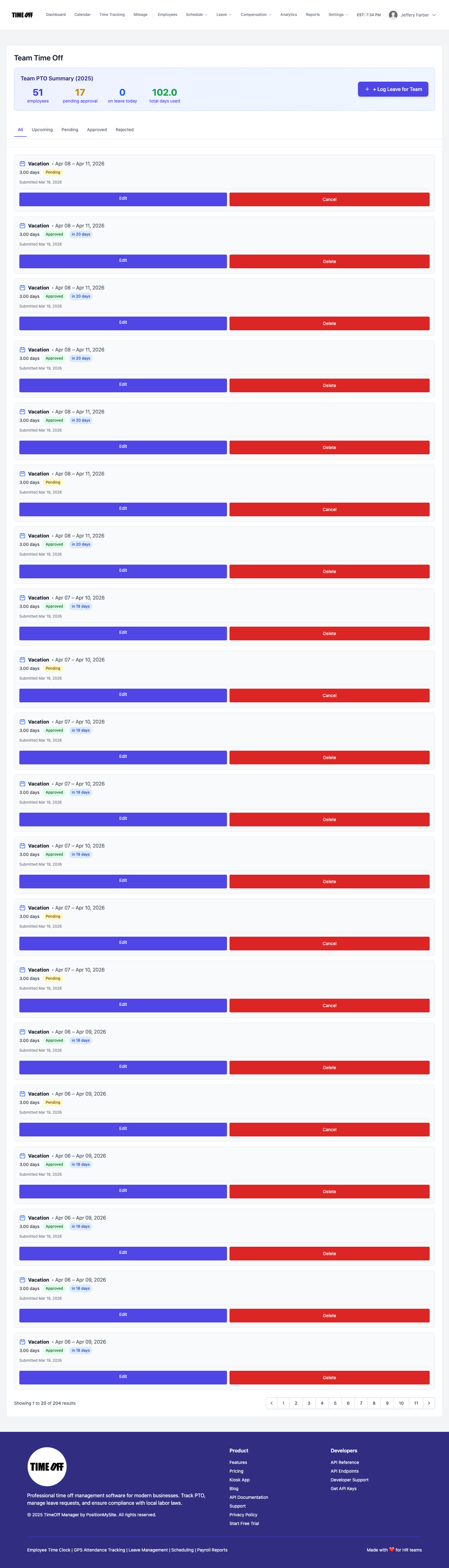
Screenshots above are from the live TimeOff Manager product, not stock mockups.